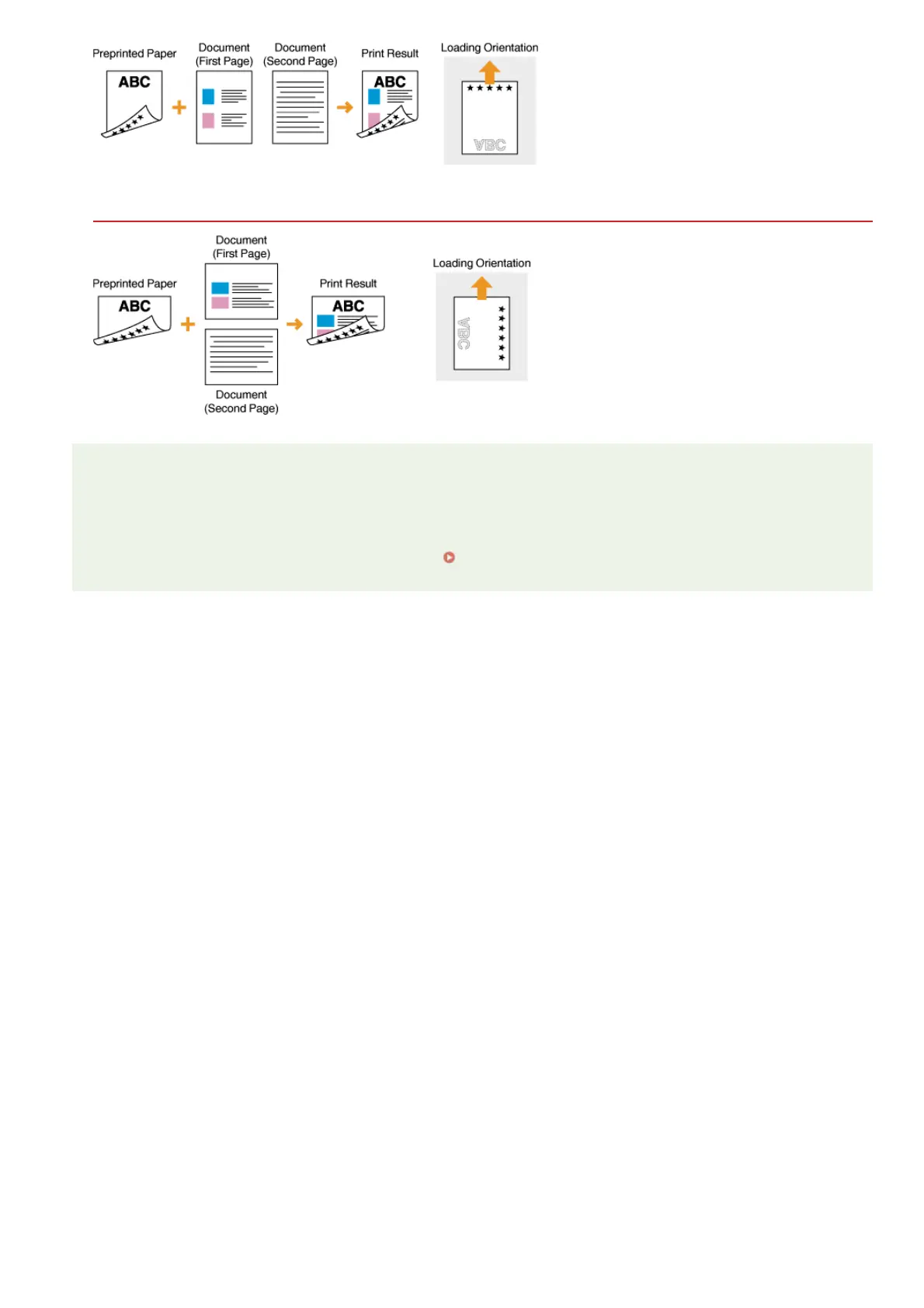
Printing on Paper with Logos in Landscape Orientation
NOTE
The <Switch Paper Feed Method> setting (MF8580Cdw / MF8550Cdn / MF8540Cdn only)
When you print on preprinted paper, you need to change the facing of the paper to load each time you perform 1-sided and 2-
sided printing. However, if <Switch Paper Feed Method> is set to <Print Side Priority>, the facing that you use for loading
preprinted paper for 2-sided printing (logo side face down) can also be used for 1-sided printing. This setting is especially useful
if you frequently perform both 1-sided and 2-sided printing.
Switch Paper Feed Method
㻤㻟㻌㻛㻌㻢㻣㻢











 To Next Page