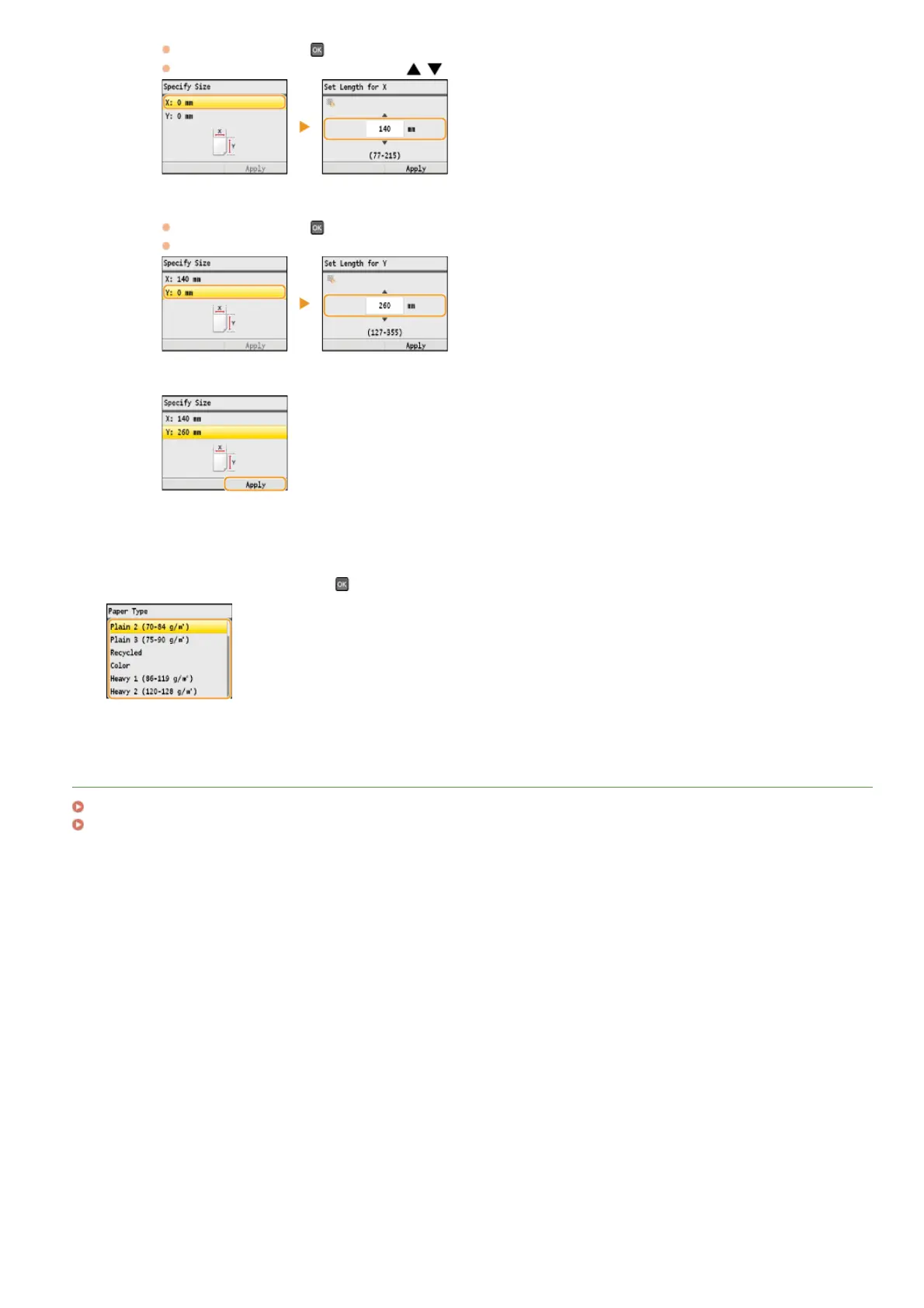
Select the paper type, and press .
LINKS
Loading Paper in the Manual Feed Slot
Paper
Select <X>, and press .
Input the length of the <X> side using
/ or the numeric keys, and press <Apply>.
3
Specify the length of the <Y> (longer) side.
Select <Y>, and press
.
Input the length of the <Y> side, and press <Apply>.
4
Press <Apply>.
5
㻤㻥㻌㻛㻌㻢㻣㻢











 To Next Page