Press or .
Press .
Use / to select the tab containing the destination you want to edit.
Use / to select the destination you want to edit, and press <Details/Edit>.
Press <Edit>.
If a screen appears prompting you to enter a PIN, enter the correct PIN using the numeric keys, and press . Setting a PIN
for Address Book
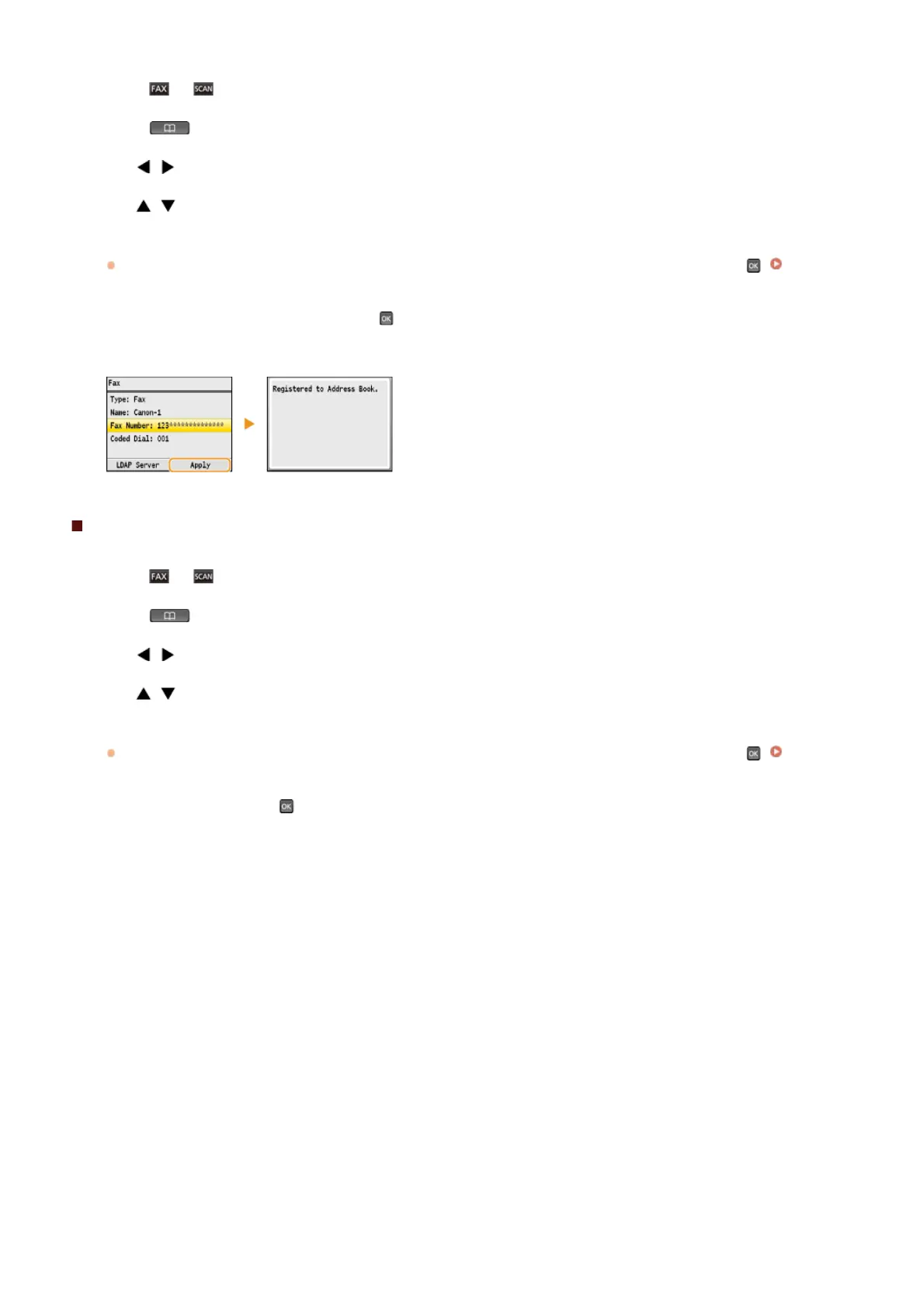
Select the item you want to edit, press , perform editing, and then press <Apply>.
Press <Apply>.
Deleting a Registered Destination
Press or .
Press .
Use / to select the tab containing the destination you want to delete.
Use / to select the destination you want to delete, and press <Details/Edit>.
Press <Delete>.
If a screen appears prompting you to enter a PIN, enter the correct PIN using the numeric keys, and press . Setting a PIN
for Address Book
Select <Yes>, and press .
1
2
3
4
5
6
7
1
2
3
4
5
6
㻥㻥㻌㻛㻌㻢㻣㻢











 To Next Page