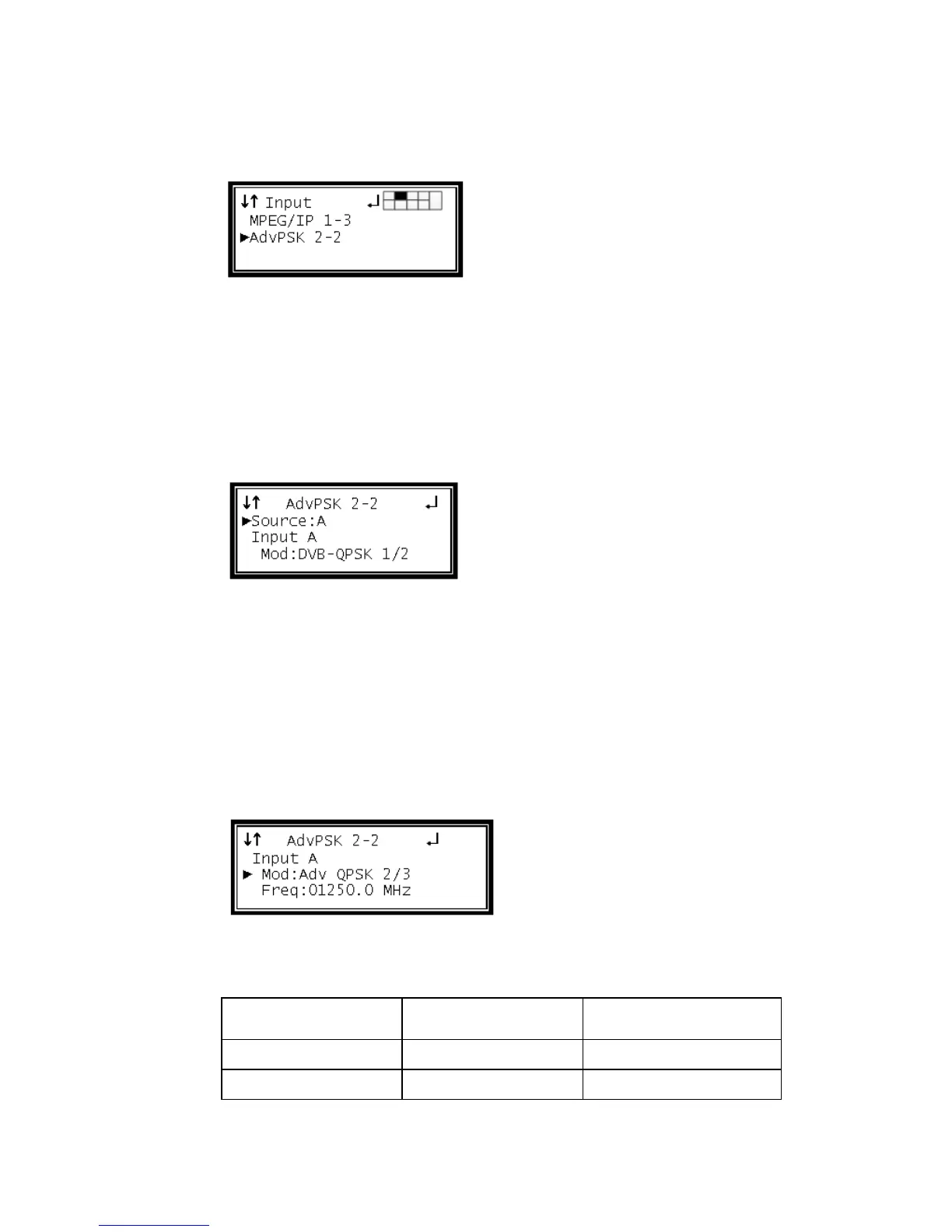
3 Use the Up and Down buttons to move the cursor to the "AdvPSK" card of the
specific slot (e.g. 2-2). Notice the location diagram in the upper right corner of the
screen changes as the cursor moves by each card.
4 Press the Enter button once to display the Status screen for the Adv-PSK card.
5 Press the Enter button again to display the Edit screen for the Adv-PSK card.
Source
This option will select which input, on the back of the card, will be active.
1 Use the Up and Down buttons to move the cursor to "Source," then press the
Enter button.
2 Use the Up and Down buttons to select which input to be active ("A", "B"), then
press the Enter button to save the selection.
Input A
These settings correspond to the input on "Source A."
Modulation Type A
1 Use the Up and Down buttons to move the cursor to "Mod," then press the Enter
button.
2 Use the Up and Down buttons to select the Modulation type, then press the
Enter button to save the selection.
Note: The following Modulation types are settable:



 To Next Page