9. Utility/Counter Mode Field Service Ver. 1.0 Aug. 2005
130
bizhub 200/250/350
Adjustment / Setting
9.5.4 Call Remote Center
9.5.5 Network Setting
A. Basic Settings
(1) DHCP
(2) IP Address Setting
(3) Subnet Mask
(4) Gateway
(5) Self-Domain Name
Functions
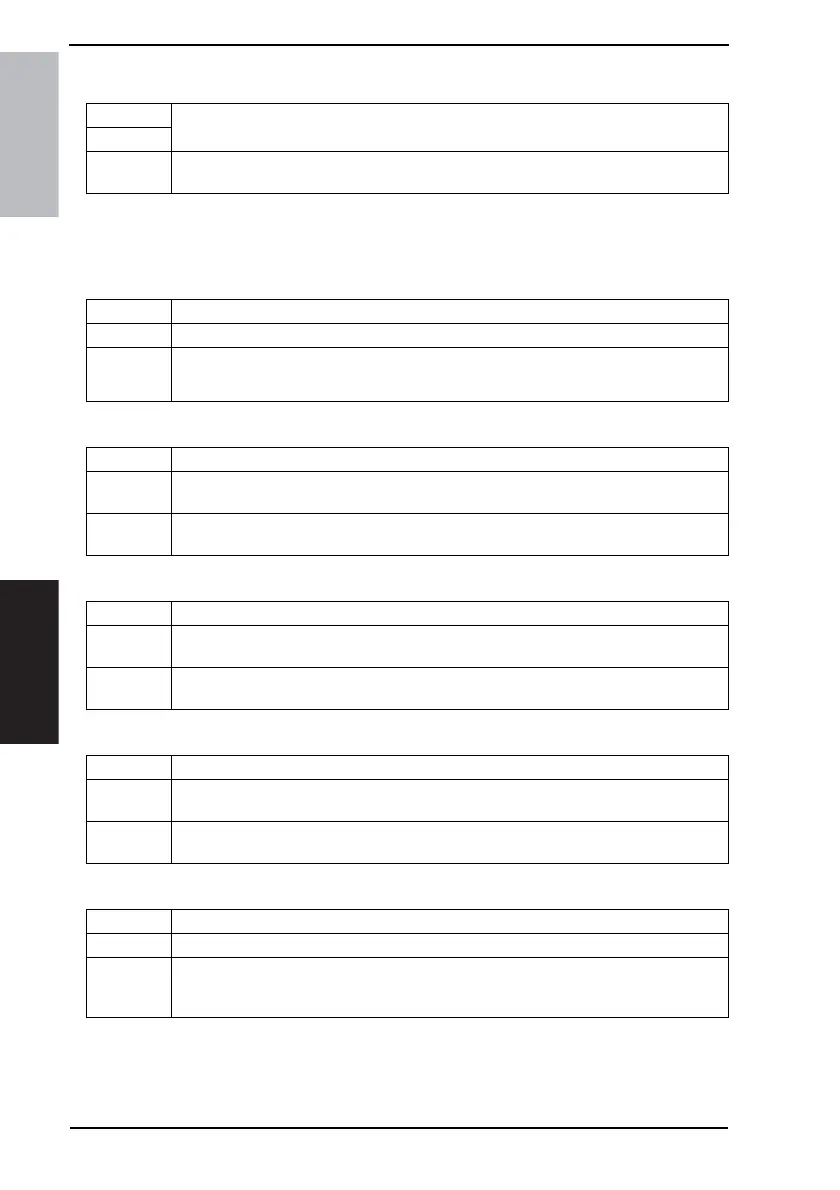
• To call the CS Remote Care Center from the Administrator, When the CS Remote Care
setup is complete.
Use
Setting/
Procedure
1. Touch and highlight [Call Remote Center].
2. The highlight display is cancels as soon as the function terminates normally.
Functions • To set DHCP for the network.
Use • To use DHCP.
Setting/
Procedure
• The default setting is “IP Input”.
Auto-Obtain IP Input
Functions • To set the IP address of the device used in the network.
Use
• To enter the IP address of the machine.
• Use this function when [IP Input] is selected for [DHCP].
Setting/
Procedure
• IP address Version 4 format
[0 to 255] . [0 to 255] . [0 to 255] . [0 to 255]
Functions • To set the subnet mask of the device used in the network.
Use
• To enter the subnet mask of the machine.
• Use this function when [IP Input] is selected for [DHCP].
Setting/
Procedure
• IP address Version 4 format
[0 to 255] . [0 to 255] . [0 to 255] . [0 to 255]
Functions • To set the gateway address of the device used in the network.
Use
• To enter the gateway address of the machine.
• Use this function when [IP Input] is selected for [DHCP].
Setting/
Procedure
• IP address Version 4 format
[0 to 255] . [0 to 255] . [0 to 255] . [0 to 255]
Functions • To set the domain name of the local machine.
Use • To enter the domain name of the local machine.
Setting/
Procedure
1. Touch the [Self-Domain Name].
2. Enter the domain name of the local machine from the 10-Key Pad or the keyboard on
the screen and then touch [Enter].









 To Next Page