6. Utility/Counter Mode Field Service Ver. 1.0 Aug. 2005
14
FK-503
Adjustment / Setting
6.2 Utility/Counter Mode function setting procedure
6.2.1 Procedure
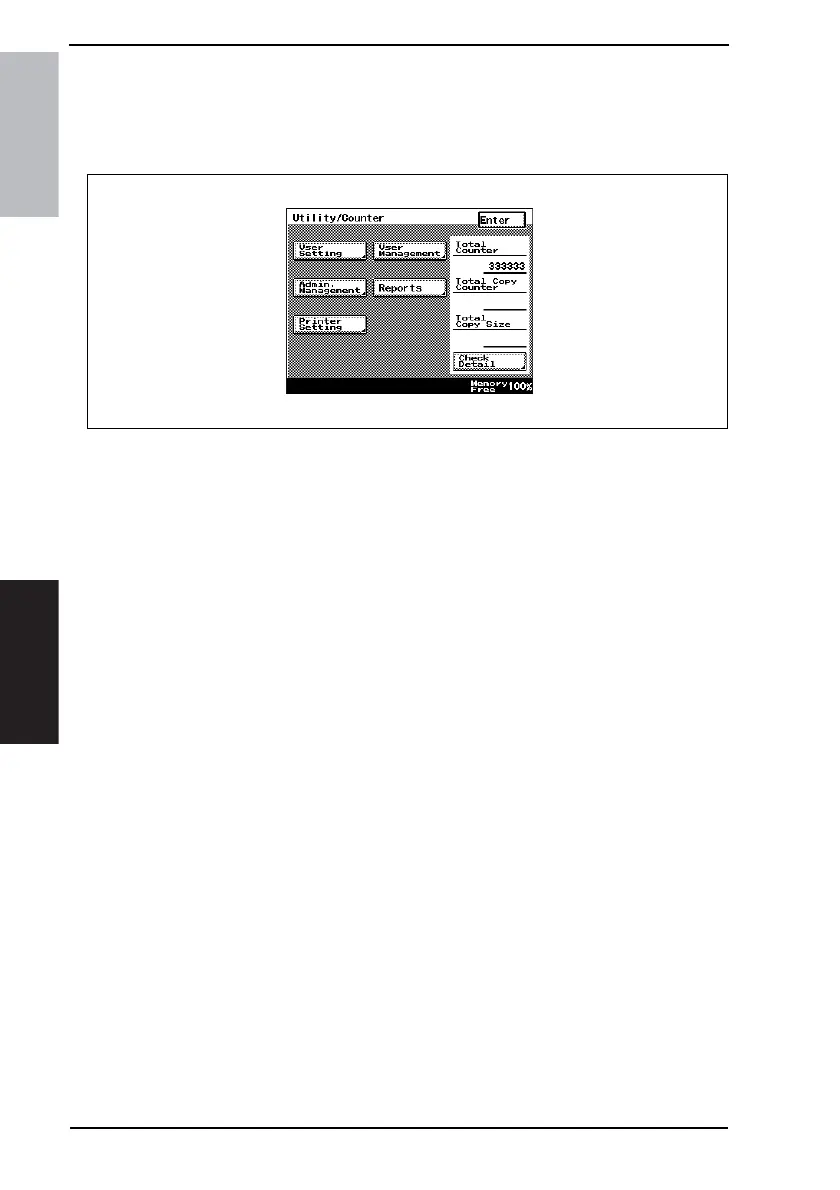
1. Press the Utility/Counter key.
2. The Utility/Counter mode screen will appear.
6.2.2 Exiting
• Touch the [Enter] key.
6.2.3 Changing the setting value in Utility Mode functions
• Use the +/- key to enter or change the setting value.
• Use the 10-Key Pad to enter the setting value. (To change the setting value, first press
the Clear key before making an entry.)
4040F3E560DA









 To Next Page