Field Service Ver. 1.0 Aug. 2005 17. Functions of switches and parts on PWBs
219
bizhub 200/250/350Adjustment / Setting
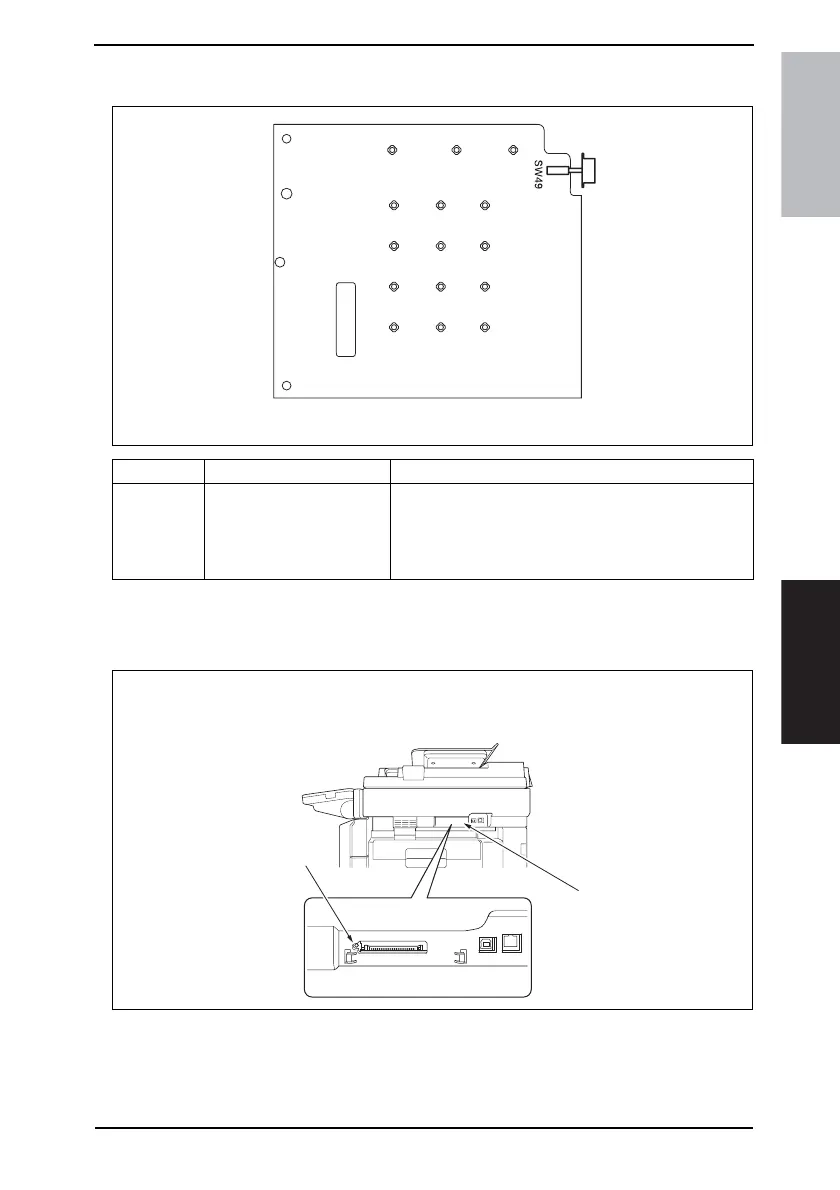
17.3 Sub Power Switch (SW49)
17.4 Warm Restart Switch
• Used to enter the initial mode.
17.4.1 Procedure
1. Remove the Compact Flash Cover [1].
2. Press the Warm Restart switch [2].
Symbol Name Description
SW49 Sub Power Switch
Turning OFF the Sub Power switch sets the machine in
the same state as in the Sleep mode, in which the control
panel gives no indication.
No copy can be made with the Sub Power switch turned
OFF.
4040F3C528DA
4040F3C533DA
[1]
[2]









 To Next Page