Field Service Ver. 1.0 Aug. 2005 7. Initial Mode
25
FK-503Adjustment / Setting
7. Initial Mode
7.1 Initial Mode Function Setting Procedure
1. Press the Warm Restart switch, and “●” appears at the center on the left end of the
screen.
2. Enter “3” from the 10-Key Pad.
3. Type the 8-digit service code and touch [Enter]. (Default value: 00000000)
NOTE
• When [END] is touched after a wrong service code has been entered, the Basic
screen reappears.
• At the fourth access after entries of three wrong access codes, [END] is not avail-
able on the screen. It is therefore necessary to turn OFF and ON the Main Power
Switch.
• If you forget the service code, it becomes necessary to replace the RAMS Board
with a new one. Take necessary steps not to forget the service code.
• The RAMS Board is not available as a replacement part. If it requires replacement,
contact Office Printing Support Division by way of CSES.
4. Select a function.
7.1.1 Exiting
• Touch [Exit].
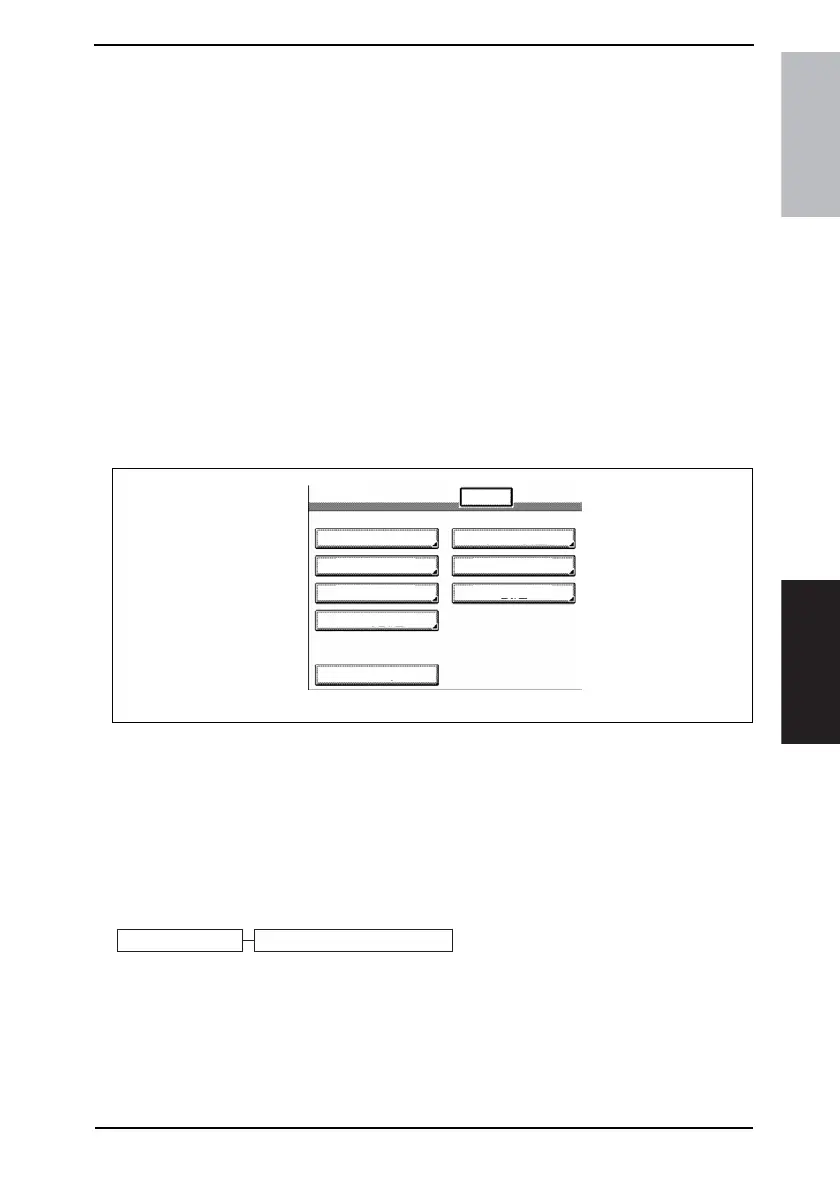
7.2 Initial Mode Function Tree
NOTE
• Of the Initial mode functions, only those related to the fax machine will be
described in the following.
4040F3E565DA
Exit
Initial
Total Clear
Touch Panel
Adjustment
Clear FAX
Setting
Marketing Area
Total Counter
Clear
Image Data Clear
Data/
Time Setting
Trouble Reset
4040F3E561DA
Initial Mode Clear FAX Setting









 To Next Page