Field Service Ver. 1.0 Aug. 2005 9. Utility/Counter Mode
127
bizhub 200/250/350Adjustment / Setting
9.5 Settings in the Admin. Management
• The Admin. Management will be available by entering the administrator password (8 dig-
its) set by the Admin. Set. (The administrator password is initially set to “00000000”)
9.5.1 Initial Setting
A. Date & Time Setting
(1) Date & Time Setting
(2) Time Zone
(3) Day Light Saving Time
9.5.2 Admin. Set
A. Administrator Code Input
B. Max. Copy Sets
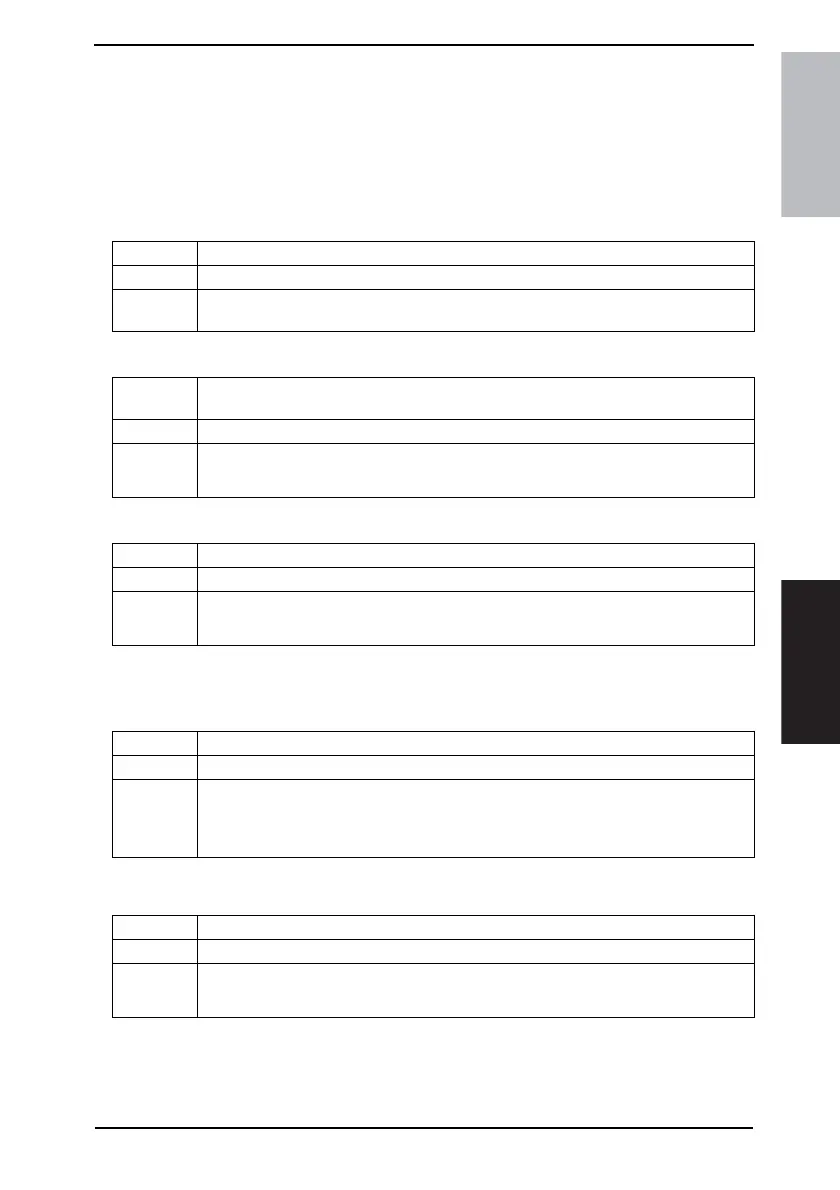
Functions • To set the date and time of day.
Use • To set or change the date and time of day.
Setting/
Procedure
• Use the Keypad to type in the date (Month, Day, and Year) and time of the day.
• Touching [Enter] will start the clock.
Functions
• To set the time difference from the standard time appended to the mail header when
sending e-mail.
Use • To change the time difference from the standard time.
Setting/
Procedure
• The default setting is “-05:00”.
-12:00 to +12:00
Functions • To adjust daylight saving time automatically.
Use • To set daylight saving time.
Setting/
Procedure
• The default setting is “Auto”.
“Auto” OFF
Functions • To change the administrator access code.
Use • To change the administrator access code.
Setting/
Procedure
• Setting range: 00000000 to 99999999
[Current Code]: Enter the current administrator access code.
[New Code]: Enter the new administrator access code.
[Retype New Code]: Enter the new administrator access code again for confirmation.
Functions • To set whether or not to limit the number of copies to be made at one time.
Use • To limit the number of copies to be made at one time.
Setting/
Procedure
• The default setting is “OFF”.
1 to 99 OFF









 To Next Page