Field Service Ver. 1.0 Aug. 2005 9. Utility/Counter Mode
139
bizhub 200/250/350Adjustment / Setting
9.5.9 Printer Setting
A. Timeout
9.5.10 Software SW
9.5.11 Ping
9.5.12 Delete Job
9.5.13 SSL/TLS
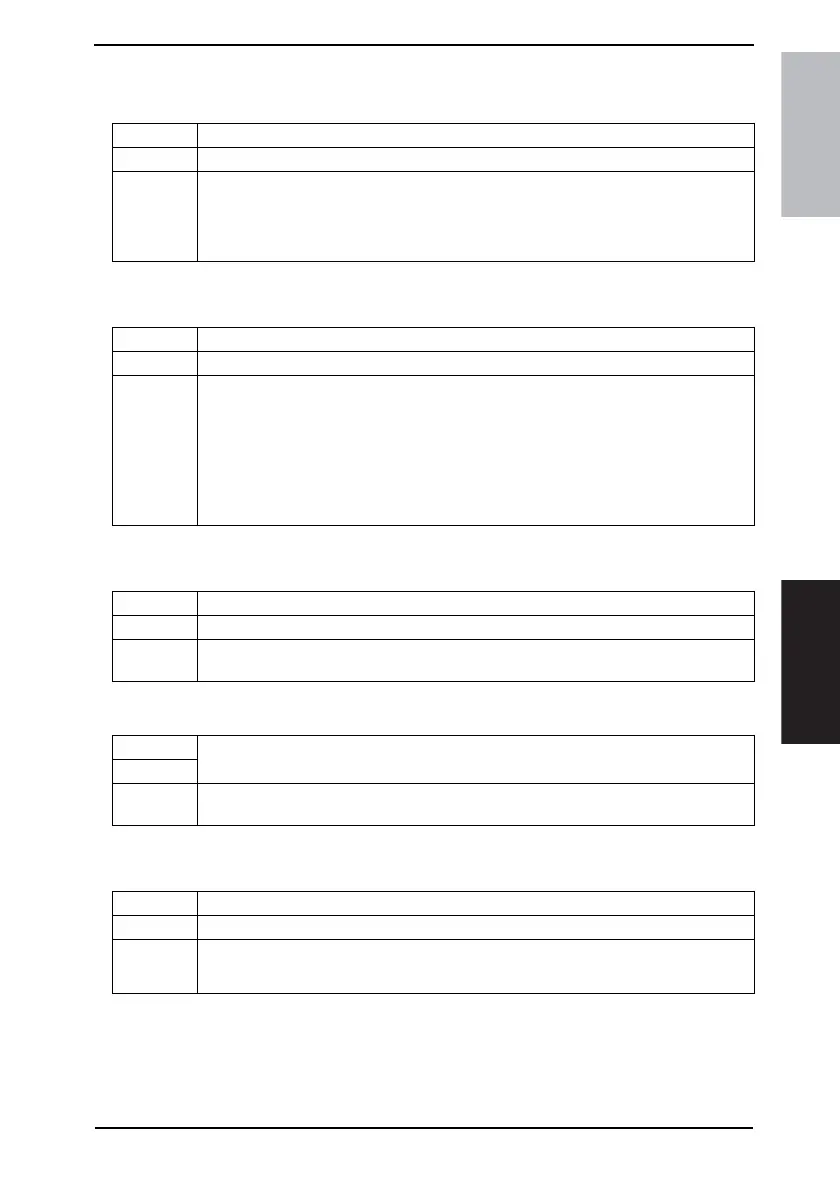
Functions • To set the timeout for reception of print data.
Use • To change the timeout for reception of print data.
Setting/
Procedure
1. Touch the [Timeout].
2. Press the Clear key and enter the value from the 10-Key Pad.
• The default setting is “300 sec”.
10 to 1000
Functions • To set the status of each function according to the use using the software switch.
Use • To change the status of each function using the software switch.
Setting/
Procedure
1. Call Admin. 2 to the screen and touch [Software SW].
2. Touch [Mode Selection] and enter the mode number (a 3-digit numeral) using the 10-
Key Pad.
3. Touch [Bit Selection].
4. Align the cursor using [←] or [→] key and define the bit with 0 or 1 of the 10-Key Pad.
(To define the value in hexadecimal, touch [HEX Selection] and enter the value using
the 10-Key Pad and A to F keys.)
5. Touch the [Enter].
Functions • To execute Ping.
Use • To check the TCP/IP network for condition.
Setting/
Procedure
1. Touch the [Ping].
2. Select the address key to be executed and press the Start key.
Functions
• To delete all confidential print jobs.
Use
Setting/
Procedure
1. Touch the [Delete Job].
2. Select [Yes] and touch [Enter].
Functions • To set whether or not to use SSL/TLS for communications.
Use • To use SSL/TLS for communications.
Setting/
Procedure
• The default setting is “OFF”.
ON “OFF”









 To Next Page