Field Service Ver. 1.0 Aug. 2005 11. Tech. Rep. Mode
151
bizhub 200/250/350Adjustment / Setting
11.3 Settings in the Tech. Rep. Choice
11.3.1 System Set
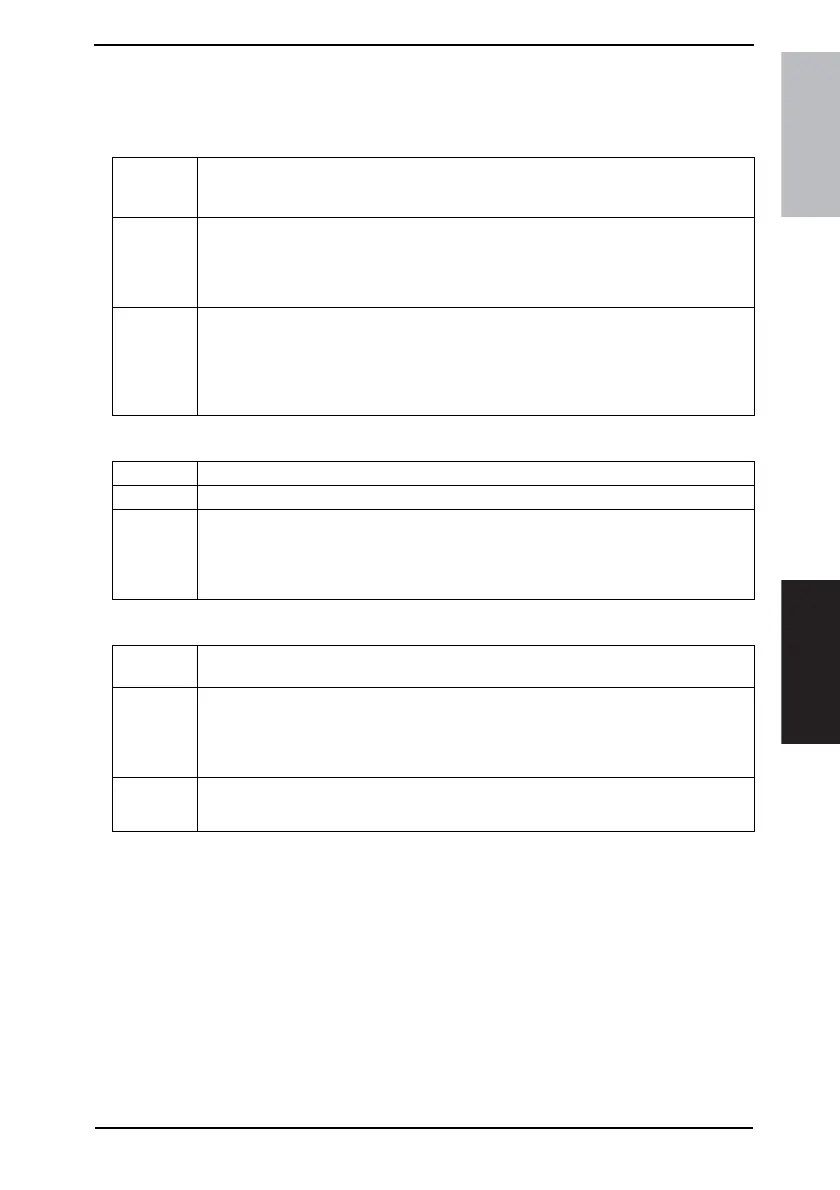
A. Auto Paper Configuration
B. Priority Foolscap
C. Simplex/Duplex
Functions
• To select whether the paper source is selected according to the results of the original
size detection or whether the nearest larger size is selected according to the marketing
region.
Use
<Inch/Metric>
• <Metric> or <Inch> is displayed according to the applicable marketing area.
<Inches>
• All original sizes detected are corrected to ones in mm.
Setting/
Procedure
• The default setting is “Inch/Metric”.
<For U.S.>
“Inch/Metric” Inches
<For Europe and Others>
“Inch/Metric” Metric
Functions • To set the paper size for foolscap.
Use • To change the paper size for foolscap.
Setting/
Procedure
• Select the foolscap paper size from among the following four.
• The default setting is “F: 330 mm, C: 210 mm”.
F: 330 mm “F: 330 mm” F: 330 mm F: 330 mm
C: 203 mm “C: 210 mm” C: 216 mm C: 220 mm
Functions
• To select whether or not the [1→1] setting is available for the [Default Setting Simplex/
Duplex] function in User’s Choice.
Use
<Simplex & Duplex>
• To display all modes in [Default Setting Simplex/Duplex] of User’s Choice.
<Duplex Only>
• To display Duplex only in [Default Setting Simplex/Duplex] of User’s Choice.
Setting/
Procedure
• The default setting is “Inch/Metric”.
“Simplex & Duplex” Duplex Only









 To Next Page