11. Tech. Rep. Mode Field Service Ver. 1.0 Aug. 2005
164
bizhub 200/250/350
Adjustment / Setting
11.8.8 FD
11.8.9 FC
*1: appears only when the Punch Kit PU-5016 is installed.
*2: appears only when the Saddle Kit SD-502 is installed.
*3: appears only when the Mail Bin Kit MT-501 is installed.
11.8.10 Org. Width Detect Adjust
11.8.11 FW Download
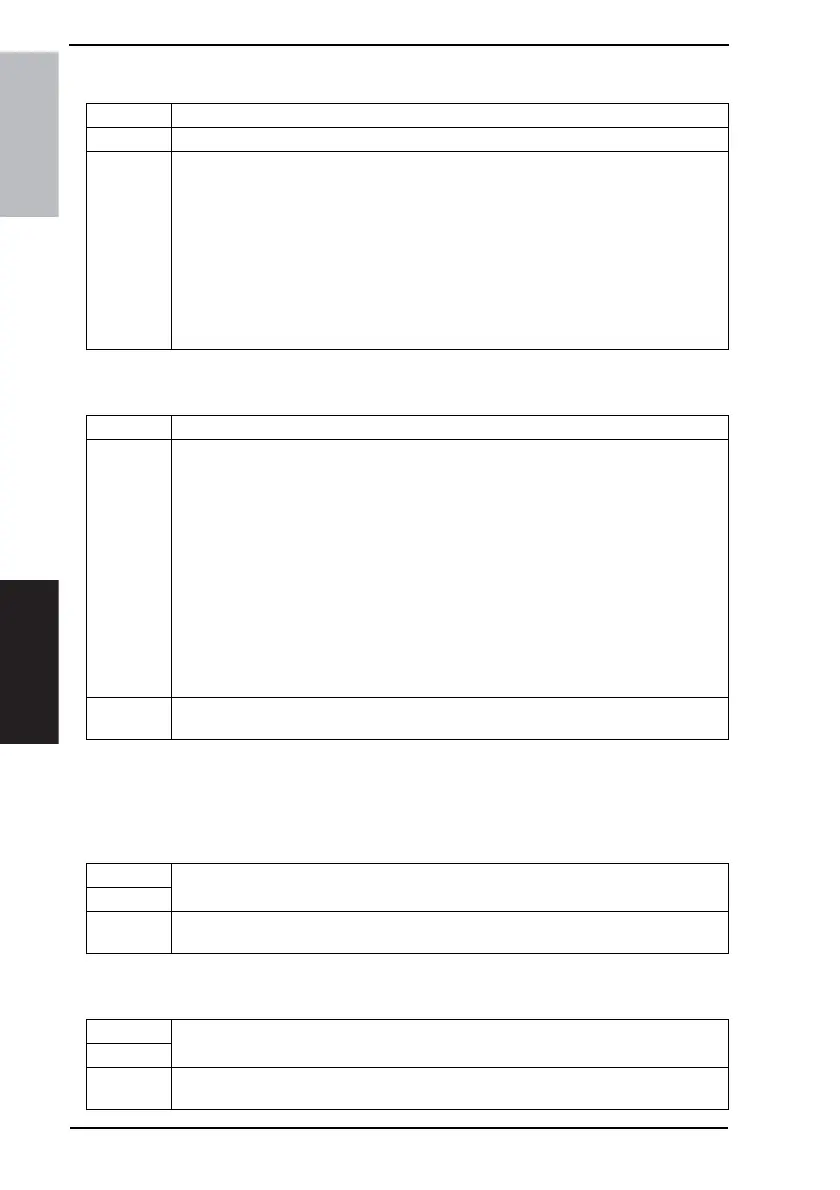
Functions • To set the maximum and minimum sizes for manually fed paper.
Use • When the Manual Feed Unit is replaced.
Setting/
Procedure
<Maximum Size>
1. From the Tech. Rep. Mode screen, touch [Function] → [FD] in that order.
2. Load paper with a maximum size of 301 mm into the Manual Feed Tray.
3. In the Touch Panel, touch [Maximum Size], and then press the Start key to automati-
cally adjust the setting.
<Minimum Size>
1. From the Tech. Rep. Mode screen, touch [Function] → [FD] in that order.
2. Load paper with a minimum size of 89 mm into the Manual Feed Tray.
3. In the Touch Panel, touch [Minimum Size], and then press the Start key to automati-
cally adjust the setting.
Functions • To check the Finisher operations.
Use
Mode 1: Performs the move operation for the Stapling Unit.
Mode 2: Performs the move operation for the Aligning Plate.
Mode 3: Performs the ascent operation for the Elevator Tray.
Mode 4: Performs the descent operation for the Elevator Tray.
Mode 5
*1
: Performs the Punch drive operation.
Mode 6
*1
: Performs the Punch drive operation. (2 holes)
Mode 7: Performs the open/close operations for the Exit.
Mode 8
*2
: Performs the drive operation for the Creasing Unit.
Mode 9
*2
: Performs the open/close operations for the Saddle Exit.
Mode 10: Drives the transport section.
Mode 11: Performs the open/close operations for the Shutter.
Mode 12
*3
: Drives the Mail Bin Solenoid.
Mode 13: Performs the single rotate operation for the Storage Paddle.
Mode 14: Performs the single rotate operation for the Exit Paddle.
Setting/
Procedure
1. From the Tech. Rep. Mode screen, touch [Function] → [FC] in that order.
2. Select an operation, and then press the Start key to begin the operation.
Functions
• To set the maximum and minimum sizes of the original for the ADF.
Use
Setting/
Procedure
☞ For details on adjustment, see the Service Manual for Option DF-605.
Functions
• To upgrade the firmware of the engine or Finisher.
Use
Setting/
Procedure
☞ For details of upgrading of engine firmware, see p. 44.
☞ For details of upgrading of Finisher firmware, see FS-508 (Option) Service Manual.









 To Next Page