Field Service Ver. 1.0 Aug. 2005 12. Counters
199
bizhub 200/250/350Adjustment / Setting
12.3.4 Copy Kit
12.3.5 Plug-In Counter
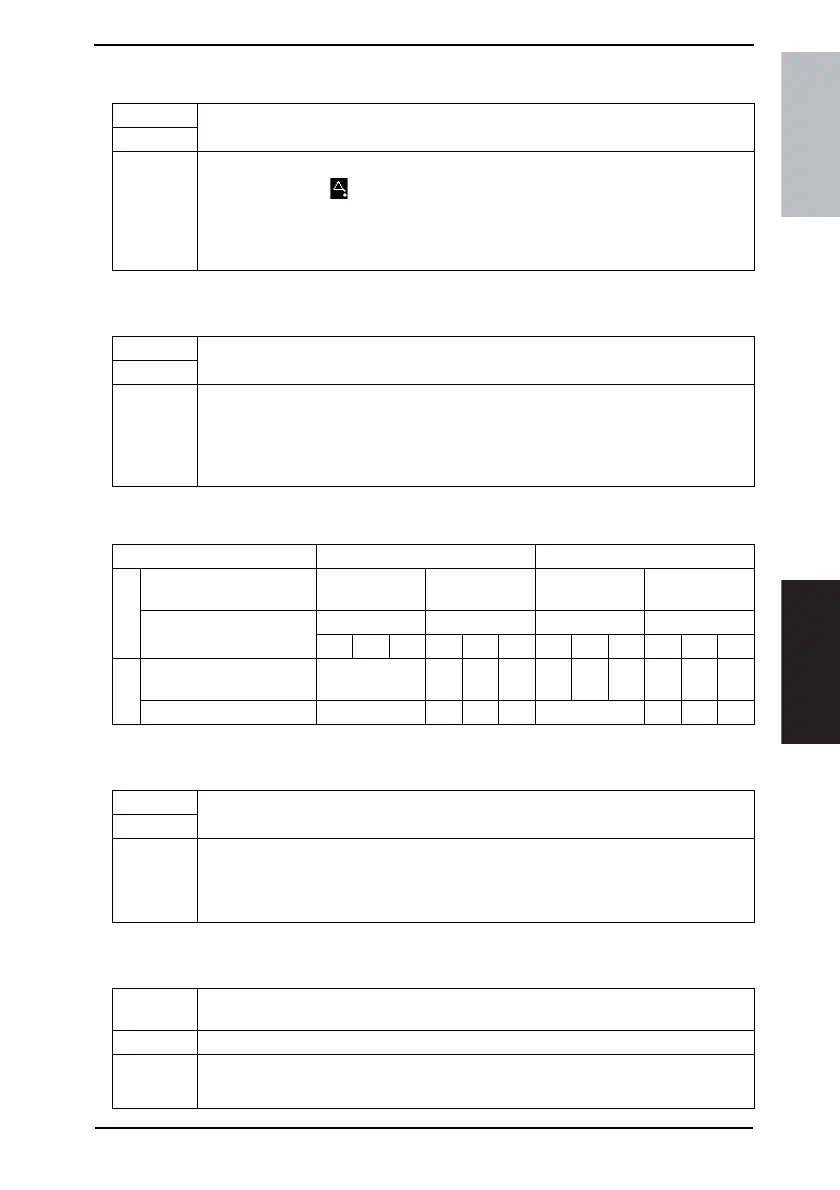
<Count Table for the Plug-In Counter>
12.3.6 Key Counter
12.3.7 Vendor Mode
Functions
• To enter a value for the Copy Kit Counter.
Use
Setting/
Procedure
• When the current value reaches the set value, the following appears.
• Mode 2: The icon appears in the Additional Message Display.
• Mode 3: The maintenance call reminder “M4” appears and copying is prohibited.
• Press the Clear key to clear the set value.
• Use the Keypad to type in the set value.
Functions
• To select the counting method.
Use
Setting/
Procedure
• The default setting is “No. of Prints”.
“No. of Prints” Copy Cycle
• No. of Prints: The count increments according to the number of pages that is outputted.
• Copy Cycle: The count increments according to the number of copies.
Copy Mode For 1-sided copies For 2-sided copies
Setting
Large Size Counter
Non-standard
size
Standard size
Non-standard
size
Standard size
Total Counter
Mode Mode Mode Mode
123123123123
Count
With “No. of Prints”
selected
1 122122144
With “Copy Cycle” selected 1 1 2 2 2 2 4 4
Functions
• To select whether to enable or disable the Key Counter.
Use
Setting/
Procedure
• The default setting is “OFF”.
Ye s “ O F F ”
• If the Key Counter is installed, select “Yes”.
Functions
• When the Key Counter, Coin Vendor or Data Controller is installed, select the appropri-
ate option.
Use • To select the mounted option.
Setting/
Procedure
• The default setting is “OFF”.
“OFF” Coin Card









 To Next Page