Field Service Ver. 1.0 Aug. 2005 11. Soft Switch List
39
FK-503Adjustment / Setting
Continued to next page
Continued from previous page
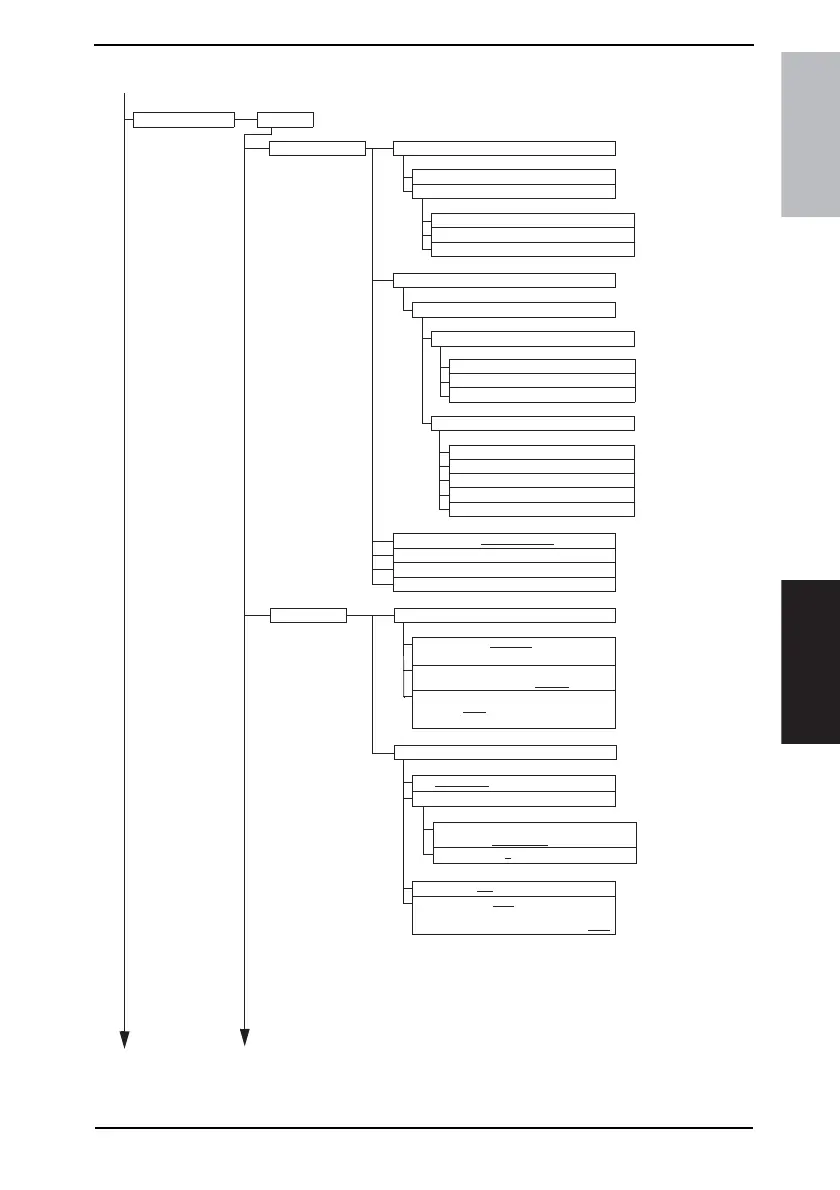
Admin. Management Admin.1
Continued to next page
Account Data
All Counter Clear
Account Name
Password
Max. Print Page
User Auth. Setting
User Registration
User Information
General Settings (Active Directory/NTLM/NDS)
‘From’ E-mail Address
POP3 User Name
POP3 Password
SMTP AUTH User Name
SMTP AUTH Password
User Number
User Name
User Password
Network Info.
Domain Name
Tree Name
Context Name
Account/User Auth.
TX Settings Quality/Mode
Priority Quality (Standard/Fine/Super Fine/
Text+Photo/GSR/Super GSR)
MODE 001 Bit 3 to 1
Com. Menu
Priority Contrast
(Lighter - Normal
- Darker)
MODE 009 Bit 7 to 5
Communication Mode
(FAX(G3-1
/G3-2)/InternetFAX (E-mail/
IP-TX/IP Relay)/PC (E-mail/Scanner))
MODE 001 Bit 7 to 4
TX (Memory TX/Real-Time)
MODE 000 Bit 1
TSI
TSI Position
(On The Doc
./Out of Doc./OFF)
MODE 000 Bit 5, 4
TSI Selection (1 to 8)
MODE 017 Bit 3 to 0
Rotation TX (ON/OFF)
MODE 030 Bit 7
2-Sided TX (ON/OFF)
(Document Margin: Standard Book/
Top Margin/Auto
)
MODE 031 Bit 5, 4
Account #









 To Next Page