12. Troubleshooting Field Service Ver. 1.0 Aug. 2005
172
FK-503
Troubleshooting
Symptom
Item
No.
Cause Remedy
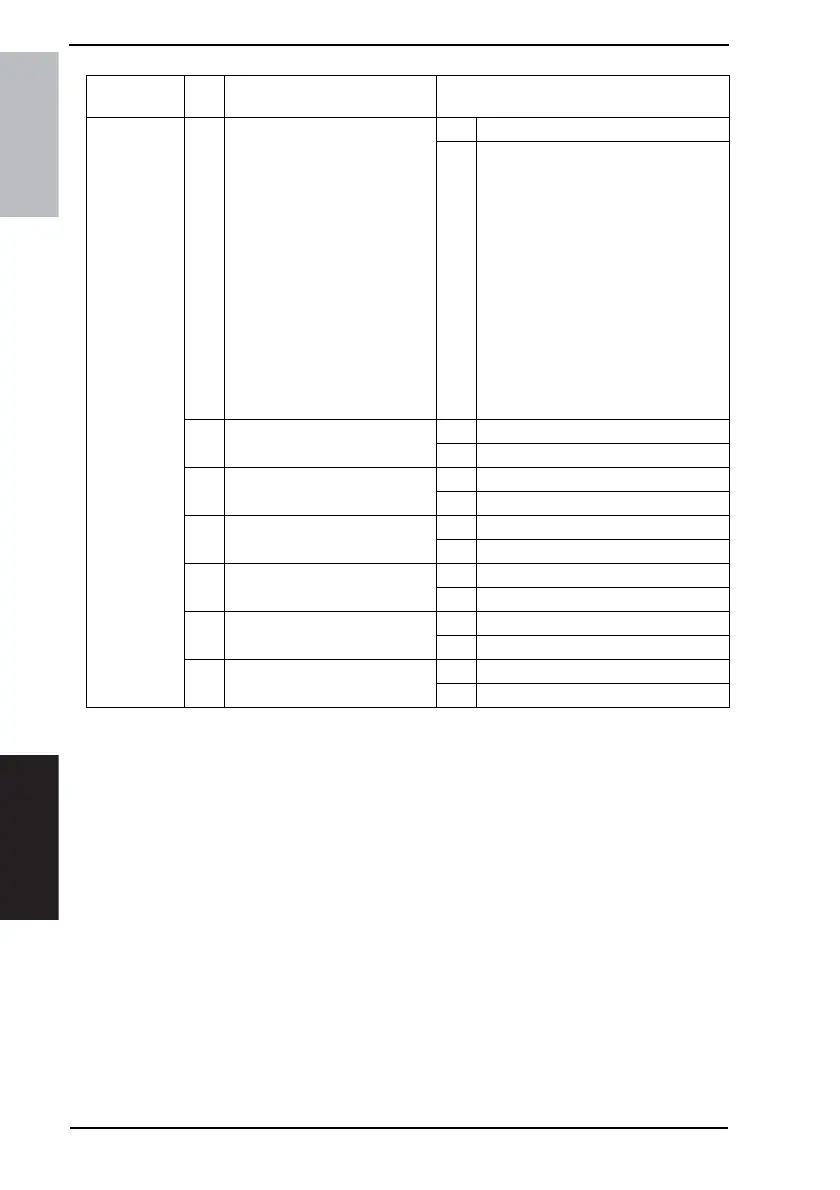
Image mem-
ory (memory
stored for TX
image) is not
backed up.
1 Proceed to the following proce-
dure. Is the image memory
backed up?
F. TX: Disconnect the line
cable and proceed a quick
memory transmission. Turn
OFF the power switch while
waiting for the answer. Turn
ON the power and check if
data is stored in the image
memory.
G. RX: Turn OFF the power
switch while proceeding
memory reception without
printing paper. Turn ON the
power again and check if
data is stored in the image
memory.
YES Normal
NO Go to item 2
2 Is the connector of BCRS board
connected?
YES Go to item 3.
NO Connect the connector.
3 Is the battery voltage appropri-
ate? (1.2 V or more)
YES Go to item 6.
NO Go to item 4.
4 Is the battery full charged?
(Approx. 24hr)
YES Go to item 5.
NO Charge the battery.
5 Any improvement after replacing
the battery?
YES Replace the battery.
NO Go to item 6.
6 Any improvement after replacing
MFBS board?
YES Replace MFBS board.
NO Go to item 7.
7 Any improvement after replacing
RAMS board?
YES Replace RAMS board.
NO Replace the PWB-A









 To Next Page