Field Service Ver. 1.0 Aug. 2005 6. Mechanical adjustment
19
PC-102/PC-202Adjustment / Setting
8. Measure the width of printed refer-
ence line B.
Specification: 11.3 mm ± 1.5 mm
9. If width B falls within the specified
range, finish the adjustment proce-
dure. If outside the specified range,
perform the adjustment below.
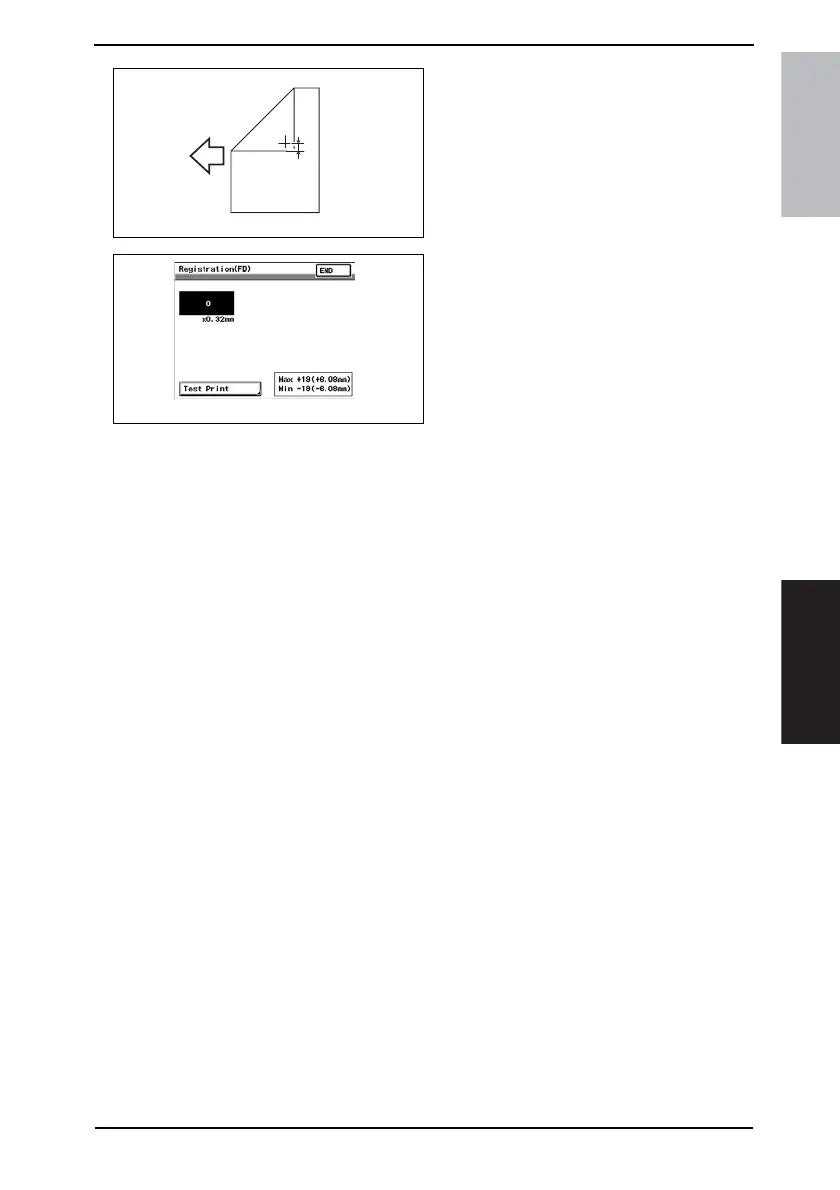
10. Touch [END] to display the Registra-
tion (FD) screen.
11. Press the Clear key and use the 10-Key Pad to set the value.
• If width B is wider than the specified range, enter a negative value.
• If width B is narrower than the specified range, enter a positive value.
Adjustment range: + 19.0 (+6.08 mm) max. and -19.0 (-6.08 mm) min.
Use the * key to switch between + and -.
12. Perform another test print and check the reference deviation.
13. Repeat the adjustment until the reference line falls within the specified range.
4061F3C507DA
B
4061F3C521DA









 To Next Page