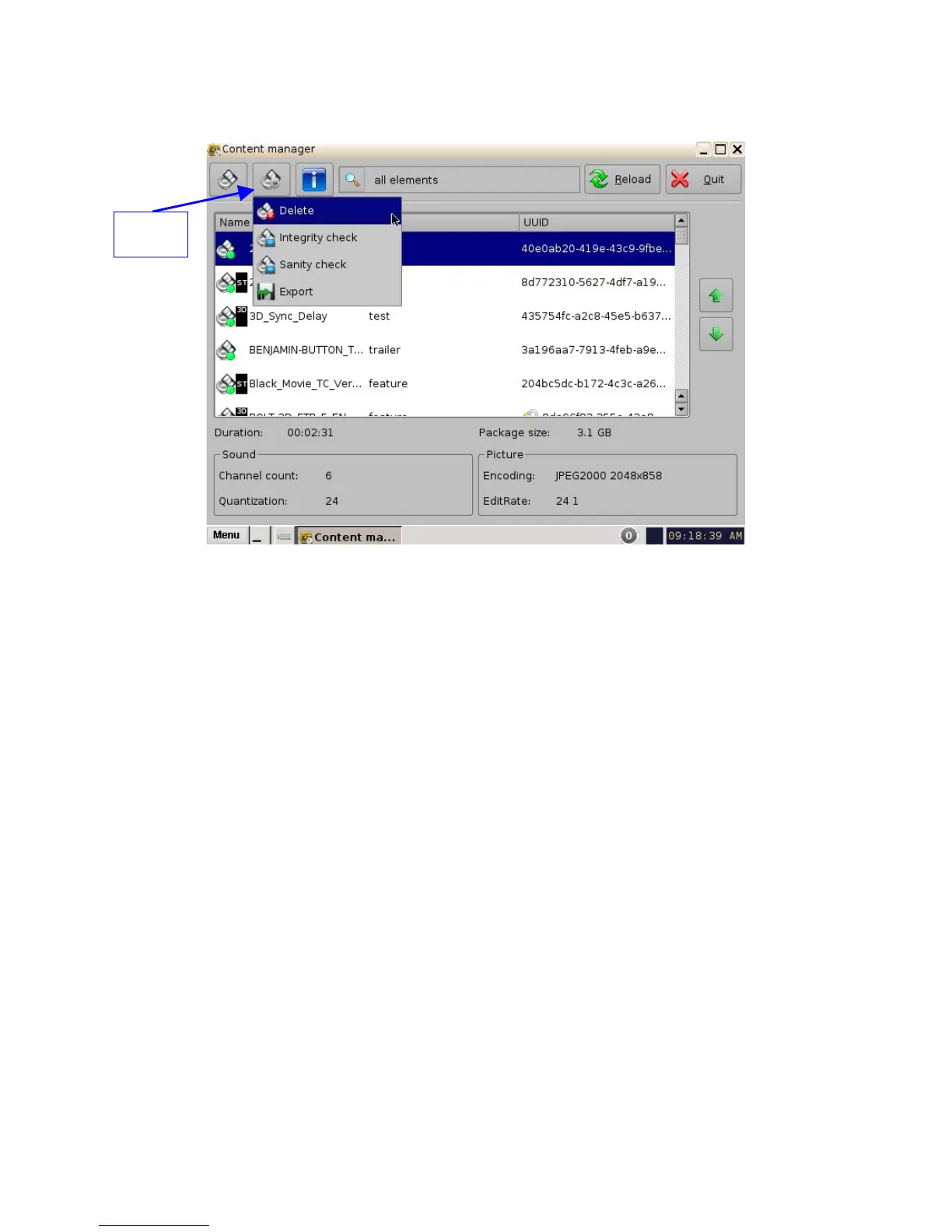
Figure 52: Content Manager Composition Playlists Tab
• To delete a CPL, scroll to the desired CPL, select it and then click the "Actions" button and
select Delete.
• A Manager authentication password will be required to delete the CPL.
• A "Delete Composition Playlist" confirmation window will appear: Click Delete to confirm the
deletion or press Cancel to abort the operation (Figure 53).
• Check the "Delete all KDM..." check-box if you want to delete the KDMs for the selected
CPL.
______________________________________________________________________________________
D2K.OM.001822.DRM Page 48 of 177 Version 1.5
Doremi Labs
Actions
Button



 To Next Page