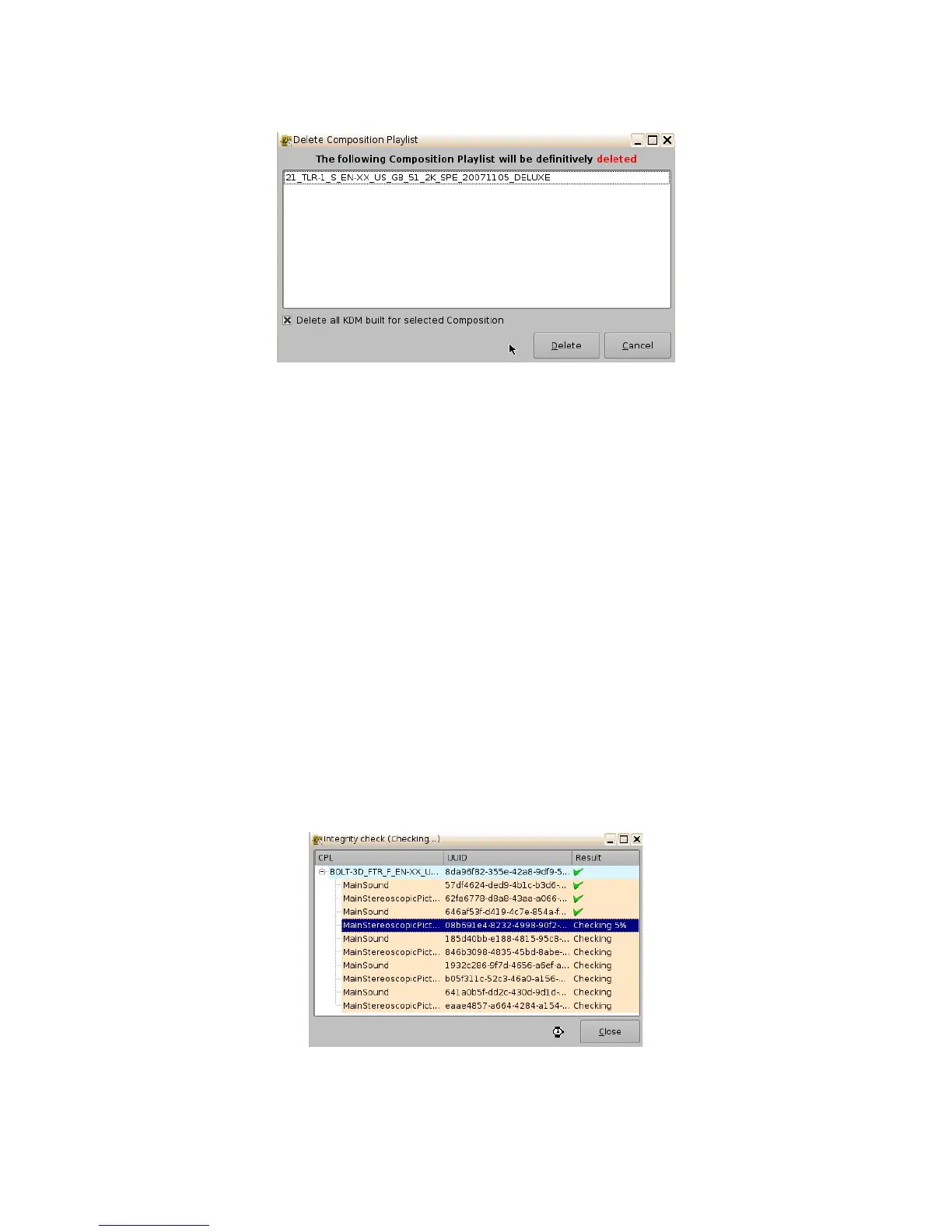
Figure 53: Delete Composition Playlist Window
• Integrity Check: This function will verify the hash/checksum (SHA-256) of the selected CPL.
It verifies all MXF files that were properly ingested and that no corruption occurred during
the ingest process.
• To perform an Integrity Check, select the desired CPL and select "Integrity check"
from the "Actions" drop-down menu.
• The following window will appear, which will run a test on each file of the CPL
(Figure 54).
• The results of the integrity check of each file are shown in the "Result" column.
• Results include:
• Green check-mark indicates Checksum "Ok"
• The word "Missing" in red indicates that the file is not present according to
the asset map of the CPL.
• The word "Failed" means that the file is corrupted.
• Progress check percentage operation is in progress.
Figure 54: Integrity Check Window
______________________________________________________________________________________
D2K.OM.001822.DRM Page 49 of 177 Version 1.5
Doremi Labs



 To Next Page