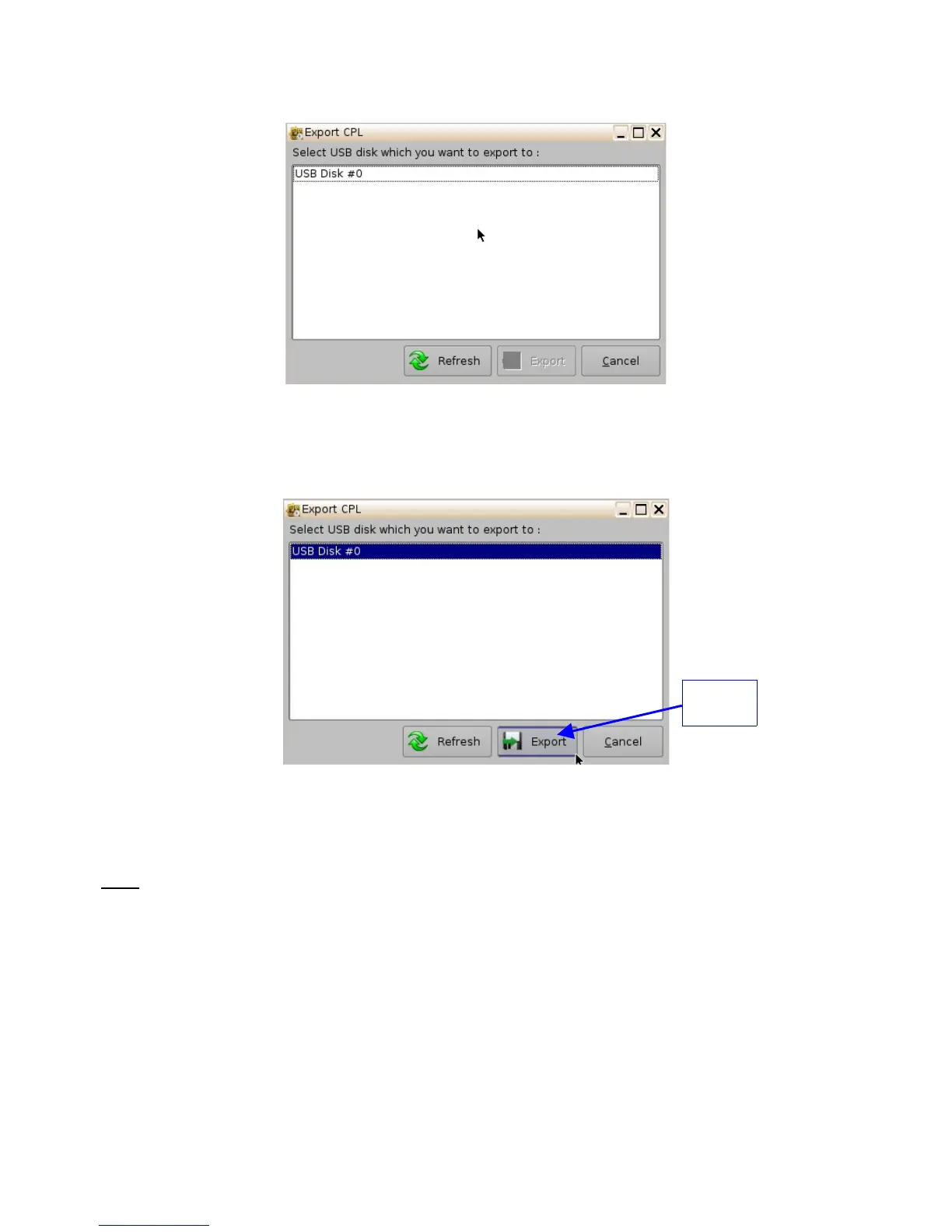
Figure 56: Export CPL Window
• Select the location where you want to export the CPL to (e.g., USB Disk #0) and
then click the Export button (Figure 57).
Figure 57: Export CPL Window
• The following window will appear showing the CPL being copied to the USB (Figure
58).
Note: The current software does not support NTFS file system to export to. If your USB is
formatted as NTFS, then an error message will appear to indicate that the file was not exported.
Currently, the supported file system formats for exporting include: FAT (limit 4GB per file), FAT 32
(limit 4GB per file), ext2, ext3, and HFS.
______________________________________________________________________________________
D2K.OM.001822.DRM Page 51 of 177 Version 1.5
Doremi Labs
Export
Button



 To Next Page