Augment3d 481
XYZ&Origin
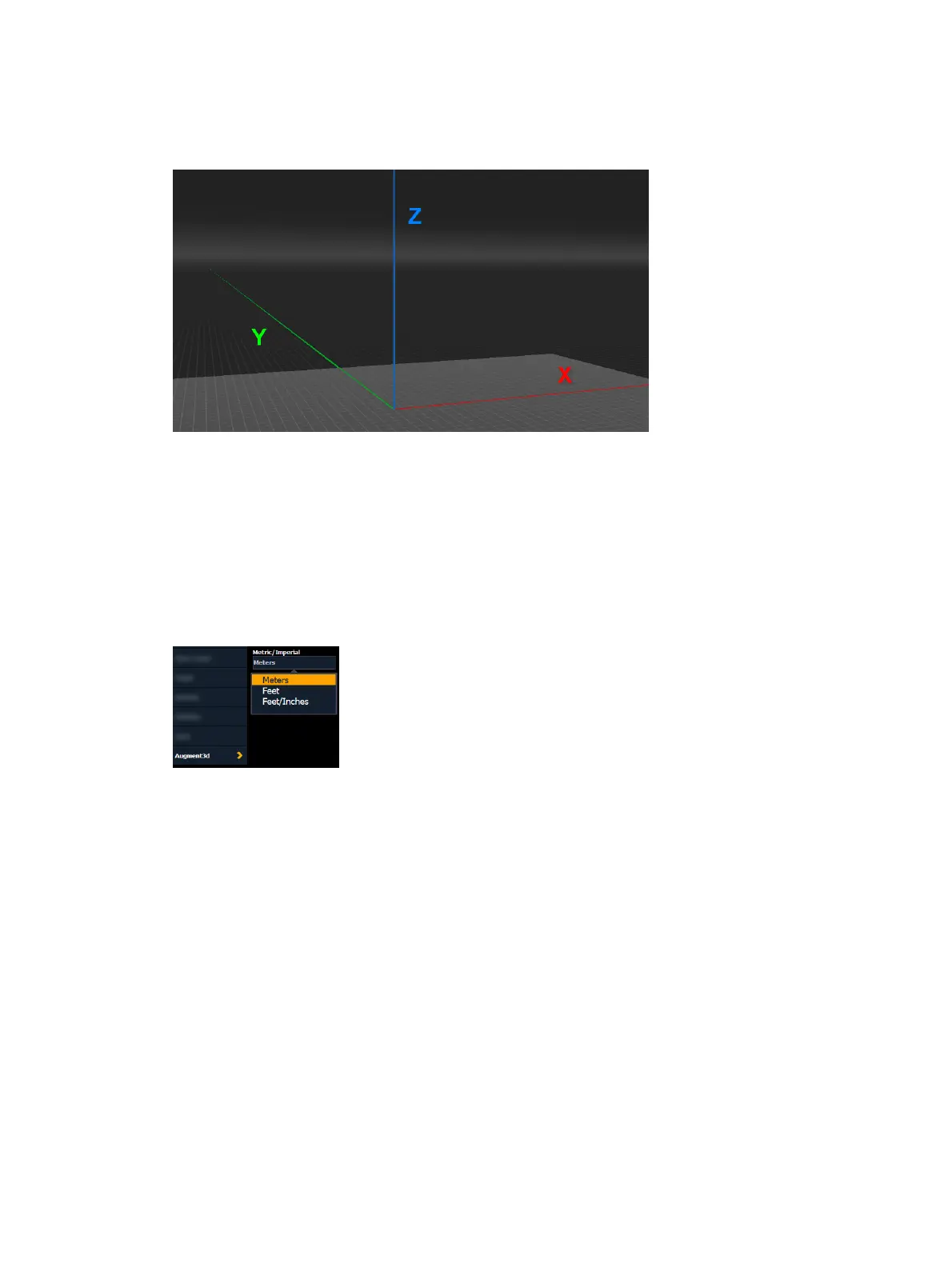
In Edit Mode, Augment3d models are arranged around three axes; horizontal X (red) and Y
(green), and vertical Z (blue).
The point at the intersection of these axes (0,0,0) is the origin. This virtual point in Augment3d
must correspond to a real point in your space, ideally on the floor. This could be in the center
of your stage, in a corner, or any convenient point.
All other measurements in Augment3d reference the origin. To improve the accuracy of your
model, choose a physical point that is easily accessible for measurements.
Units
By default, Augment3d measures distance in metric (meters). This can be changed in Setup
>System Settings >Augment3d.
Available options are meters, decimal feet, or feet and inches.



 To Next Page