486 Eos Apex, Eos Ti, Gio, Gio @5, Ion Xe, Ion Xe 20, and Element 2 User Manual
Augment3d Preferences
Preferences contains all the settings for your Augment3d model.
Note:
Many of these options can also be changed from the toolbar. For more
information, see Augment3d Toolbar (on page494).
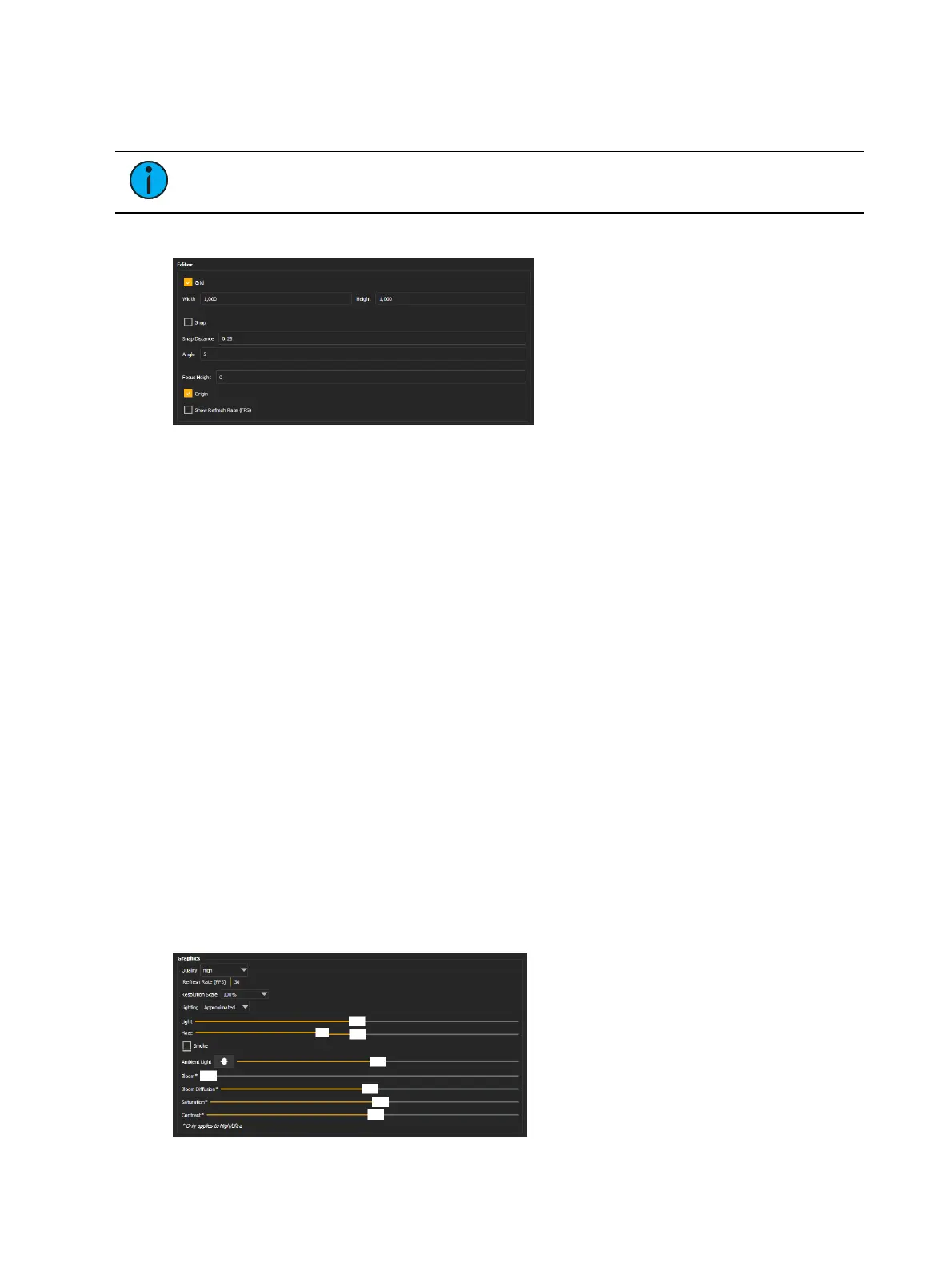
Editor
Grid
Toggles the grid on or off. Also available in Toolbar >Grid.
Width / Height
Sets the overall dimensions of the grid.
Snap
Toggles object placement snapping to the grid on or off. Also available in Toolbar >Snap.
Snap Distance
Sets the distance increment for the spacing of the grid, along with object placement snapping
(in the chosen global unit).
Angle
Sets the angle increment for object placement snapping (in degrees).
Focus Height
Sets the Focus Height offset. Also available in Toolbar >Focus.
Origin
Toggles the origin point marker on or off.
Show Refresh Rate
Toggles visible frame rate monitoring on or off.
Graphics



 To Next Page