Augment3d 495
Mode
Toggles between Perspective and Orthographic camera modes. In Perspective mode, objects
that are further away are smaller than nearby objects. In Orthographic mode, all objects are
the same scale. Also available in Preferences.
Move
Toggles between Fly and Orbit camera modes. In Fly mode (indicated by a Fly symbol
overlaying the Camera icon), the mouse alters the angle of the camera. In Orbit mode
(indicated by an Orbit symbol overlaying the Camera icon), the mouse moves the camera
around a center point. Movement is still possible via keyboard controls in either mode. Hold
ALTto temporarily reverse the behavior.
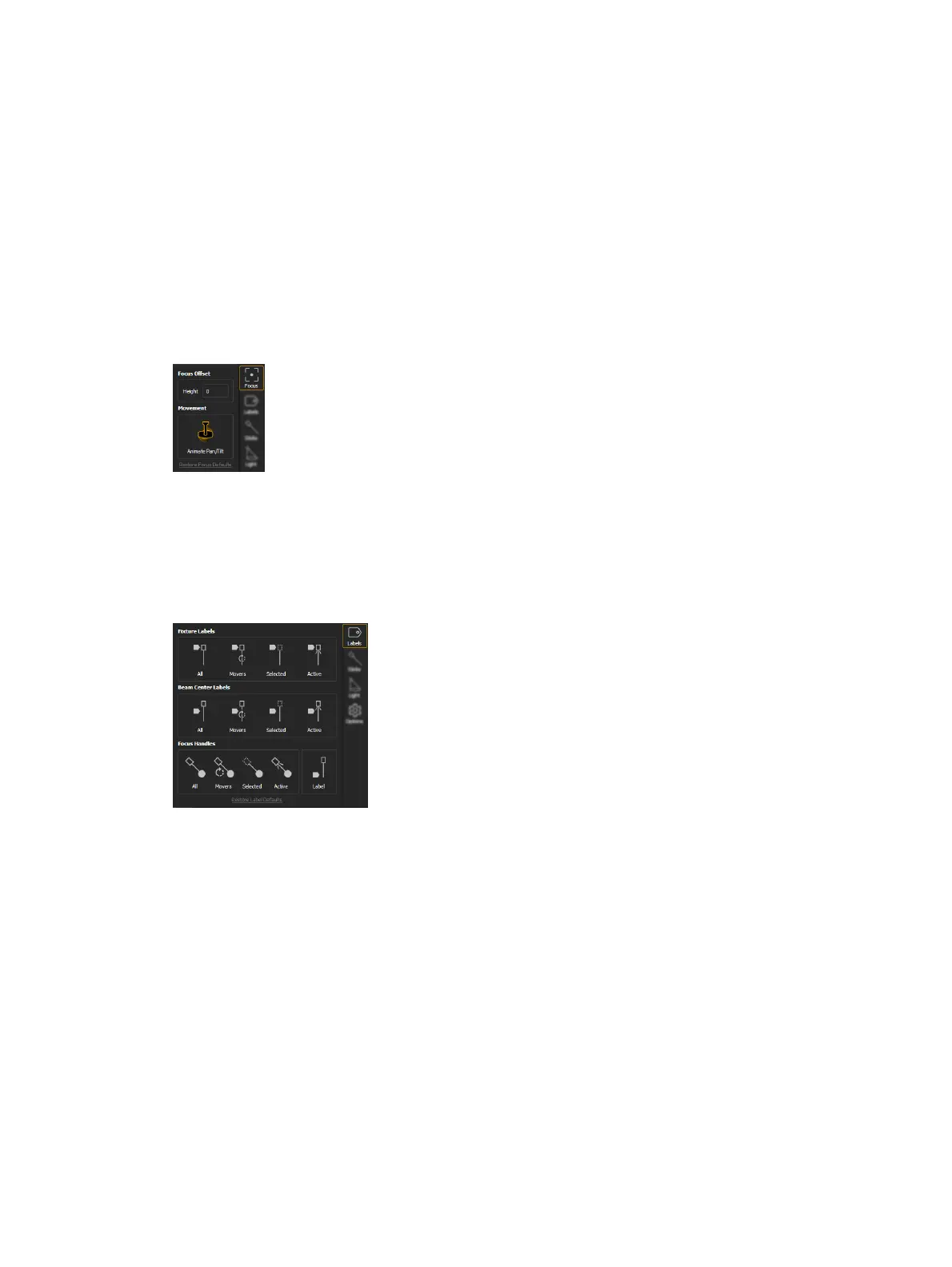
Focus Tool
Provides options to edit the Focus Offset height and toggle automated fixture animation on or
off. LEFTMOUSE+CENTERWHEEL will also adjust the height. Also available in Preferences.
Labels Tool
Labels provides options to toggle various informational overlays on or off. Reset all options to
default by clicking Restore Label Defaults. All label options are also available in Preferences.
Fixture Labels
Toggles labels overlaying fixture bodies for all, automated, selected, and / or active fixtures.
Beam Center Labels
Toggles labels overlaying fixture beams for all, automated, selected, and / or active fixtures.
Focus Handles
Toggles focus handles for all, automated, selected, and / or active fixtures. Spherical handles
may be moved to proportionally refocus automated fixtures. Cubic handles indicate a
conventional fixture, but cannot be used to refocus. Labels overlaying focus handles can also
be toggled.



 To Next Page