3GS Technical Manual
Issue 4.5 August 2005
8-8 Programming Menus
Press YES to reassign to a different user, and NO to present a
different card for assigning.
Press NO key when finished to exit this menu.
Operation
When used in the non DD243 and the DD243 configuration,
the card or token assigned to the user represents that user’s 6
digit number. All ACE functions therefore can be accessed by
presenting the card/token – whereas previously, the user
number would be required.
To set the system
1. Present card/token to the left hand side of the RKD, the
display will show:
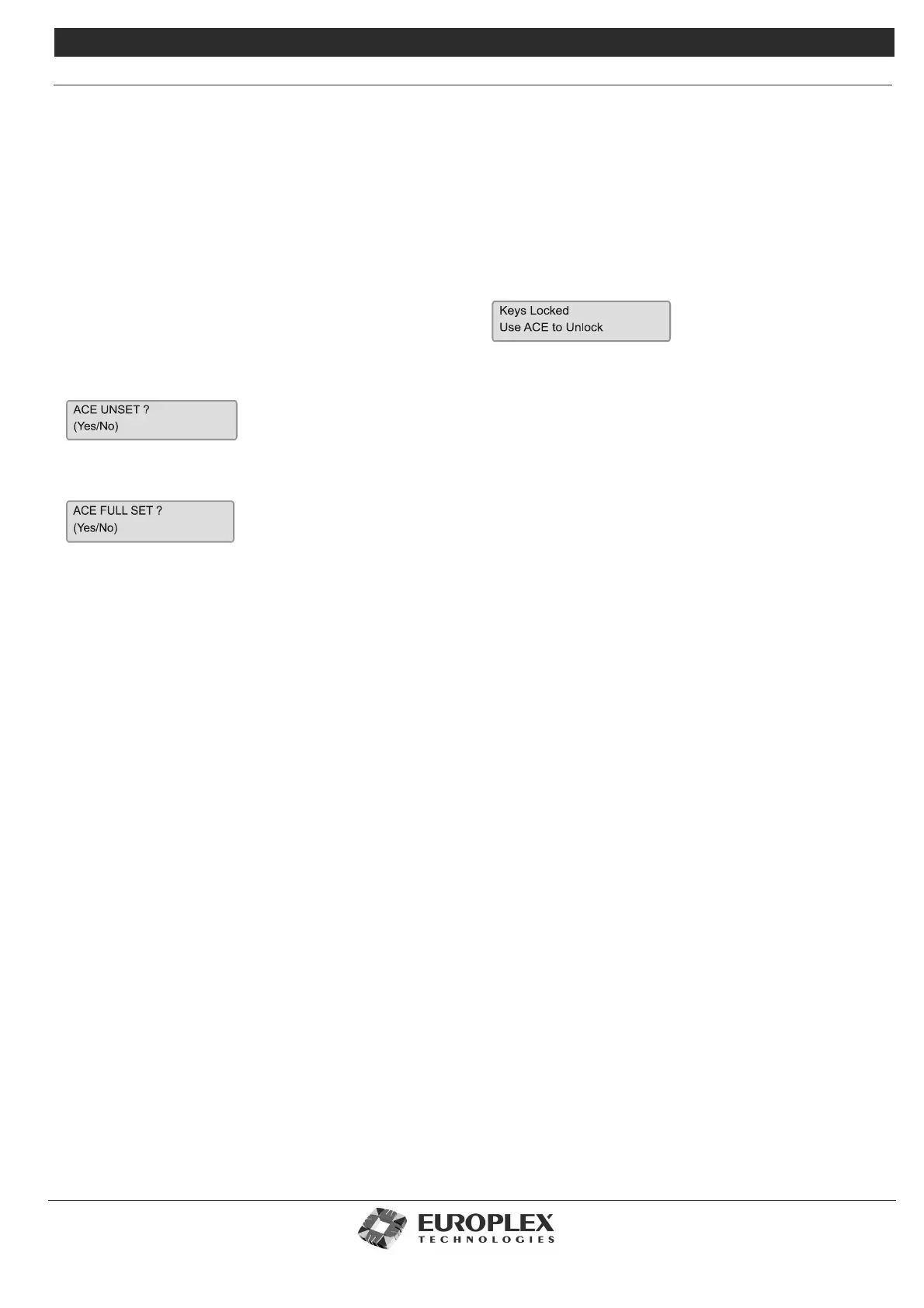
2. Press UNSET key to scroll through different assigned
options until the display shows:
3. Press YES key to select this option. The normal process
then follows.
To unset the system - non DD243
With the KEYPAD DISABLE variable set to NO. On opening
the initial entry door, the entry buzzer will sound as normal.
At the Portable ACE RKD, present the card/token and select
“ACE UNSET?” by pressing the YES key.
During the entry time the keys of the Portable ACE RKD may
also be used to unset the system in the normal way.
To unset the System - DD243
With the KEYPAD DISABLE variable set to YES. On opening
the initial entry door, the entry buzzer will sound as normal.
At the Portable ACE RKD, present the card/token the system
will unset. If, during the entry timer, the keys of the Portable
ACE RKD or any other RKD node on the system are pressed,
the following message will be displayed:
When the KEYPAD DISABLE variable is set to YES, all system
keypads are disabled in this way. The keypads will remain
disabled until the expiry of the entry timer, at which time the
keypad will be enabled to allow a system unset, and the
internal bell outputs will be activated and a SIA Fail to Open
“CT” event will be generated.
The DISABLE KEYPAD variable is linked to the system but not
to areas. Once the system is unset, other areas will not be
disabled and may be used as normal.
For full details on the use of the Portable ACE RKD for
DD243 compliance, consult the current 3GS DD243:2002
Application Guide.



 To Next Page