17 - 14
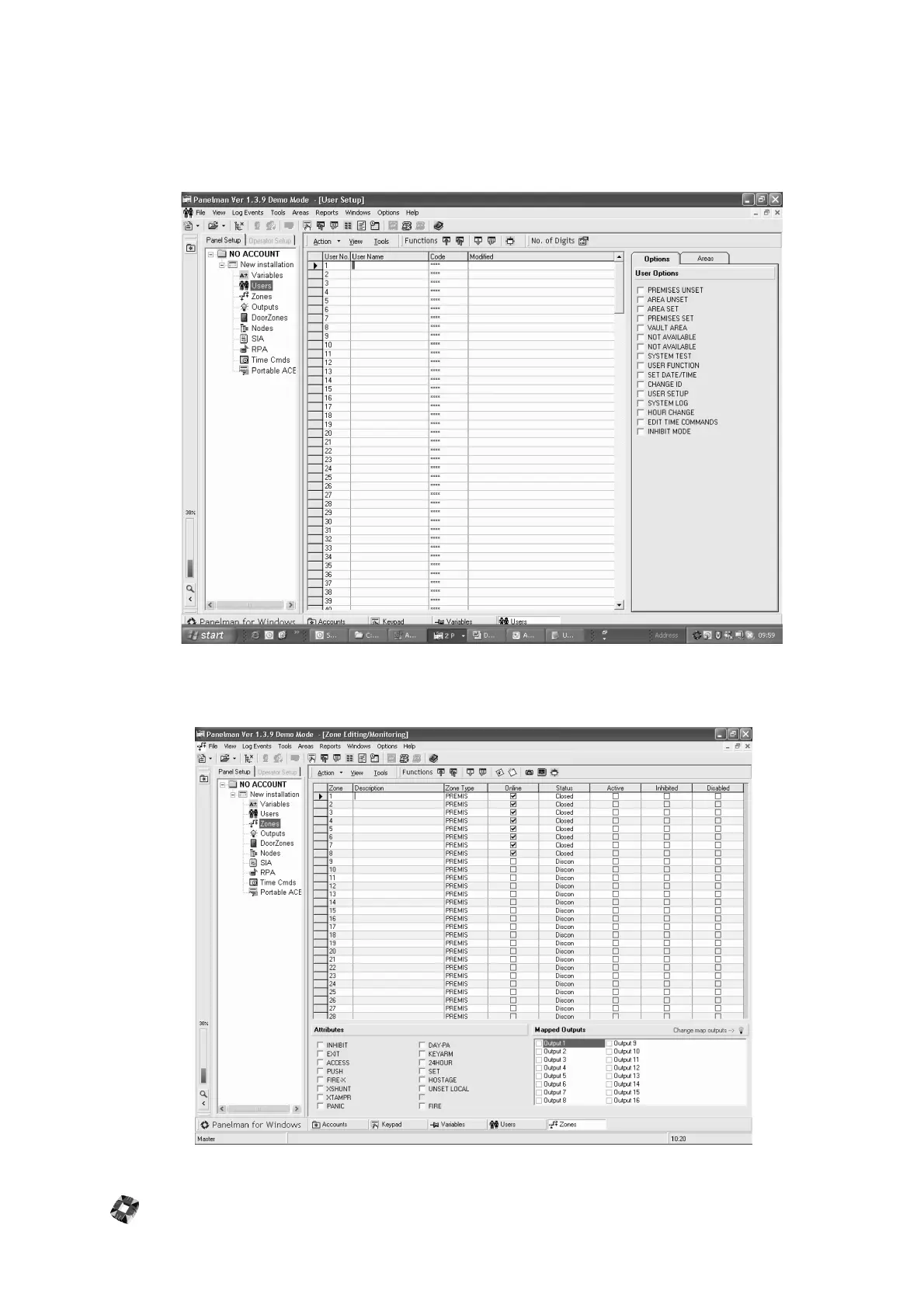
User Setup Window
This Window is used to set up new users on the system, entering their Names and assigning ID Codes and Options.
Areas (if any Areas have been set up) can also be assigned to users. Upload and Download Individual or All can be
performed by using the Functions Buttons.
Note: User ID codes must be 4 digits in length.
Zone Editing/Monitoring Window



 To Next Page