17 - 20
Upload/Download of Portable ACE Users from/to the Panel
You can upload programmed Portable ACE cards from the 3GS Controller, and can also use Panelman to configure
cards for Portable ACE.
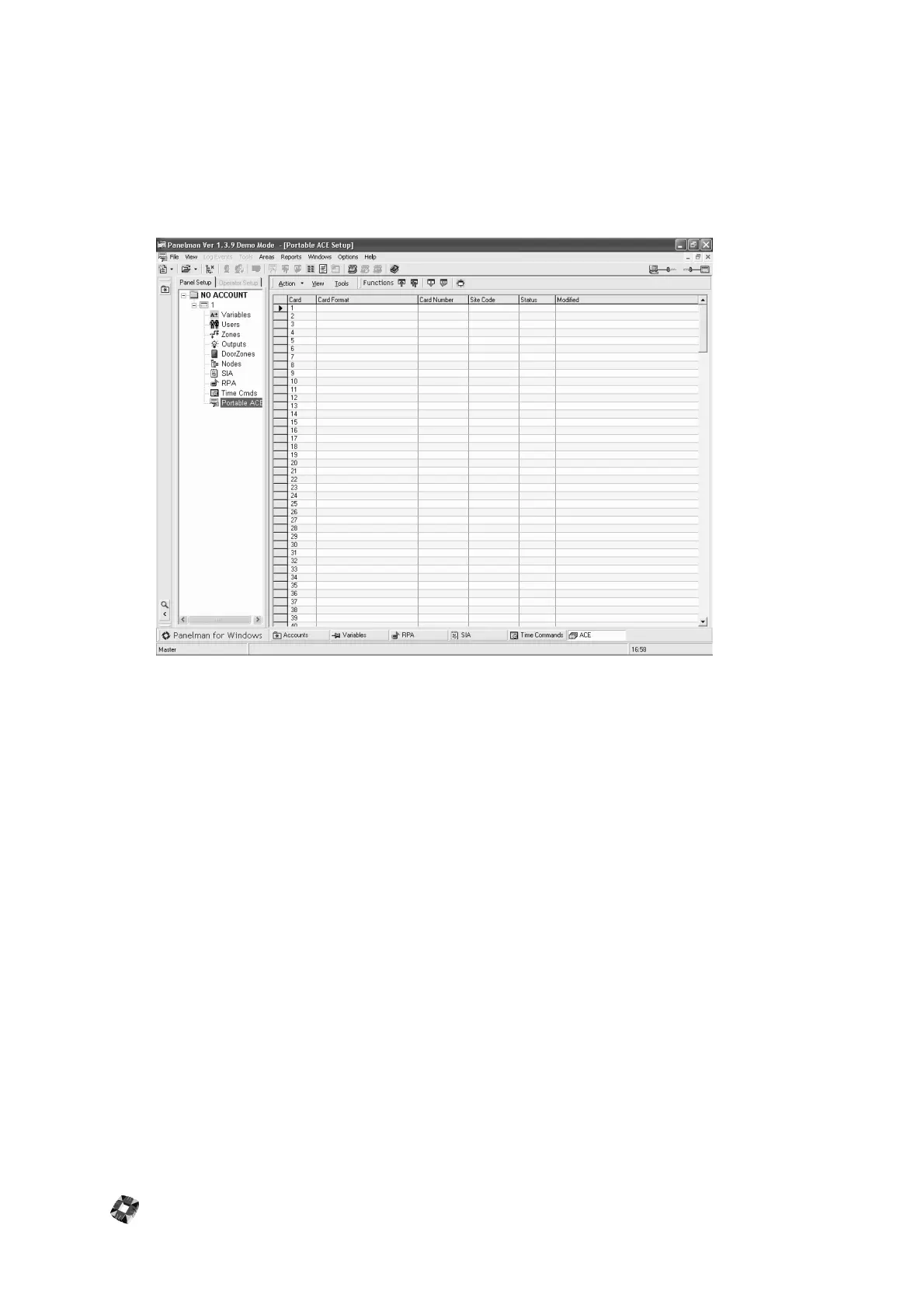
Configured ACE cards are displayed in the Panel Components tree. The card format and status are displayed, while the
card number and site code are hidden.
To program a card for PORTABLE ACE using Panelman:
1 ) Select an empty card slot.
2 ) Double-click on the slot. The Portable ACE Config. popup window is displayed.
3 ) Enter the card format, card number, site code and then select Enabled.
4 ) Select "SAVE".
Download the card to the 3GS controller.
This card can then be used to set and unset the system by simply presenting it to an RKD node with a Portable ACE
installed.
NOTE: The options available to the ACE card user are only valid if they have already been assigned to the specific user
through the user setup menu.



 To Next Page