FARO Edge
September 2012
183
Chapter 10: Configuring the FARO Edge in CAM2 Measure
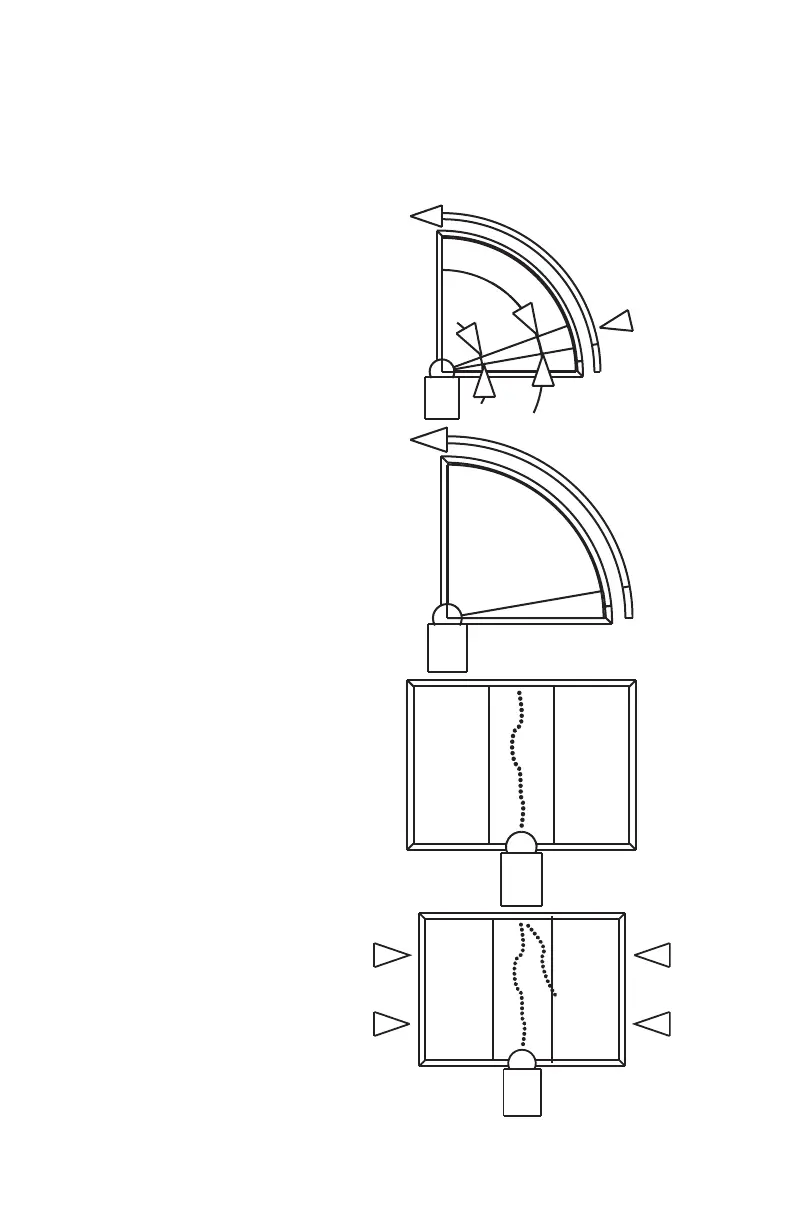
Collect all of the points in this method by holding down the FRONT button. The
Edge will collect points as fast as possible (“scanning”) until you release the
FRONT button. Digitize at least 200 points in each of the four different positions.
1 Place the ball probe in the
cone.
2 Seat the probe firmly in the
cone, move the handle down
until the shaft of the probe is
parallel with the top of the
cone.
• Look at the dialog box and
move the handle until you
reach the starting position.
3 Press and hold the FRONT
button. Sweep the handle up
to the vertical position,
making sure to move in a
straight line. Be sure that the
ball probe remains seated in
the hole.
• Release the FRONT
button to pause.
• Look at the dialog box to
help you stay within the
zone.
4 Sweep again until all 200
points are digitized. Look at
the dialog box to help you
digitize all of the points.
08M52E00_FaroArm_Edge.book Page 183 Thursday, October 4, 2012 9:31 AM



 To Next Page