FARO Edge
September 2012
184
Chapter 10: Configuring the FARO Edge in CAM2 Measure
CAUTION: The probe must be well-seated in the hole when digitizing all
compensation points. Even one or two poorly digitized points significantly
affects the optimization process, which then has an effect on the accuracy of
the Edge.
The digitized compensation points then calculate and the C
OMPENSATION
S
TATUS updates. If the probe passes, the current date and time is added to the
probe information.
You can view the details for all of the compensations of a probe by clicking the
VIEW LOG button. See “View Log” on page 189.
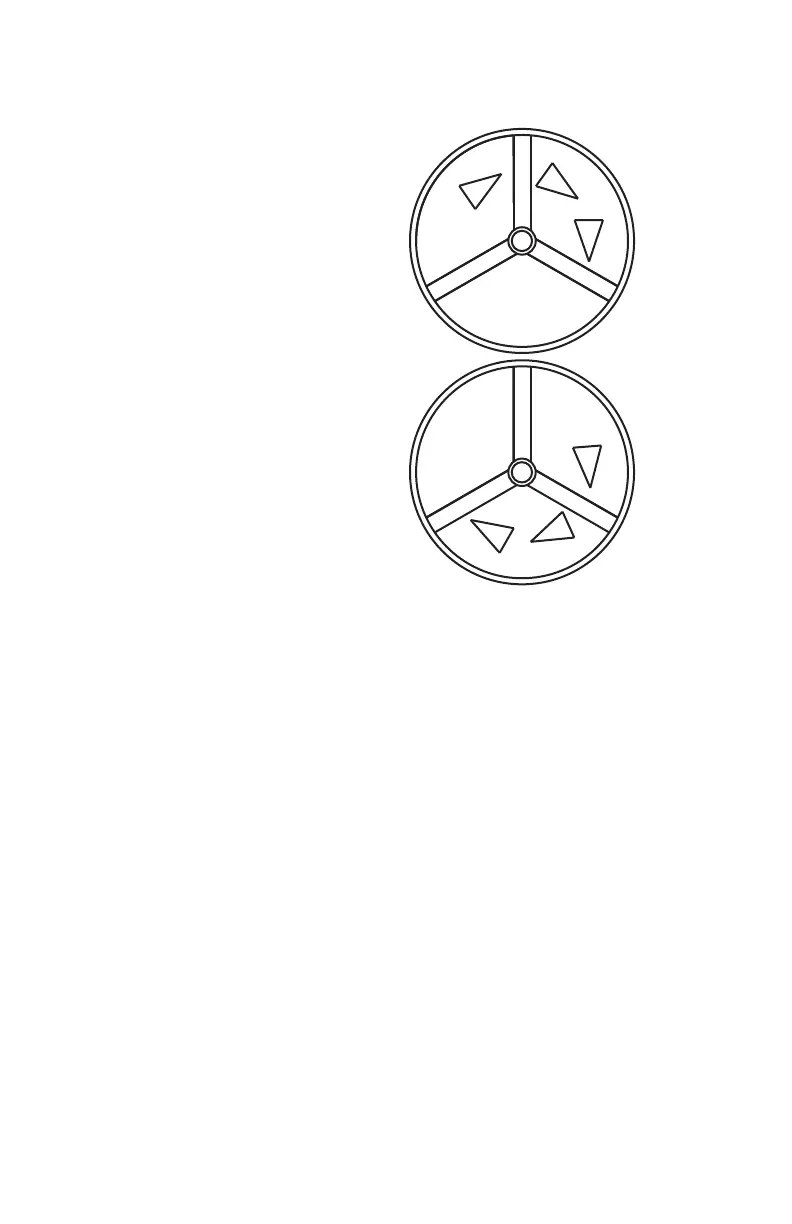
5 Rotate the probe to the next
position. Look at the dialog
box and move the handle
until you reach the start of
the next position.
• Repeat steps 1 through 4
and digitize 200 more
points in this position.
6 Rotate the probe to the next
position. Look at the dialog
box and move the handle
until you reach the start of
the next position.
• Repeat steps 1 through 4
and digitize 200 more
points in this position.
08M52E00_FaroArm_Edge.book Page 184 Thursday, October 4, 2012 9:31 AM



 To Next Page