388
Mode: Signal
HW Version: 30
SW Version: 05.0.5
44.2.1.2 show power inline interface ethernet
Command: show power inline interface [ethernet <interface-number> |
<interface-name>]
Function: Display the PoE configuration and status on specified ports.
Parameters: interface-list: a list of specified ports, specifying all ports by default.
Command Mode: Admin Mode.
Default: None.
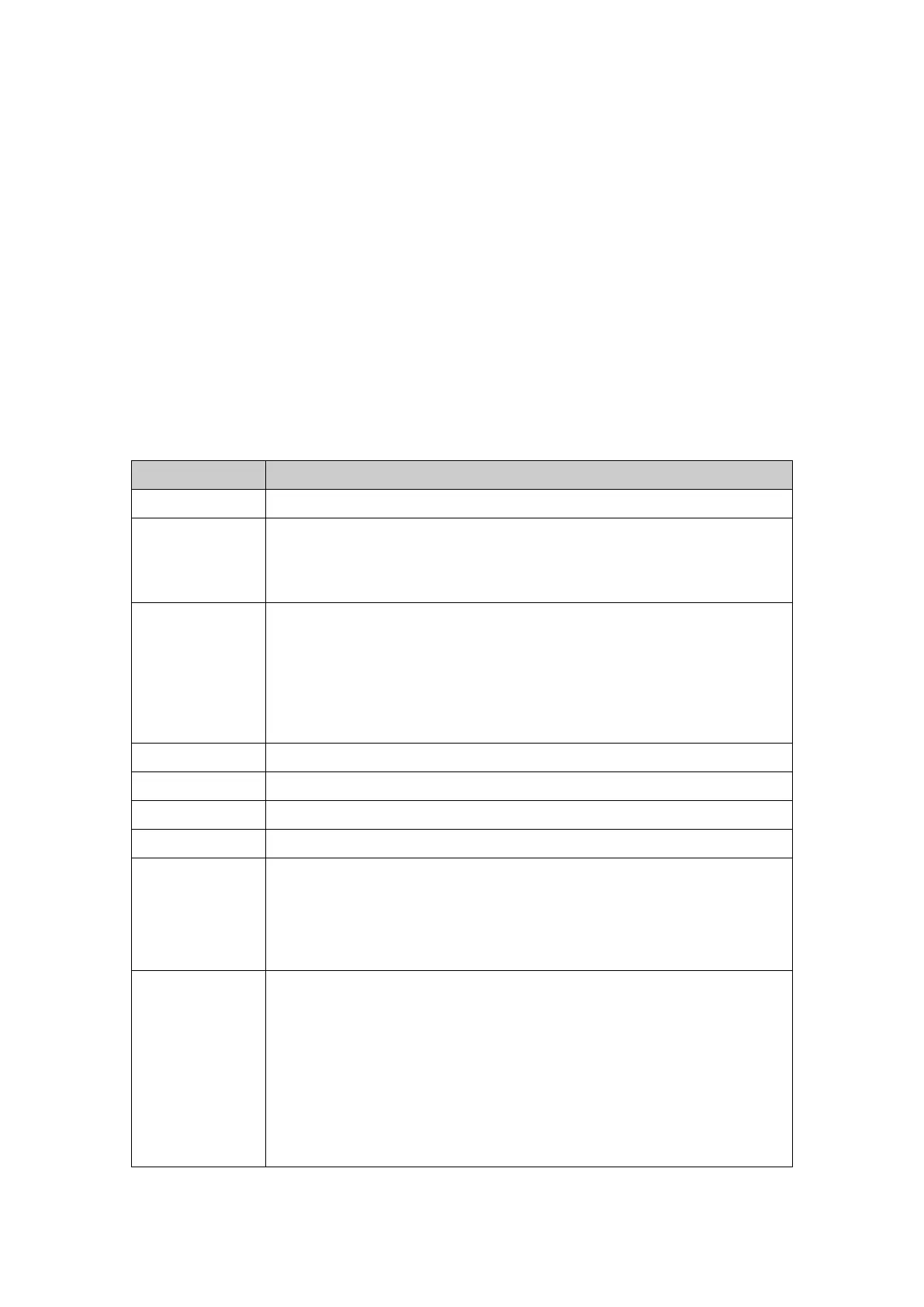
Usage Guide: The meaning of each field are listed in the following table.
Power supply status
enable:Power supply enabled
disable:Power supply disabled
Working status
on:PD is normally connected and powered
off:PD is not connected
faulty:PD detection failed
deny:not enough available power or the required power is over the limit
The power used by the port currently
The max power allowed to be distributed to the port
The present current of the port
The present voltage of the port
The Power supply priority
critical:the highest-level priority
high:the high-level priority
low:the low-level priority
Class Usage PD Input Power(W)
0 Default 0.44~12.95
1 Optional 0.44~3.84
2 Optional 3.84~6.49
3 Optional 6.49~12.95
4 Reserved treated as class 0 and reserved for future use
It is impossible for a compatible PD to provide a class 4 signal



 To Next Page