User Guide
188
[Scan Another Page]
Displayed when the document is placed on the document glass. Tap to scan the next document.
Switches the page to be displayed.
Opens the Preview details screen.
Rotates all the pages by 90 degrees clockwise each time you tap it. Pages are also rotated on the output data.
• is not displayed depending on the file format.
Closes the preview.
[Start]
You can store the scanned data to a cloud storage service.
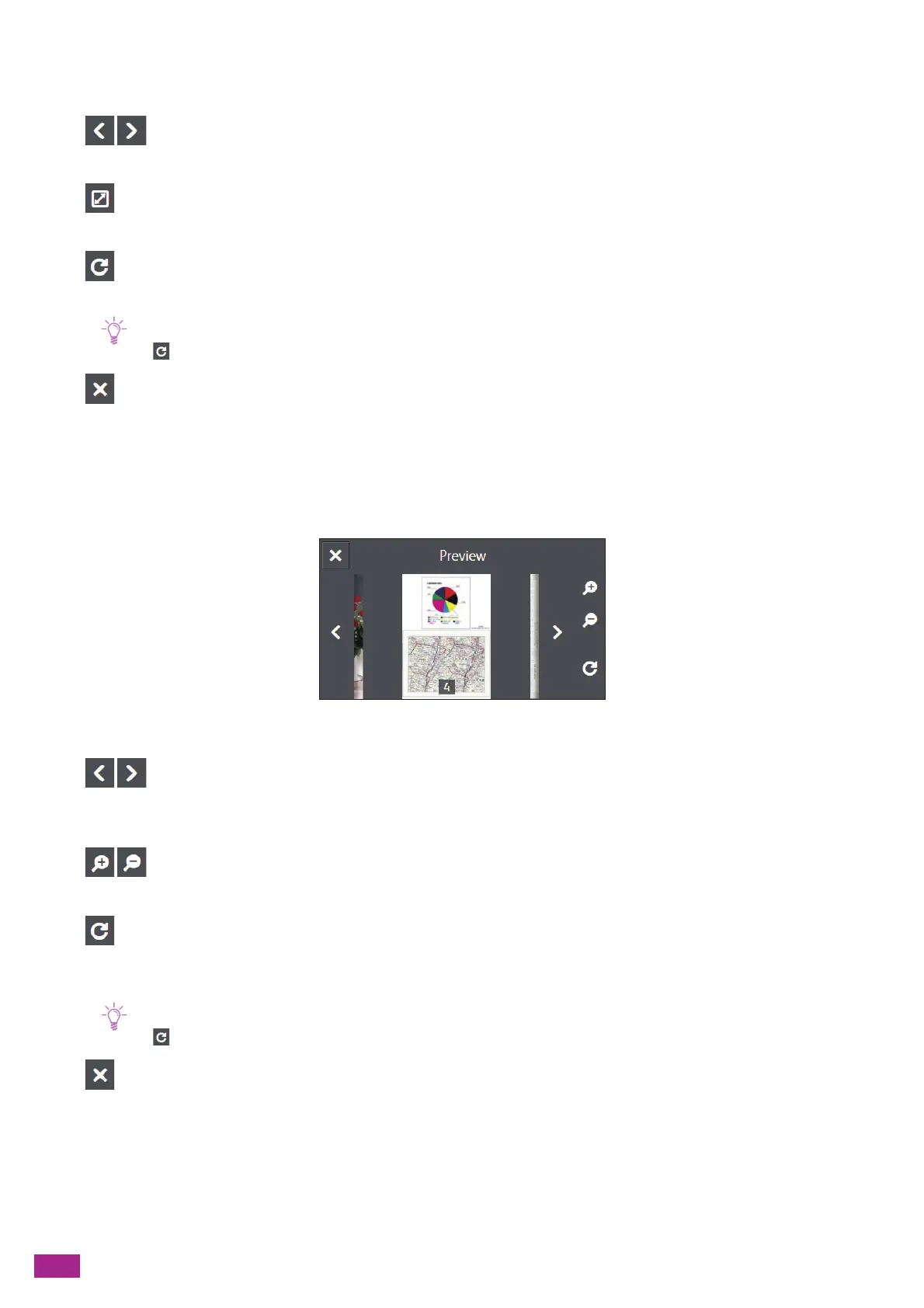
Preview Details Screen
You can perform the following operations.
Switches the page to be displayed. You can also switch the page by flicking or swiping the screen to the right
or left.
Enlarges/reduces the preview.
Rotates the displayed page by 90 degrees clockwise each time you tap it. Pages are also rotated on the output
data.
• is not displayed depending on the file format.
Closes the Preview details screen.
Configuring the Settings for the Scan to Cloud Feature
The setting items available on Scan to Cloud feature are as follows.
*
are the factory default values.



 To Next Page
 Loading...