With the 4x 2.5-inch PCIe SSD backplane
Position Logical drive
number
ServerView RAID Manager display
name
[0] 0 Vendor Product (0)
[1] 1 Vendor Product (1)
[2] 2 Vendor Product (2)
[3] 3 Vendor Product (3)
7.5.4 Installing 2.5-inch HDD/SSD modules
Customer Replaceable
Unit (CRU)
Hardware: 5 minutes
Tools: tool-less
Preliminary steps
▶
"Getting access to the component" on page 48
.
▶
Locate the correct drive bay, see "2.5-inch HDD/SSD configurations" on
page 150.
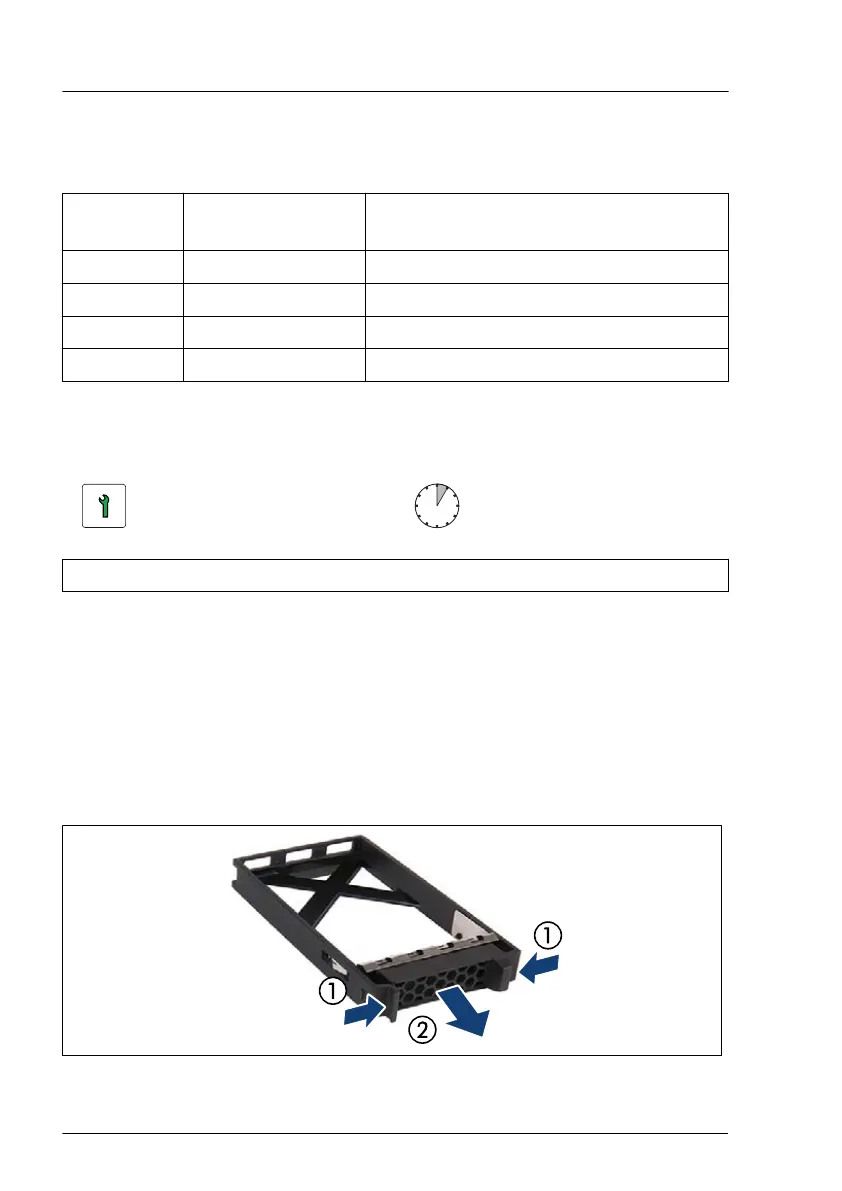
Removing a 2.5-inch HDD/SSD dummy module
Figure 77: Removing a 2.5-inch HDD/SSD dummy module
Hard disk drive (HDD) / solid state drive (SSD)
152 Upgrade and Maintenance Manual TX1320 M5


 To Next Page
 Loading...