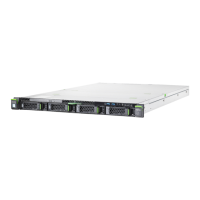
18.2.2.2 Indicators on the front panel
Figure 239: Indicators on the front panel
1 ID indicator
2 CSS indicator
3
Global Error indicator
4 HDD/SSD activity indicator
5 Power-on/AC connected indicator
ID indicator (1)
See also "iRMC-related status signals" on page 362.
Status Description
blue on The server has been highlighted using the iRMC web
interface or the ID button on the front panel for easy
identification.
flashing blue The server has been highlighted for easy
identification using the iRMC with disabled local VGA
output.
Appendix A
360 Upgrade and Maintenance Manual TX1320 M5


 To Next Page
 Loading...