Chapter 4 Element Management System (EMS) ProView 7000 Device Management
© 2011 Harmonic Inc. 62 ProView 7000 v.2.4, Rev. A
Restoring the Default Configuration
You can choose to restore the default configuration or to restore the factory default database
which also resets the IP addresses to their defaults and removes all licenses.
To restore the default device configuration:
1. Select the device in the Devices box.
2. Select Tools > Backup/Restore Configuration… in the ProView 7000 EMS menu bar.
The Backup and Restore Configuration dialog displays, see Figure 4–9.
3. Click Default.
The Restore Default Configuration dialog displays.
4. Choose one of the following:
❑ Restore default configuration to device (default database)
❑ Restore factory default configuration (default database & IP)
5. Click Restore Default Configuration.
4.3.3.9 Restoring the Factory/Default Device Access Passwords
This function enables the EMS user to restore access to a ProView 7000 device when the
device access passwords are lost.
Restoring the access to the device requires receiving a new access code from Harmonic
support. To receive this code, communicate the request to Harmonic support and provide the
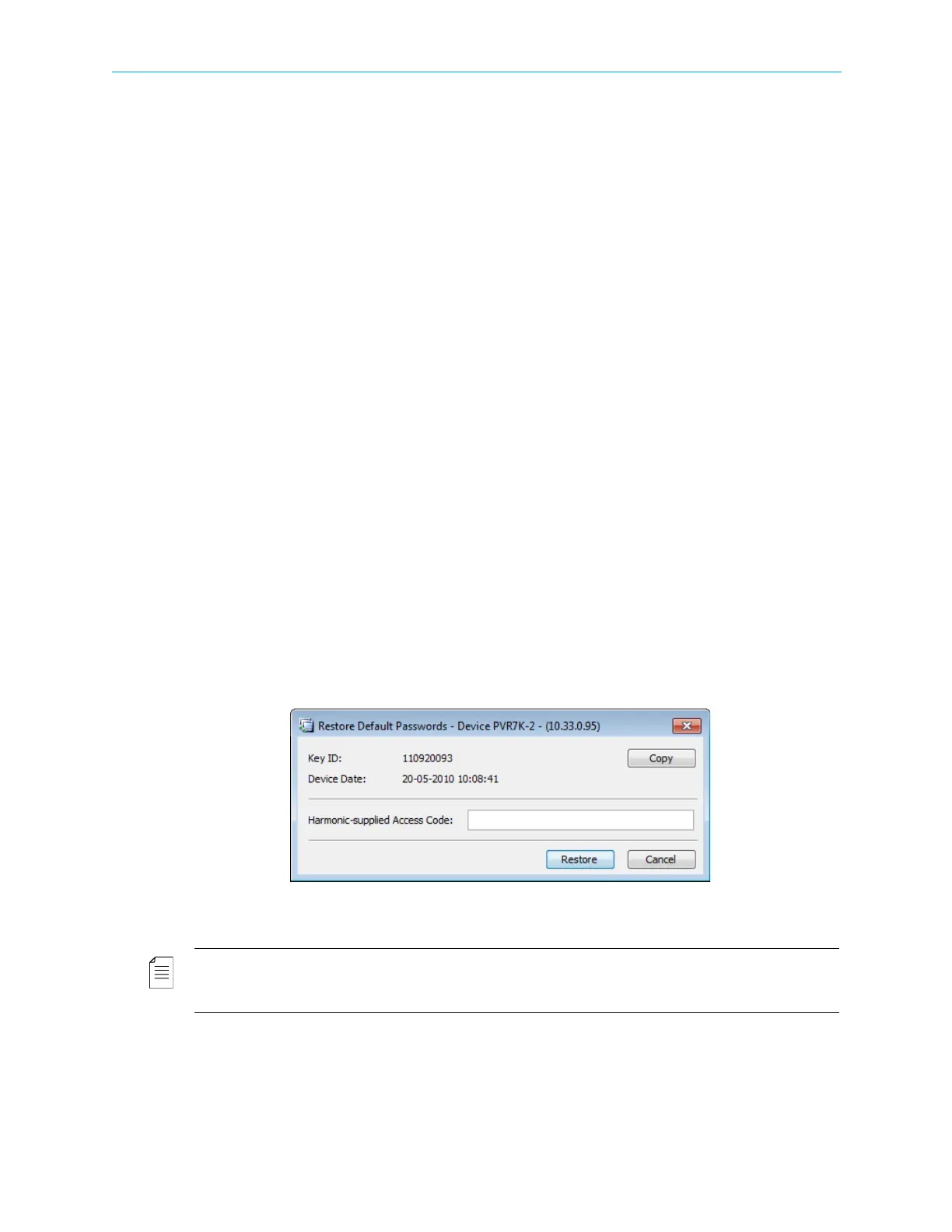
device Key ID and device date (information provided in the Restore Default Password dialog.
To restore access to the device:
1. Select the device in the Devices box.
2. Select Tools > Restore Default Passwords… in the ProView 7000 EMS menu bar.
The Restore Default Passwords dialog displays.
3. Use the displayed device key ID and Device date information to receive the access code.
4. Enter the access code supplied by Harmonic and click Restore.
NOTE: The Harmonic supplied access code is valid for the same day only. Once the access passwords are
reset to factory values, it is recommended to change and personalize them to protect the security of the
device.
You can copy the key ID and device date to the clipboard with the Copy button.



 To Next Page