A9BTl
Battery
Tools Required
n
T-10
TORX screwdriver
n
ESD (electrostatic discharge) grounding wrist strap
n
soldering iron with associated soldering tools
Removal
1. Remove the
A9
CPU/PIG board (refer to
“A9
CPU Board” in this chapter).
2. Unsolder and remove
AOBTl
from the A9 CPU/PIG board.
warning
Battery
A9BTl
contains lithium. Do not incinerate or
puncture this battery. Dispose of the discharged battery in
a safe manner.
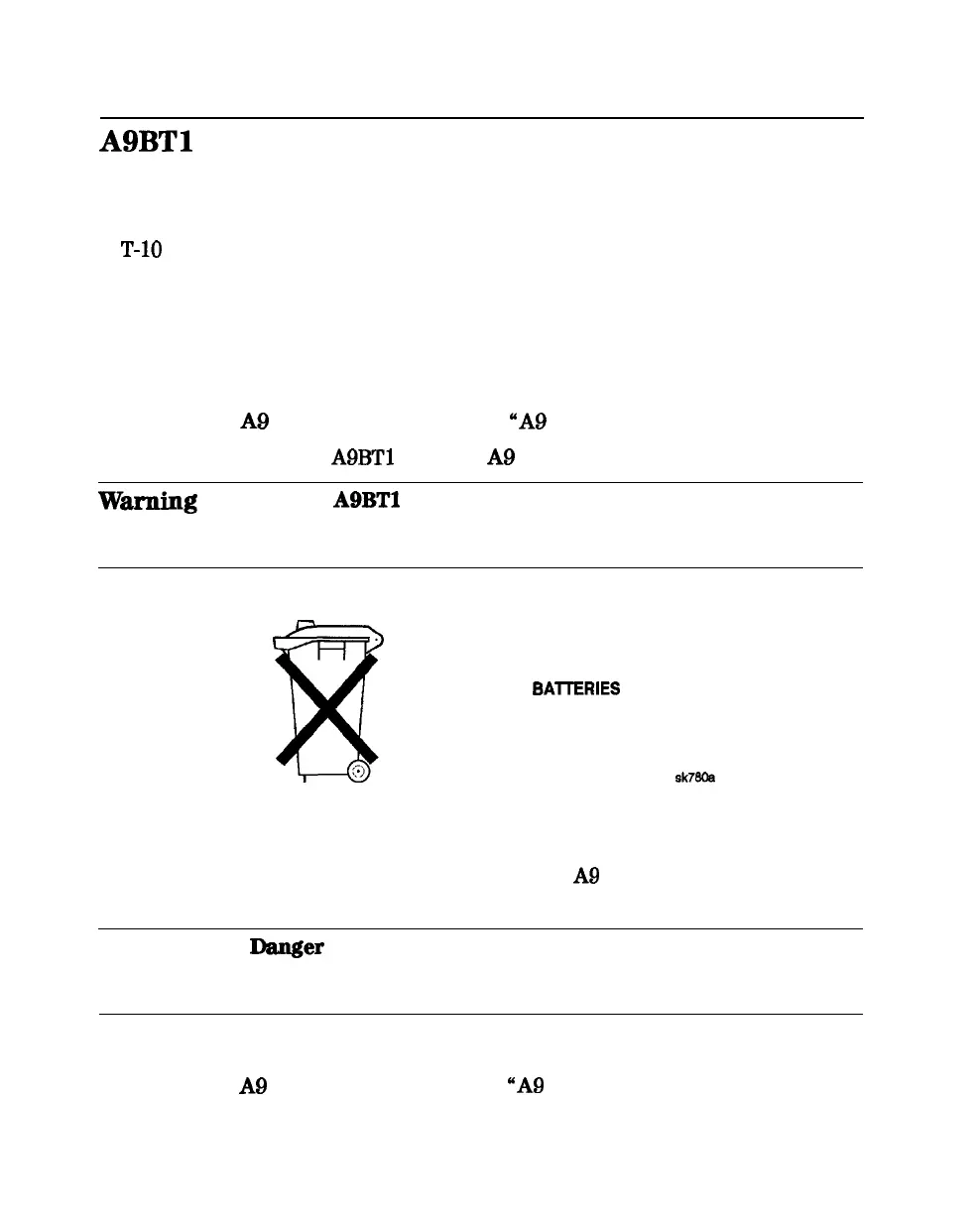
DO NOT THROW BAlTERIES AWAY BUT
COLLECT AS SMALL CHEMICAL WASTE.
Replacement
1. Make sure the new battery is inserted into the
A9
board with the correct
polarity.
Warning
Danger
of explosion if battery is incorrectly replaced.
Replace only with the same or equivalent type
recommended.
2. Solder the battery into place.
3. Replace the
A9
CPU/PIG board (refer to “A9 CPU Board” in this chapter).
14-36 Assembly Replacement and Post-Repair Procedures





 To Next Page