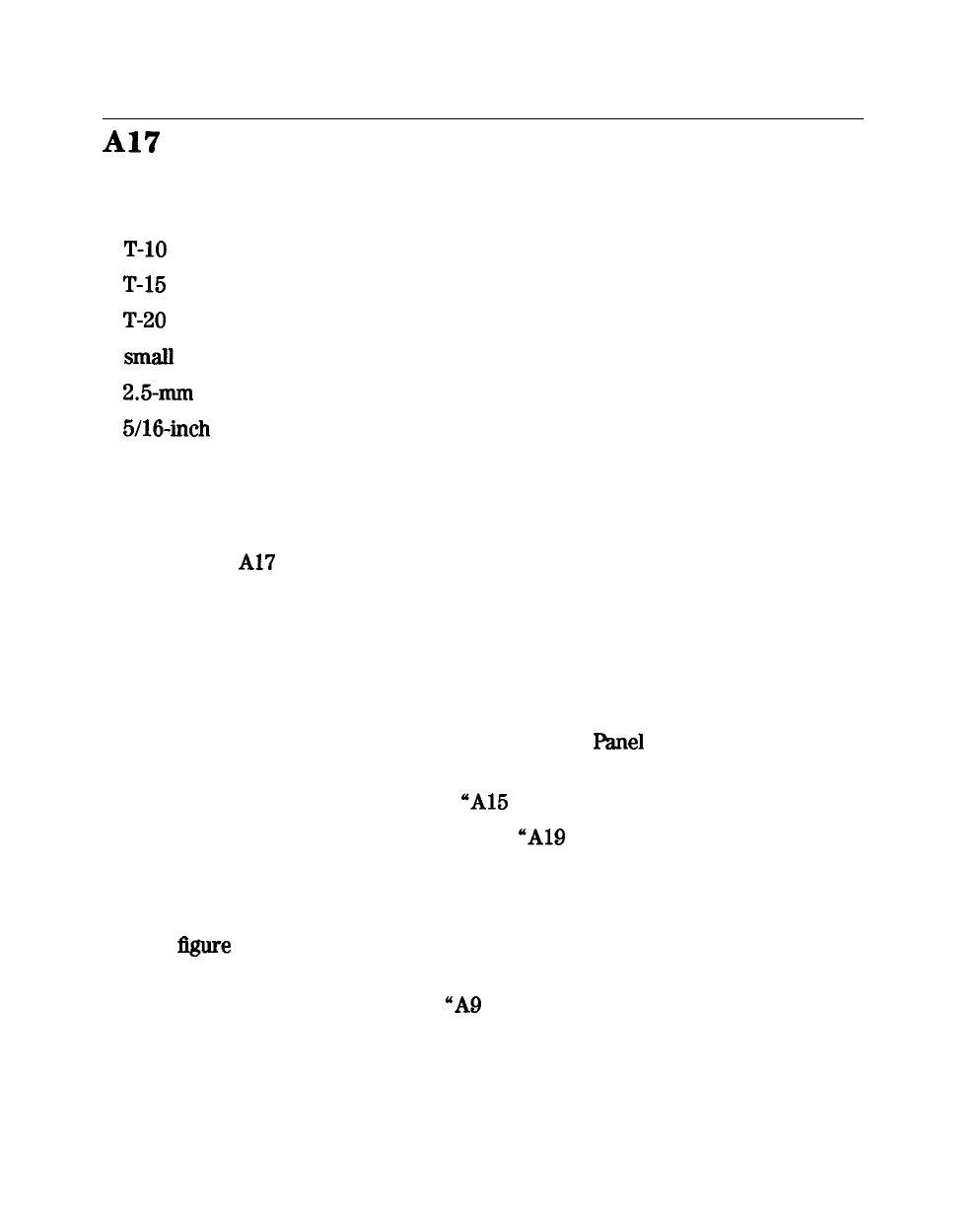
Al7
Motherboard Assembly
Tools Required
n
T-10
TORX screwdriver
n
T-15
TORX screwdriver
n
T-20
TORX screwdriver
n
smaII
slot screwdriver
n
2.5-mm
hex-key driver
n
5/16-inch open-end torque wrench (set to 10 in-lb)
n
ESD (electrostatic discharge) grounding wrist strap
Removal
lb remove the
Al7
motherboard assembly only, perform the following steps to
remove all assemblies and cables that connect to the motherboard.
1. Disconnect the power cord and remove the top, bottom, and side covers
(refer to “Covers” in this chapter).
2. Remove the front panel assembly (refer to “Front Panel Assembly” in this
chapter).
3. Remove the rear panel assembly (refer to “Rear
Panel
Assembly” in this
chapter).
4. Remove the preregulator (refer to “A15 Preregulator” in this chapter).
5. Remove the graphics processor (refer to “A19 Graphics Processor” in this
chapter).
6. Remove the test set deck (item 3) by removing the three screws (item 4)
from the bottom and four screws (item 5) from the side frames. For clarity,
the
Sgure
on the next page does not show the assemblies attached to the
test set deck.
7. Remove the CPU board (refer to “A9 CPU Board” in this chapter).
8. Remove the memory deck (item 1) by removing three screws (item 2) from
the bottom and four screws (item 6) from the side frames
1440
Assembly Replacement and Post-Repair Procedures





 To Next Page