XA User Guide 4-24 3/24/97
of code memory. Understanding the structure and contents of each is essential to the
understanding of how XA interrupts are processed.
Interrupt Stack Frame
A stack frame is generated, always on the System Stack, for each XA interrupt. With one
exception, the stack frame is stored for the duration of interrupt service and used to return to and
restore the CPU state of the interrupted code. (The exception is an Exception Interrupt triggered
by a Reset event. Since Reset re-initializes the stack pointers, no stack frame is preserved. See
section 4.4 for details.) The stack frame in the native 24-bit XA operating mode is illustrated in
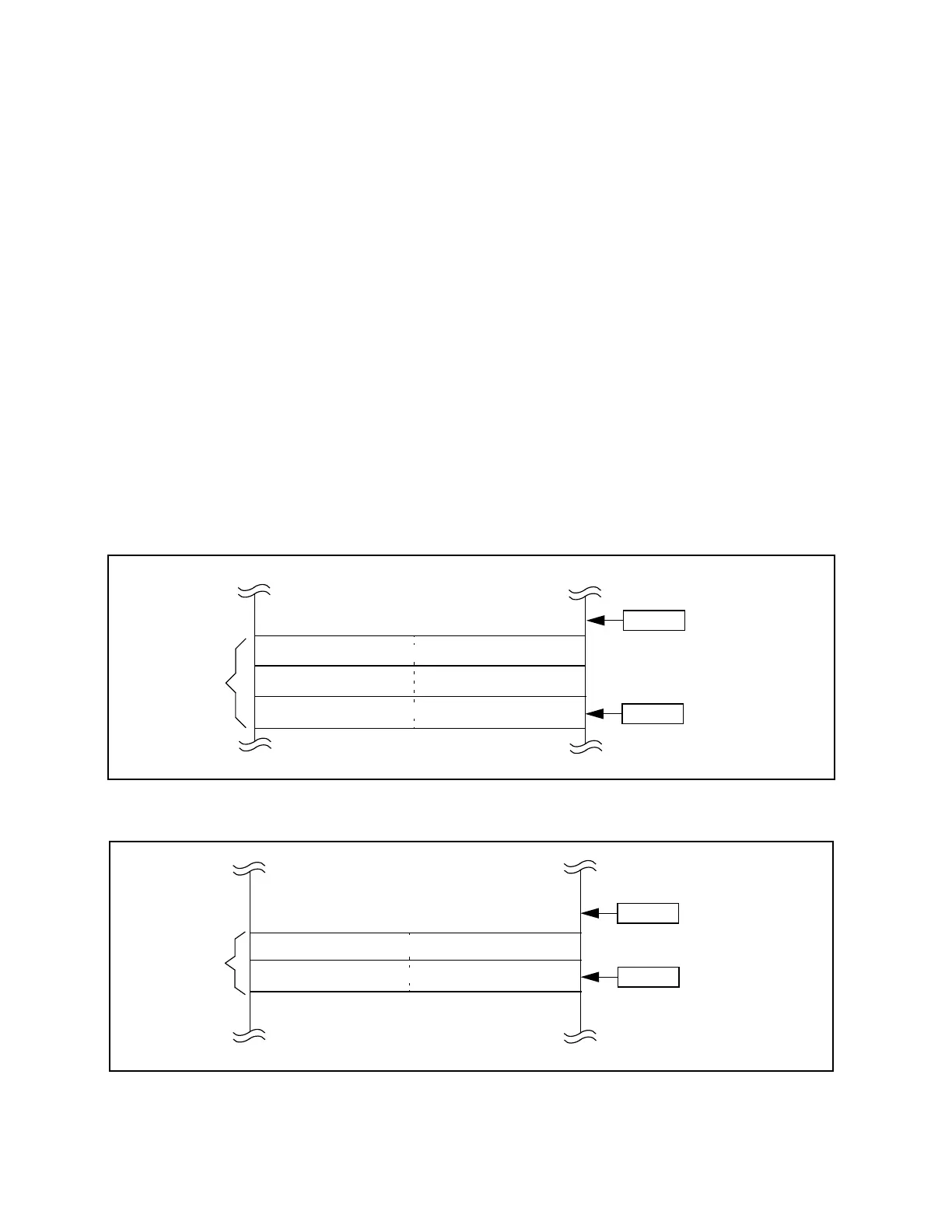
Figure 4.17. Three words are stored on the stack in this case. The first word pushed is the low-
order 16 bits of the current PC, i.e., the address of the next instruction to be executed. The next
word contains the high-order byte of the current PC. A zero byte is used as a pad. In sum, a
complete 24-bit address is stored in the stack frame. The third word contains a copy of the PSW
at the instant the interrupt was serviced.
When the XA is operating in Page 0 Mode (SCR bit PZ = 1) the stack frame is smaller because,
in this mode, only 16 address bits are used throughout the XA. The stack frame in Page 0 Mode
is illustrated in Figure 4.18. Obviously it is very important that stack frames of both sizes not be
mixed; this is one reason for the admonition in section 4.3 to set the System Configuration
Register once during XA initialization and leave it unchanged thereafter.
Figure 4.17 Interrupt stack frame (non- page zero mode)
Figure 4.18 Interrupt stack frame (page 0 mode)
PC (hi-byte)
0x00
SSP
6-bytes
SSP
After
Before interrupt
Low-order 16-bits of PC
PSW
SSP
4-bytes
SSP
After
Before interrupt
PSW
16-bits of PC


 To Next Page