Chapter 10MDP-621/641/640
MENU operation Operation manual
(3) Own Ship’s Mark
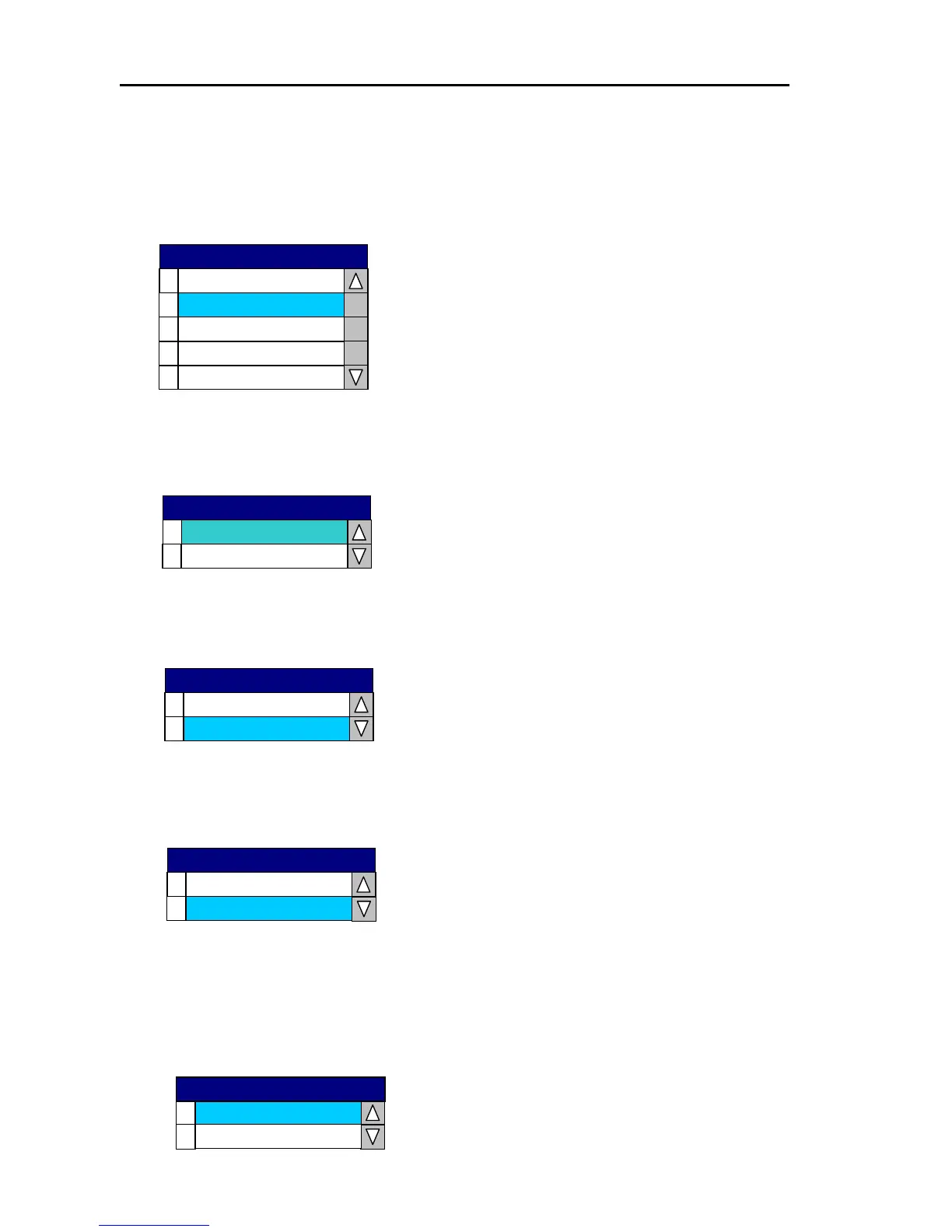
Own ship’s position mark can be displayed as a [small circle], [large circle], [dot], [ship’s profile
(small)] or [ship’s profile (large)]. When the mark is displayed as the [ship’s profile], the mark’s
bow direction changes in accordance with the heading.
0
1
2
3
4
Ship’s Profile(L)
Ship’s Profile(S)
Dot
Large Circle
Small Circle
Own Ship’s Mark
(4) Rings
A scale bar and evenly spaced concentric circles can be displayed centered around own ship.
0
1
ON
OFF
Rings
(5) Mark Size
Sets the mark size.
0
1
Large
Small
Mark Size
(6) Text Size
Sets the size of the text for displaying place names, etc.
(7) Object Icon
Selects the type of design configuration for the map display.
Set up the Object Icon for basic display (Simple) or detailed display (Multiple).
0
1
Large
0
Multiple
Object Icon
1
Simple
Small
Text Size
10-24 0093161022-06



 To Next Page