MDP-621/641/640 Chapter 10
Operation manual MENU operation
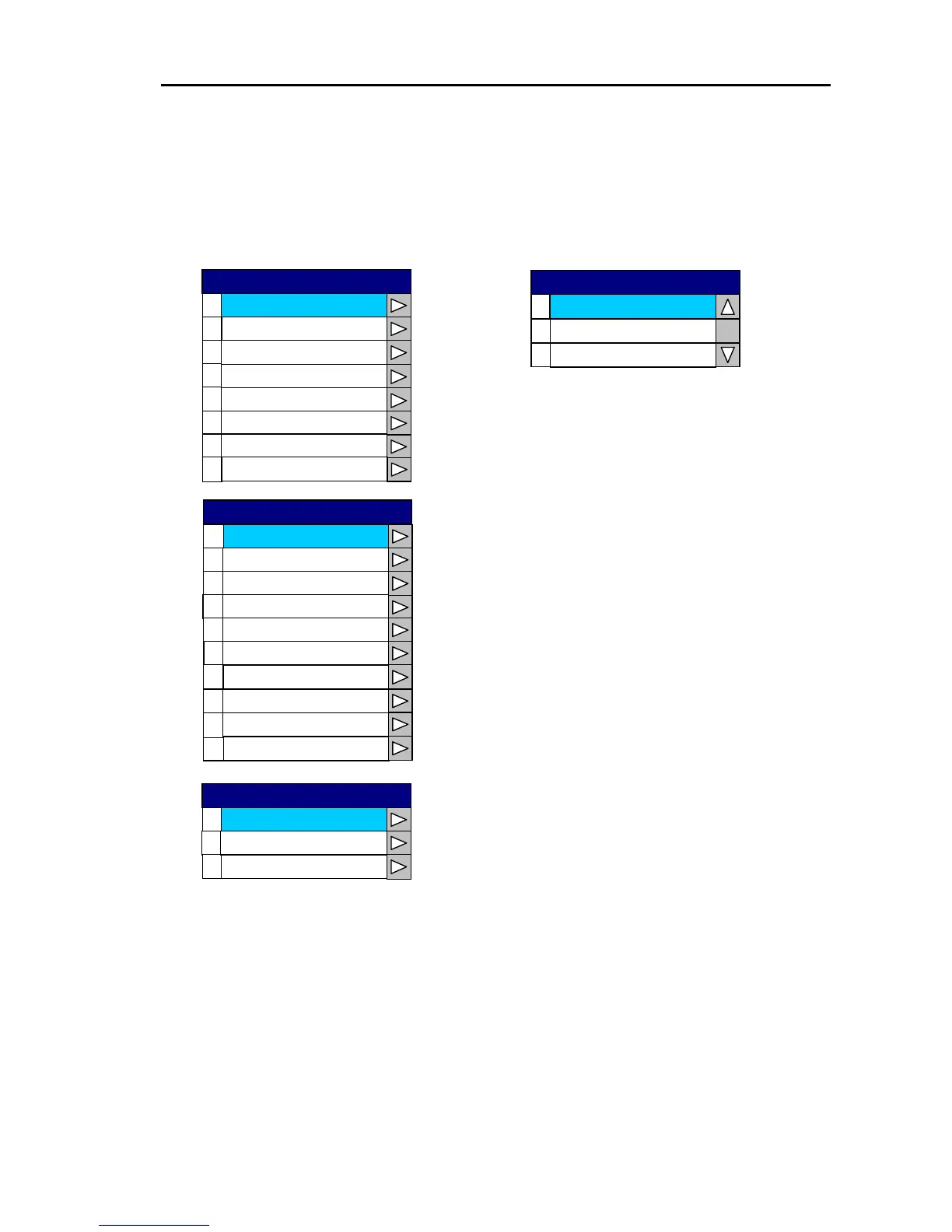
(8) Chart Display 1,2,3
Turns ON or OFF the information display for the map data symbols (landmarks, objects, etc.).
When the information display is turned ON the symbols can be set to “Display on Plotter
screen/Do not display on Overlay screen” or “Display on both Plotter and Overlay screen”.
The map data symbols are listed below.
0
Chart Border Line
1
2
3
4
L / L
Place Name
Lake / River
Structure
5
6
Landmark
Port(s)
Mixing Levels
7
Chart Display1
0
1
PLOTTER / OVERLAY
2
PLOTTER
OFF
Chart Border Line
0
Hazardous Area
1
2
3
4
Lighthouse
Buoy
Signal
Traffic Routes
5
6
Tide and Current
Depth
7
9
Seabed
Depth Contour
UnderWater Object
8
Chart Display2
0
Roads
1
2
Road Name
POI
Chart Display3
0093161022-06 10-25



 To Next Page