Terminal machine functions 12
Displays on the working screen 12.3
Comprima V 180
Original Operating Instructions 150001053_00_en 105
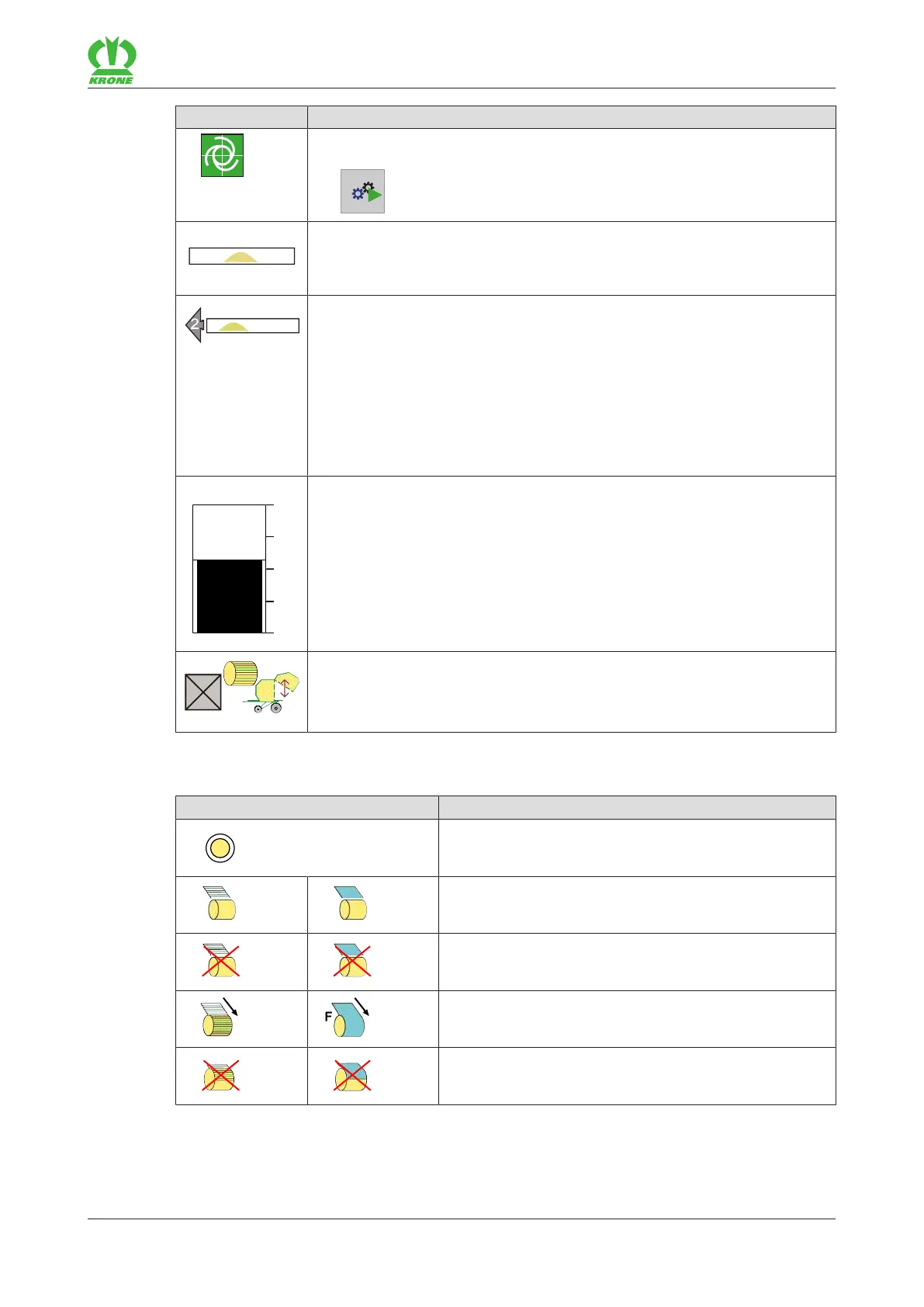
Icon Explanation
Flashing: 2TIM functions are currently active, one TIM function of which
has been overridden. The connection is restored by pressing the
key
and then confirming on the tractor.
Direction display.
Direction display arrows:
Arrows appear during operation on the left and right sides of the direction
display. The arrows have three different sizes, numbered from 1to3.
The arrows show the driver to which side and to what extent he must cor-
rect his direction when driving over the swath in order to ensure the bale
chamber is filled evenly.
If the direction of travel is not corrected, the arrow displayed starts flashing
and an acoustic signal sounds.
Set and display bale diameter.
The bale diameter can be set directly on the working screen, refer to
page107.
TIM function "Opening and closing tailgate at the end of the tying cycle"
has been activated. The TIM function can be switched off individually via
the checkbox, e.g. if the machine is in an unfavourable position for ejecting
the round bale. To configure the TIM software, refer to page129.
Icons during the net or chamber film wrapping process
Icon Explanation
Value of bale diameter/baling pressure is reached
(flashing)
Net/film is fed.
Net/film has not been tied.
Net/film tying process is active.
Net/film tying process is stopped.









 To Next Page