13 Terminal menus
13.3 Selecting a menu Level
114
Comprima V 180
Original Operating Instructions 150001053_00_en
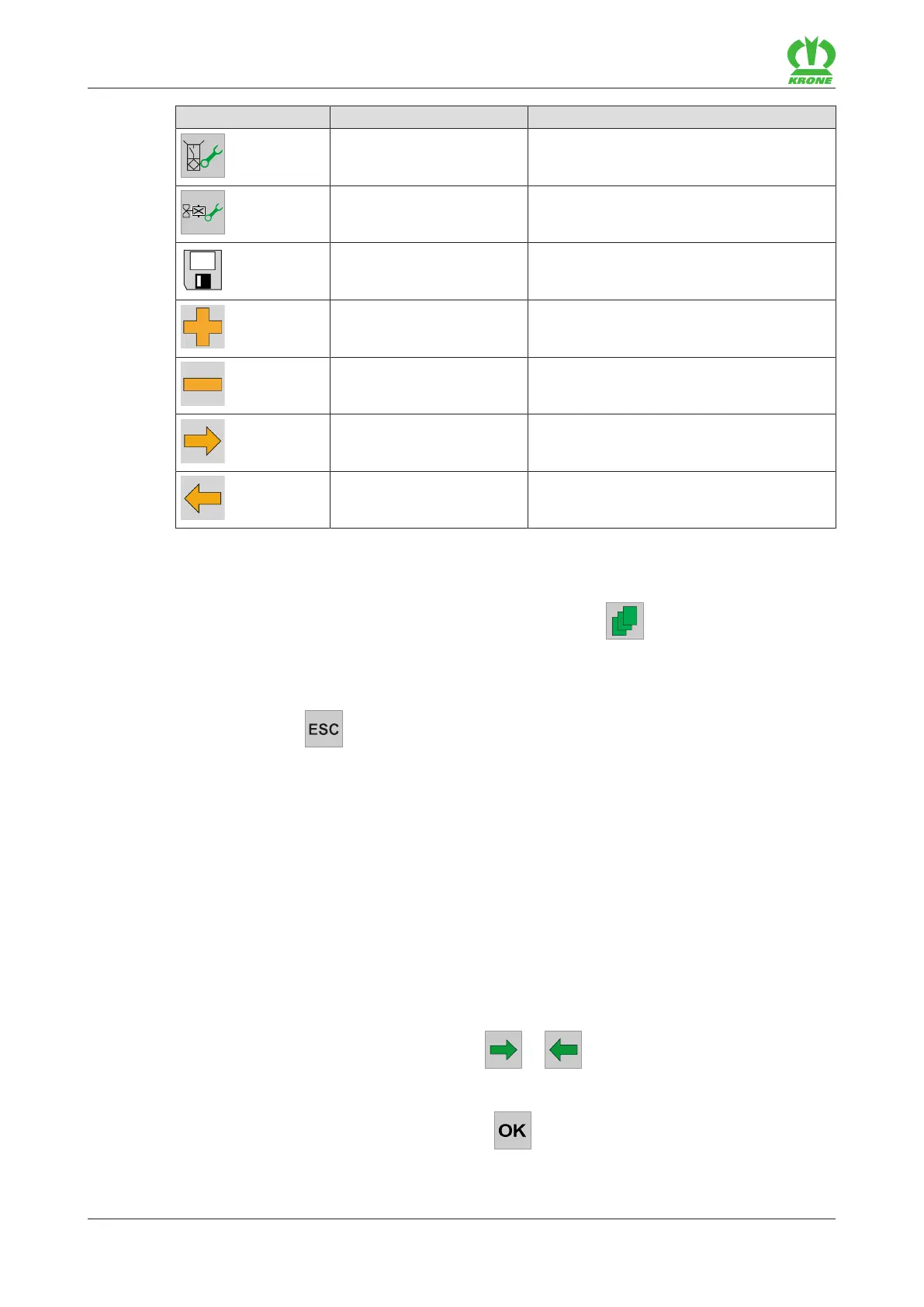
Icon Designation Explanation
Sensor test Quick access to sensor test (sensors relev-
ant for this menu)
Actuator test Quick access to actuator test (actuators
relevant for this menu)
Disk The mode or value is saved.
Plus Increase the value.
Minus Reduce the value.
Arrow pointing to the right Display next mode.
Arrow pointing to the right Display previous mode.
13.3 Selecting a menu Level
To bring up the menu level from the working screen, press .
Æ The display indicates the menu level.
Return from the menu pages to the main menu:
Keep pressing until the main menu appears.
For an overview of the menus: refer to page112.
13.4 Selecting a menu
Calling up menu
The menus are selected depending on used terminal (touch sensitive or not touch sensitive).
For version with “Touch sensitive and not touch sensitive terminal”
By means of adjacent keys
To select a menu, press the keys next to or until the desired menu is selected.
ð The selected menu is highlighted in colour.
To call up the menu, press the key next to .
Æ The menu opens.









 To Next Page