Terminal menus 13
Menu 14 "ISOBUS" 13.19
Comprima V 180
Original Operating Instructions 150001053_00_en 131
Connecting machine and tractor to each other
Brand: AGCO-FENDT
Model: 530.970.070.010
Function Instance: 0
EQG003-095
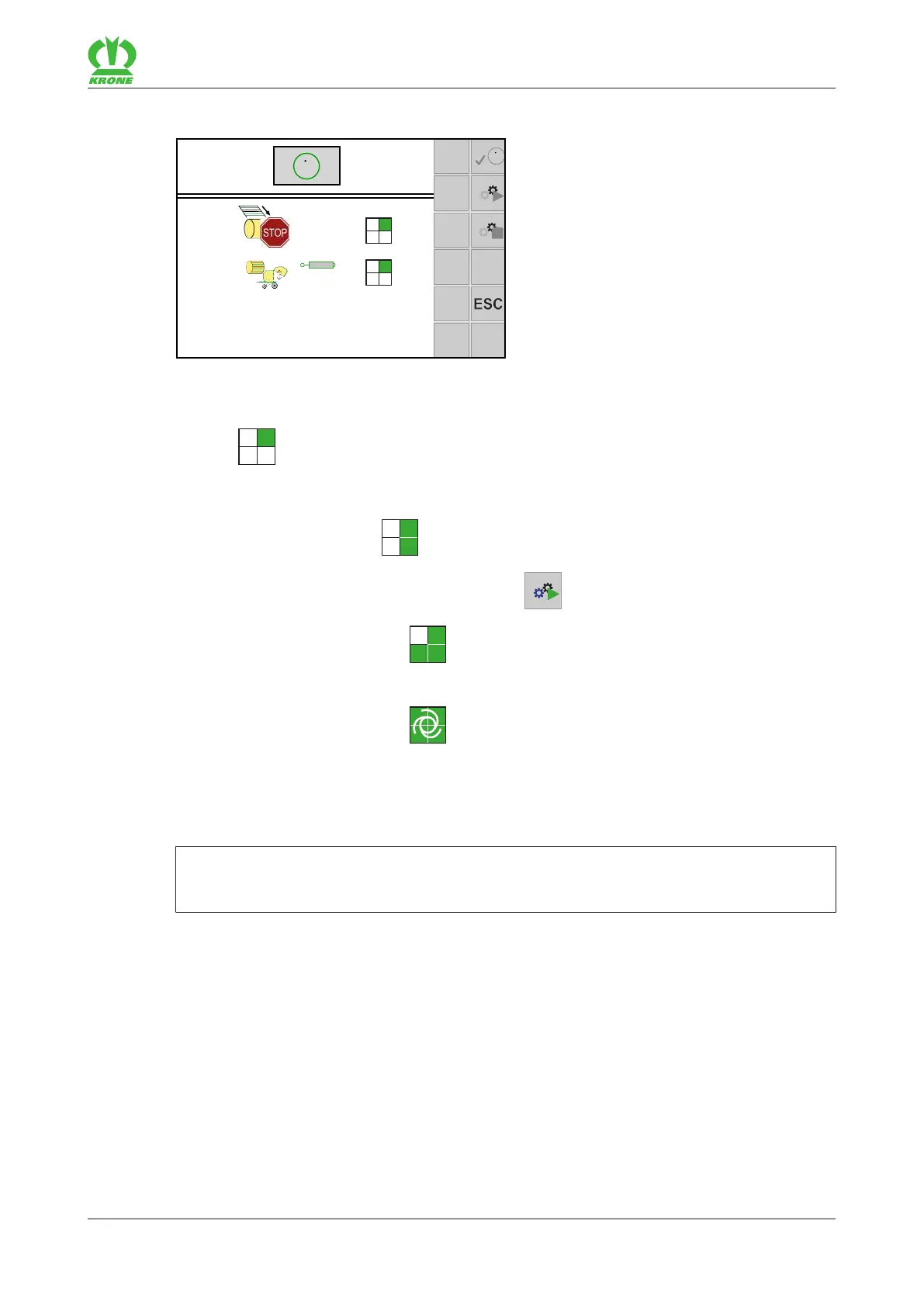
When the TIM functions have been preselected, the checkboxes disappear and the TIM
status is indicated on the display. The machine is being registered and authenticated
with the tractor.
The TIM status switches to .
To activate TIM on the machine, press the key
.
Æ The TIM status switches to . The machine waits for confirmation of the tractor.
Confirm the TIM activation on the terminal or on another control panel on the tractor.
Æ The TIM status switches to . The machine automatically takes over control of the
TIM functions on the tractor, refer to page108.
13.19.2 Menu 14-9 "Switching between terminals"
INFORMATION
This menu is only available if several ISOBUS terminals are connected.
When the user switches terminals for the first time, the configuration of the machine is loaded
into the next terminal. The loading process can take a few minutes. The configuration is stored
in the memory of the next terminal.
Up to the next call, the machine is no longer available in the previous terminal.
When restarting, the system makes attempts to start the last used terminal. If the last used
terminal is no longer available (e.g. because it was dismounted), the restart is delayed as the
system searches for a new terminal and loads the specific menus into the terminal. The loading
process can take a few minutes.









 To Next Page