Terminal menus 13
Menu 14 "ISOBUS" 13.19
Comprima V 180
Original Operating Instructions 150001053_00_en 129
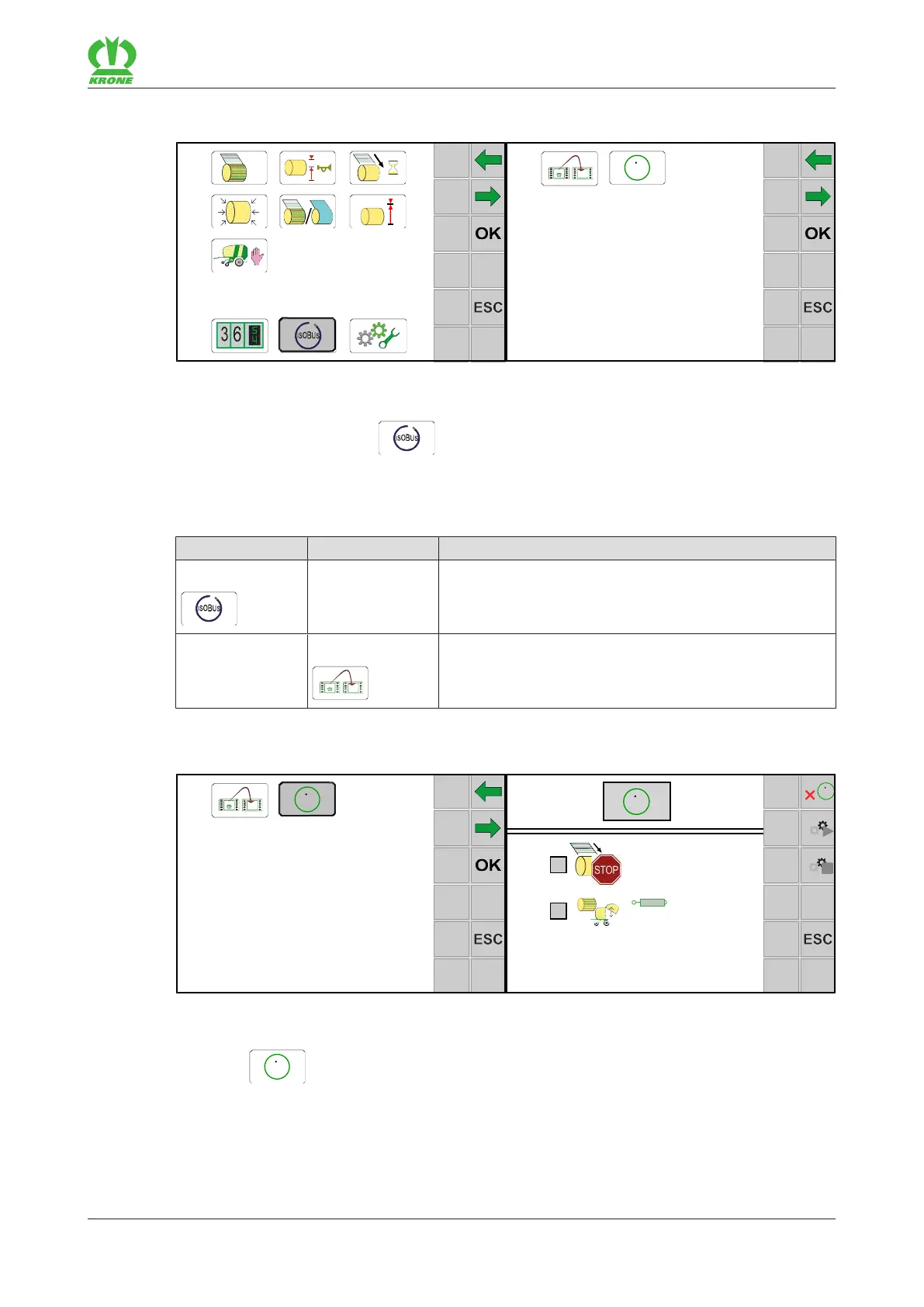
13.19 Menu 14 "ISOBUS"
EQG003-014
ü The menu level has been selected, refer to page114.
To open the menu, press .
Æ The display shows the "ISOBUS" menu.
The "ISOBUS" menu is divided into the following submenus depending on the machine
equipment:
Menu Sub-menu Designation
14 ISOBUS, refer to page129
14-9 Switch between terminals, refer to page131
13.19.1 Menu 14-5 "Configuring TIM software" (for "TIM 1.0" version)
Brand:
Model:
Function Instance:
EQG003-015
ü The menu 14 “ISOBUS” has been selected, refer to page129.
Select
to open the menu.
Æ The display shows the "Configuring TIM Software" menu.
The following displays are in the menu:









 To Next Page