Terminal menus 13
Menu 10 “Manual operation” (for the “Net and chamber film wrapping” version) 13.17
Comprima V 180
Original Operating Instructions 150001053_00_en 125
13.17 Menu 10 “Manual operation” (for the “Net and chamber film
wrapping” version)
EQG003-007
ü For The menu level is active, refer to page114.
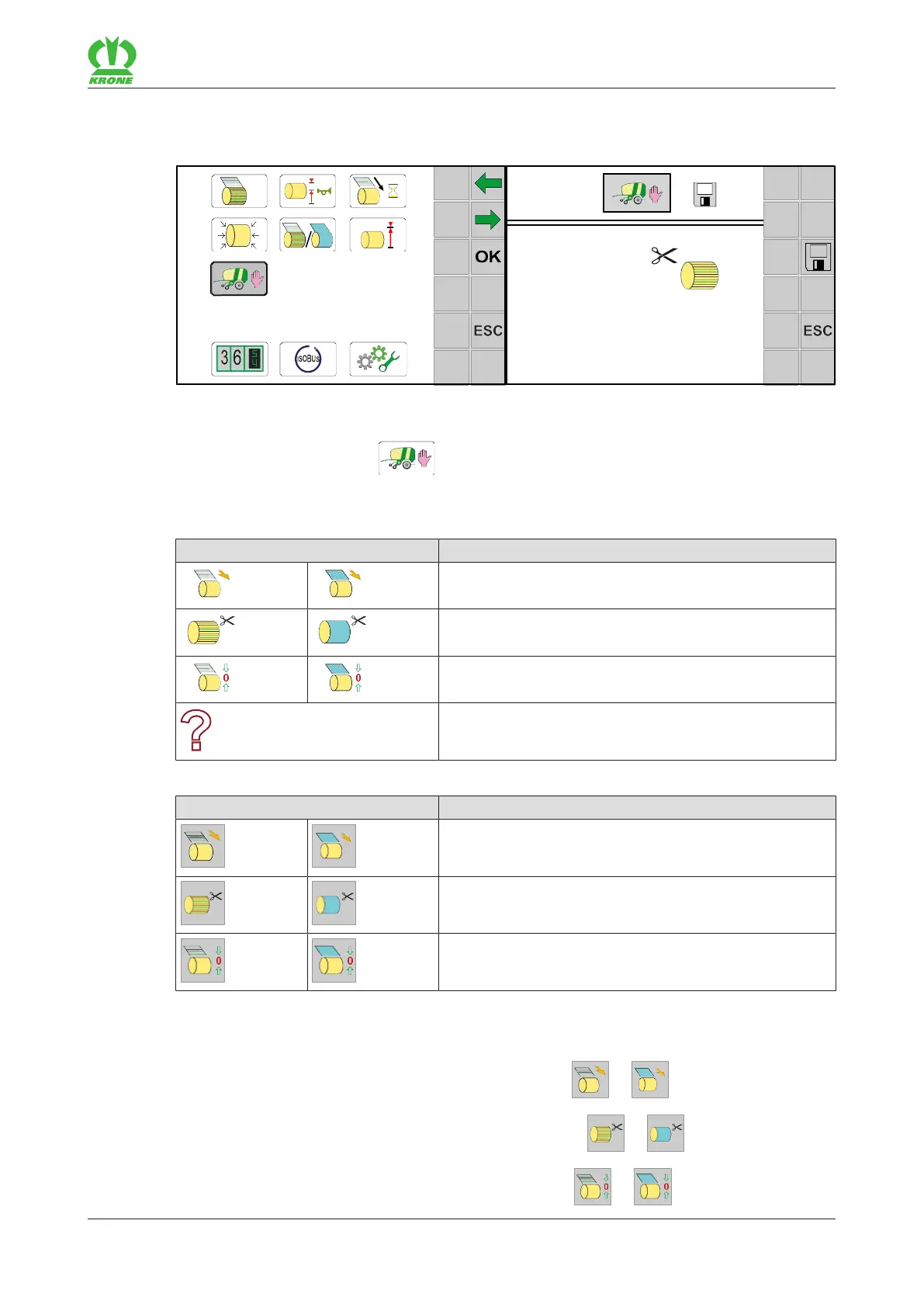
To open the menu, press .
Æ The display shows menu “Manual operation”.
The following status displays may appear on the screen:
Icon Explanation
Tying actuator (net/film) is in feed position.
Tying actuator (net/film) is in cutting position.
Tying actuator (net/film) is in tying position.
Position is not defined.
The keys on the sides of the terminal can be used to control the following functions:
Icon Explanation
Move tying actuator (net/film) to feed position
Move tying actuator (net/film) to cutting position
Move tying actuator (net/film) to tying position
Moving the tying actuator
To move the tying actuator to the feed position, press or .
To move the tying actuator to the cutting position, press or .
To move the tying actuator to the tying position, press or .









 To Next Page