KRONE Beta II terminal 9
Design of display 9.3
Comprima V 180
Original Operating Instructions 150001053_00_en 95
9.3 Design of display
EQ001-033
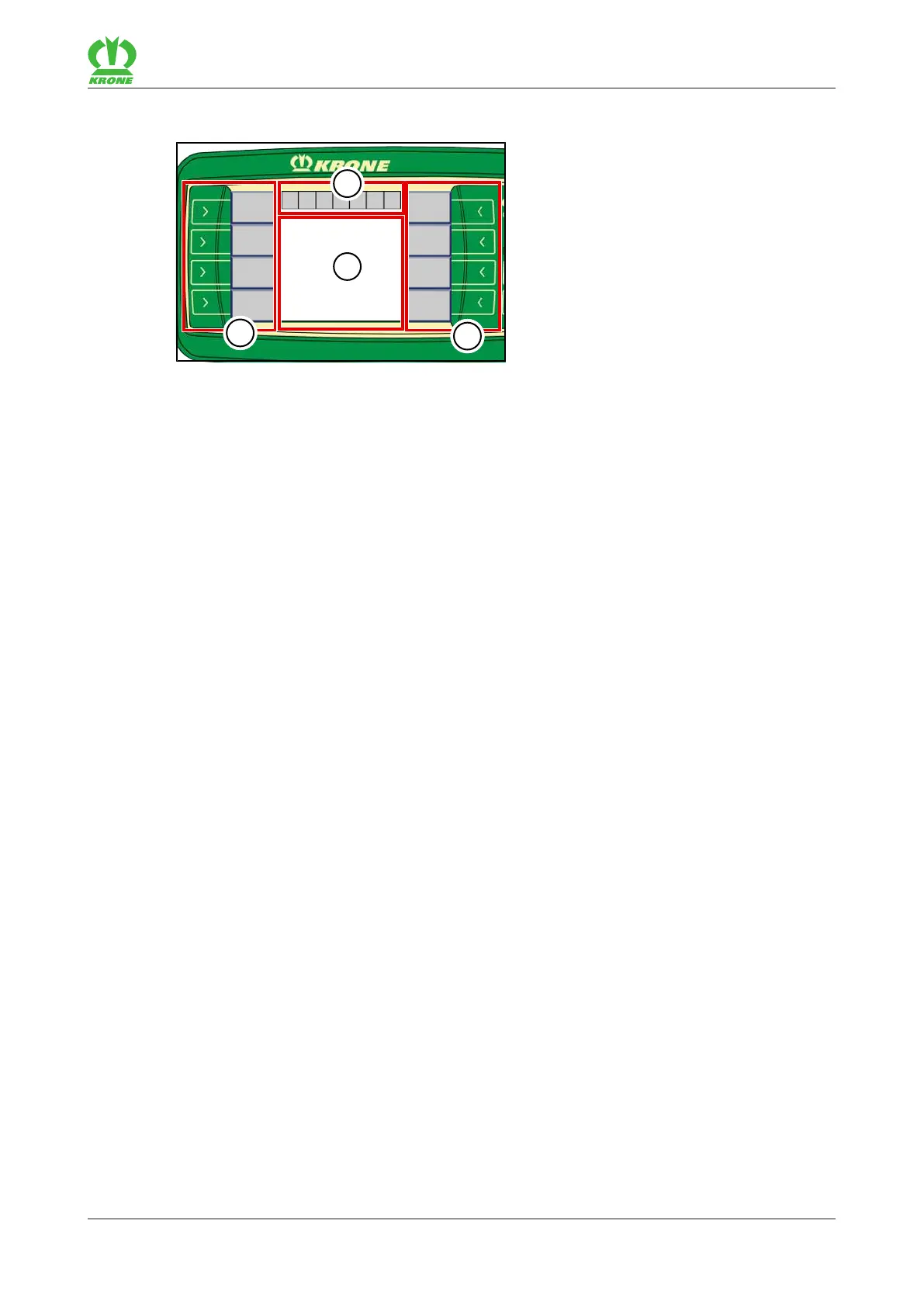
The display of the terminal is divided up into the following sections:
Status line (1)
The status line (1) indicates current states of the machine (depending on how it is equipped),
refer to page102.
Keys (2)
The machine is operated by actuating the keys (2) next to the icons on the grey fields, refer to
page103.
Main window (3)
There are the following main window views:
• Road travel screen
• Working screen/s, refer to page106
• Menu level, refer to page114









 To Next Page