13 Terminal menus
13.18 Menu 13 "Counters"
126
Comprima V 180
Original Operating Instructions 150001053_00_en
13.18 Menu 13 "Counters"
EQG003-011
ü For The menu level is active, refer to page114.
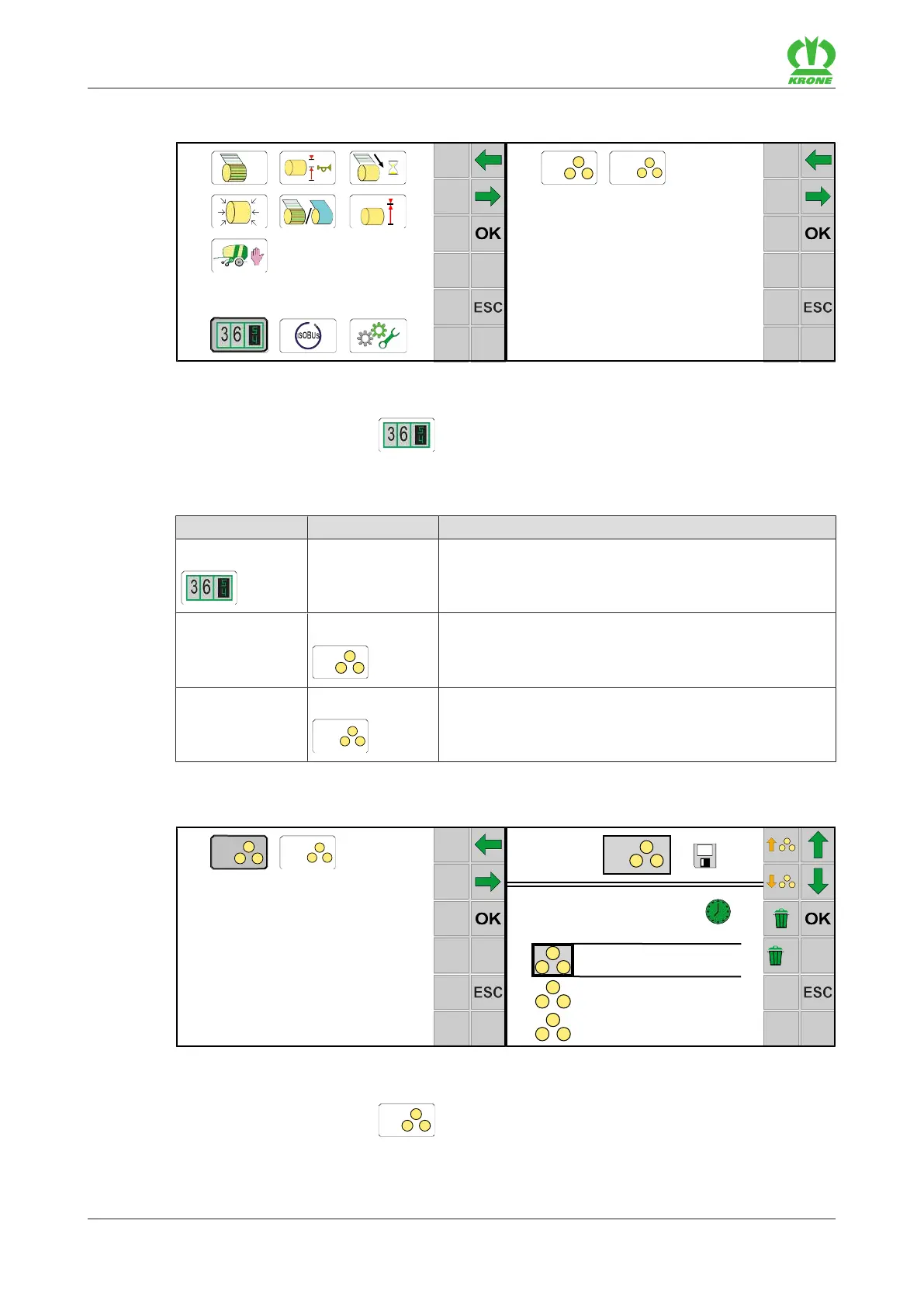
To open the menu, press .
Æ The display shows the "Counter" menu.
The "Counter" menu is divided into the following submenus:
Menu Sub-menu Designation
13 Counter, refer to page126
13-1
Customer counter, refer to page126
13-2
Total counter, refer to page128
13.18.1 Menu 13-1 “Customer counter”
EQG003-012
ü Menu 13 “Counter” is called.“ refer to page126.
To open the menu, press
.
Æ The display shows menu 13-1 “Customer counter”.
The icons displayed in the menu have the following meaning:









 To Next Page