Terminal machine functions 12
Operating TIM 1.0 (Tractor Implement Management) 12.7
Comprima V 180
Original Operating Instructions 150001053_00_en 109
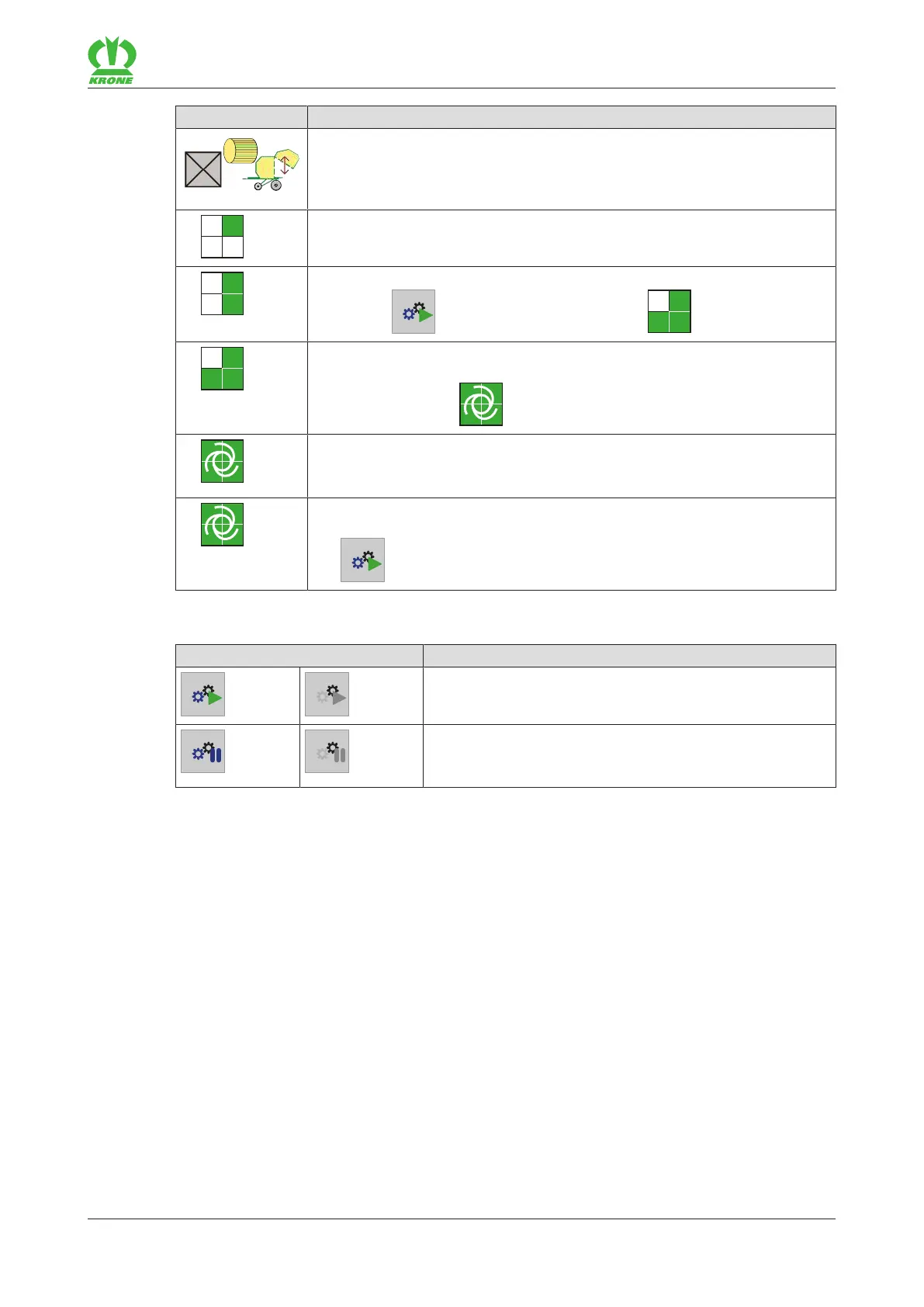
Icon Explanation
TIM function "Opening and closing tailgate at the end of the tying cycle"
has been activated. The TIM function can be switched off individually via
the checkbox, e.g. if the machine is in an unfavourable position for ejecting
the round bale. To configure the TIM software, refer to page129.
TIM status: The machine is being registered and authenticated with the
tractor.
TIM status: The machine has been registered and authenticated. By press-
ing the key
, the TIM status switches to .
TIM status: The machine waits for confirmation of the tractor. Confirmation
on the terminal or on another control panel on the tractor causes the TIM
status to switch to .
The TIM status indicates the successful connection between tractor and
machine. The machine automatically takes over control of the TIM func-
tions on the tractor, refer to page108.
Flashing: 2TIM functions are currently active, one TIM function of which
has been overridden. The connection is restored by pressing the
key
and then confirming on the tractor.
The keys can be used to operate the following functions. If the key is greyed out, the function is
not available.
Icon Explanation
Start TIM functions (can be selected only when tailgate
closed)
Pause TIM functions. In doing so, registration and authen-
tication are not disconnected between tractor and ma-
chine.
12.7.3 Activating TIM functions
If the machine was switched off and is switched on again, registration and authentication
between tractor and machine are automatically restored. The same control unit is used for the
TIM function "Opening and closing tailgate at the end of the tying cycle" which was used the last
time the machine was commissioned.
To activate the TIM functions, only the connection between machine and tractor must be
established.
ü In menu 14-5 "Configuring TIM software"(refer to page129)
• the required TIM functions were selected and









 To Next Page