12 Terminal machine functions
12.3 Displays on the working screen
104
Comprima V 180
Original Operating Instructions 150001053_00_en
Icon Designation Explanation
Warning beacon (for cer-
tain countries)
Switching off
Switching ON
Menu level in the terminal. Press the key to open the menu level in the
terminal, refer to page114.
Counter Press the key to open menu 13 “Counter”,
refer to page126.
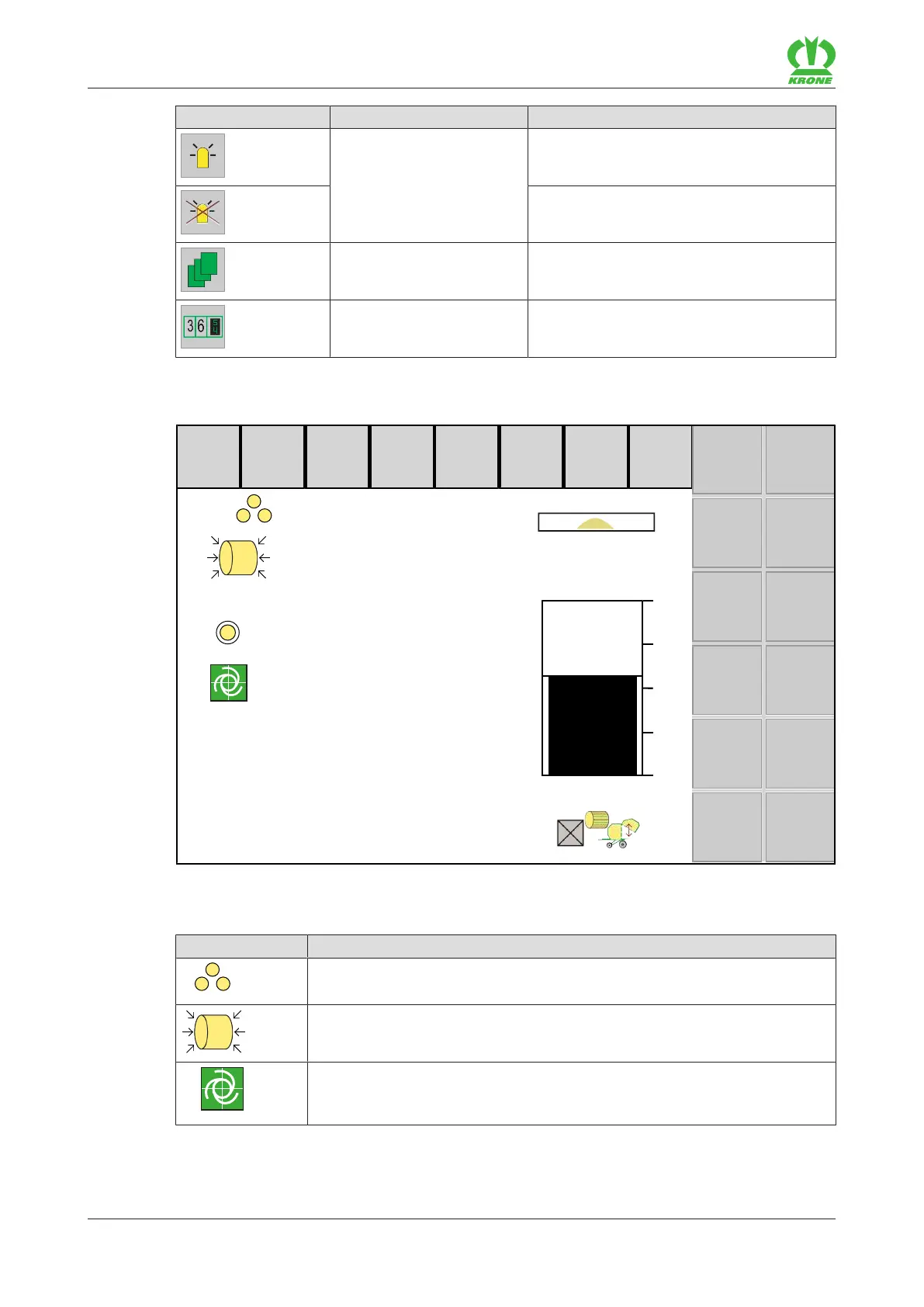
12.3 Displays on the working screen
125
cm
1
160
140
120
100
80
100%
5
∑
1
126 cm
EQG003-009
The available icons comply with the equipment of the machine. The following represented icons
are not always available.
Icon Explanation
Customer counter 1 is activated.
Set baling pressure (for version with "Electronic baling pressure adjust-
ment").
The TIM status indicates the successful connection between tractor and
machine. The machine automatically takes over control of the TIM func-
tions on the tractor, refer to page108.









 To Next Page