Input without the character table
Pressing once displays the corresponding rst character, e.g., "A", at the
cursor position. After pressing twice, "B" is displayed at the cursor position
and after pressing three times, "C" is displayed.
Press the cursor keys ▼/▲ to nish entering a character or wait approx.
2 seconds.
If only numeric values are required for input, letters are not enabled.
Press the cursor key ◀ within an entry to return to the previous character.
Press the cursor key ▶ within an entry to select the next character.
Within an entry, pressing the delete key deletes the character to the left
of the cursor.
Outside of an input, pressing the delete key deletes the whole string of
characters.
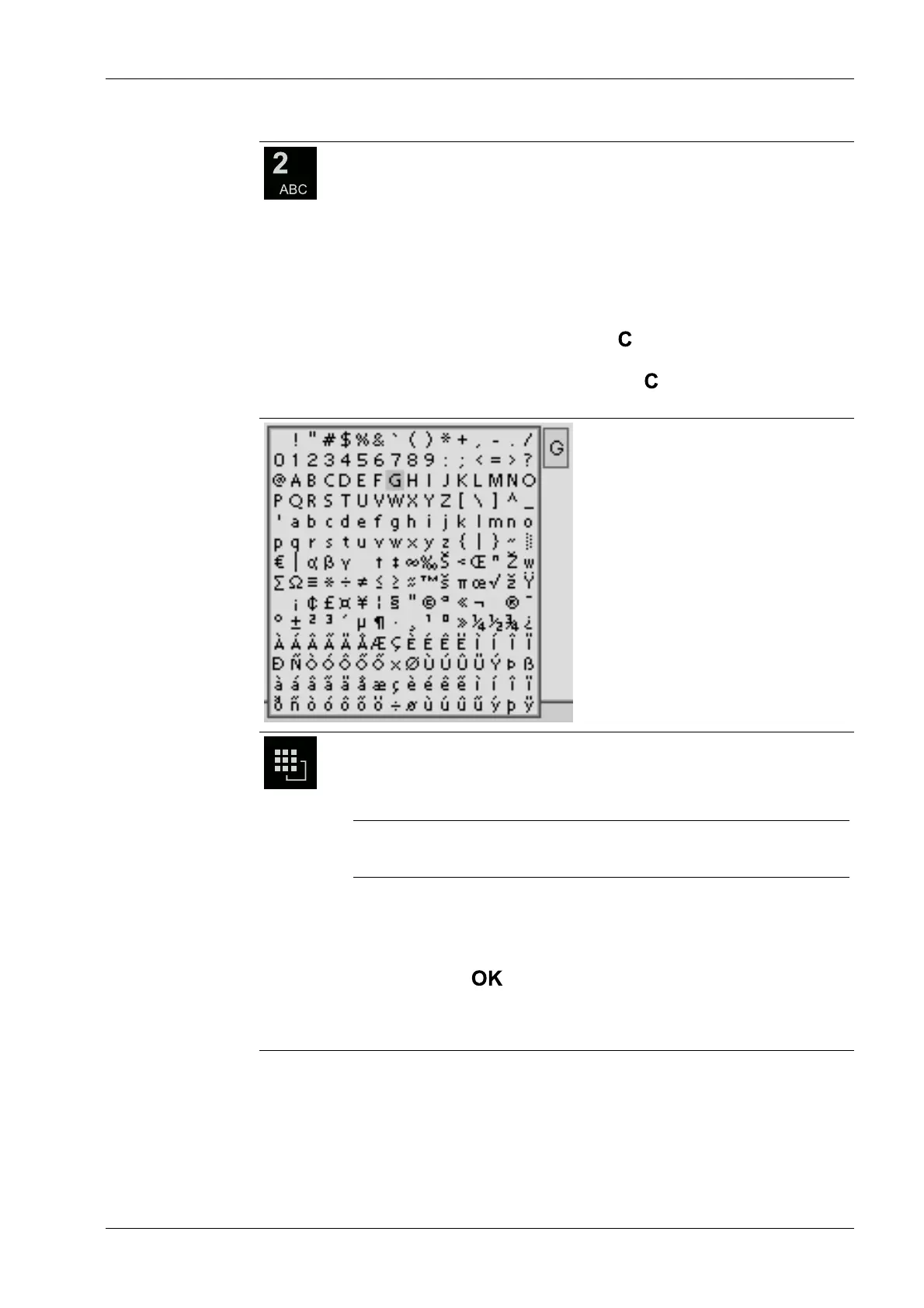
Input with the character table
Double-clicking on the key displays the character table.
Only characters authorized for this input are displayed.
Note:
The switching function is turned o.
Procedure:
- Highlight the desired character with the cursor.
- The selected character is shown magnied in the eld at the top right.
- Press the key to enter the character in the input eld.
- Another double-click on the toggle key and other characters can be in-
put as described previously.
2 Commissioning Process Controller Maxxis 5 PR 5900
EN-15 Minebea Intec



 To Next Page