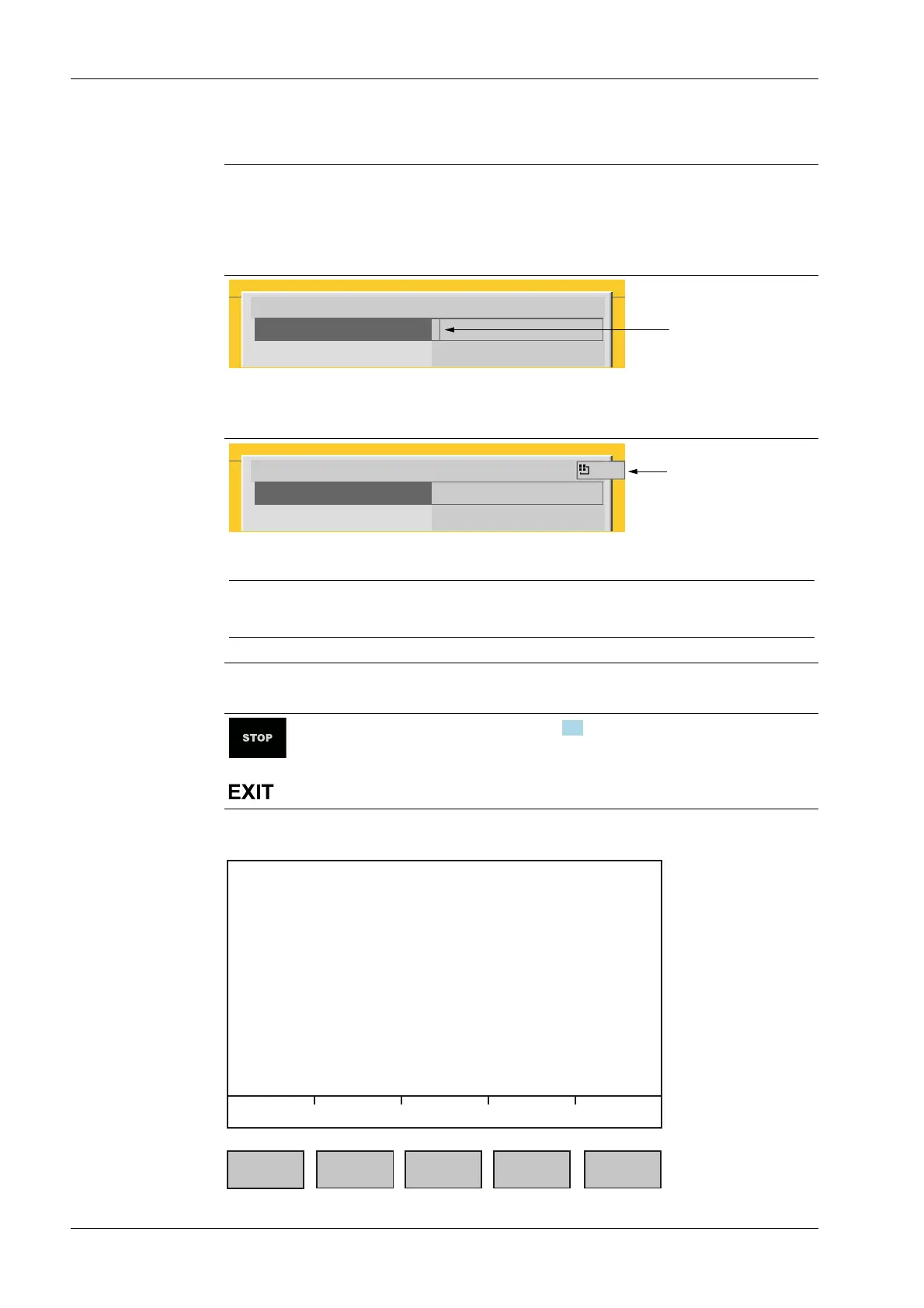
Input eld
In principle:
If alphanumeric characters are already present in the input eld of the selected line, they
will be completely overwritten after immediate entry.
If alphanumeric characters are already present in the input eld of the selected line, you
can press the cursor key ▶ to select the characters to be overwritten and overwrite them.
Enter user name and password
User name
Password
********
In front of the input eld it is indicated whether numeric and/or alphabetic characters
can be entered (see arrow).
Switch to the input eld using the cursor key ▶.
Enter user name and password
User name
Password
********
ABC..
The respective options are displayed (see arrow).
Note:
The character table is turned o.
Keyboard shortcuts
+
Trigger a cold start, see also Chapter 4.3.
2.1.3.2 Operation using softkeys
Process Controller Maxxis 5 PR 5900 2 Commissioning
Minebea Intec EN-16



 To Next Page