WP-D
Max -------?? d= -------??
scale not ready
Weighing points @admin
Setup Pendeo
Quick install with search load cells and set dead load
Search for connected load cells
View and assign load cells
Calibrate the scale
Assign load cell name
Service function for load cells
WP-D
Max -------?? d= -------??
scale not ready
Weighing points @admin
Setup Pendeo
Quick install with search load cells and set dead load
Search for connected load cells
View and assign load cells
Calibrate the scale
Assign load cell name
Service function for load cells
?
Search for connected load cells.
The current settings are reset
to default values.
Cancel Continue
Press the [Cancel] soft key to return to the Pendeo setup menu.
WP-D
Max -------?? d= -------??
scale not ready
Weighing points @admin
Setup Pendeo
Quick install with search load cells and set dead load
Search for connected load cells
View and assign load cells
Calibrate the scale
Assign load cell name
Service function for load cells
Enter local gravity
9.81379 m/s²
Ok Cancel
Press the [Cancel] soft key to return to the Pendeo setup menu.
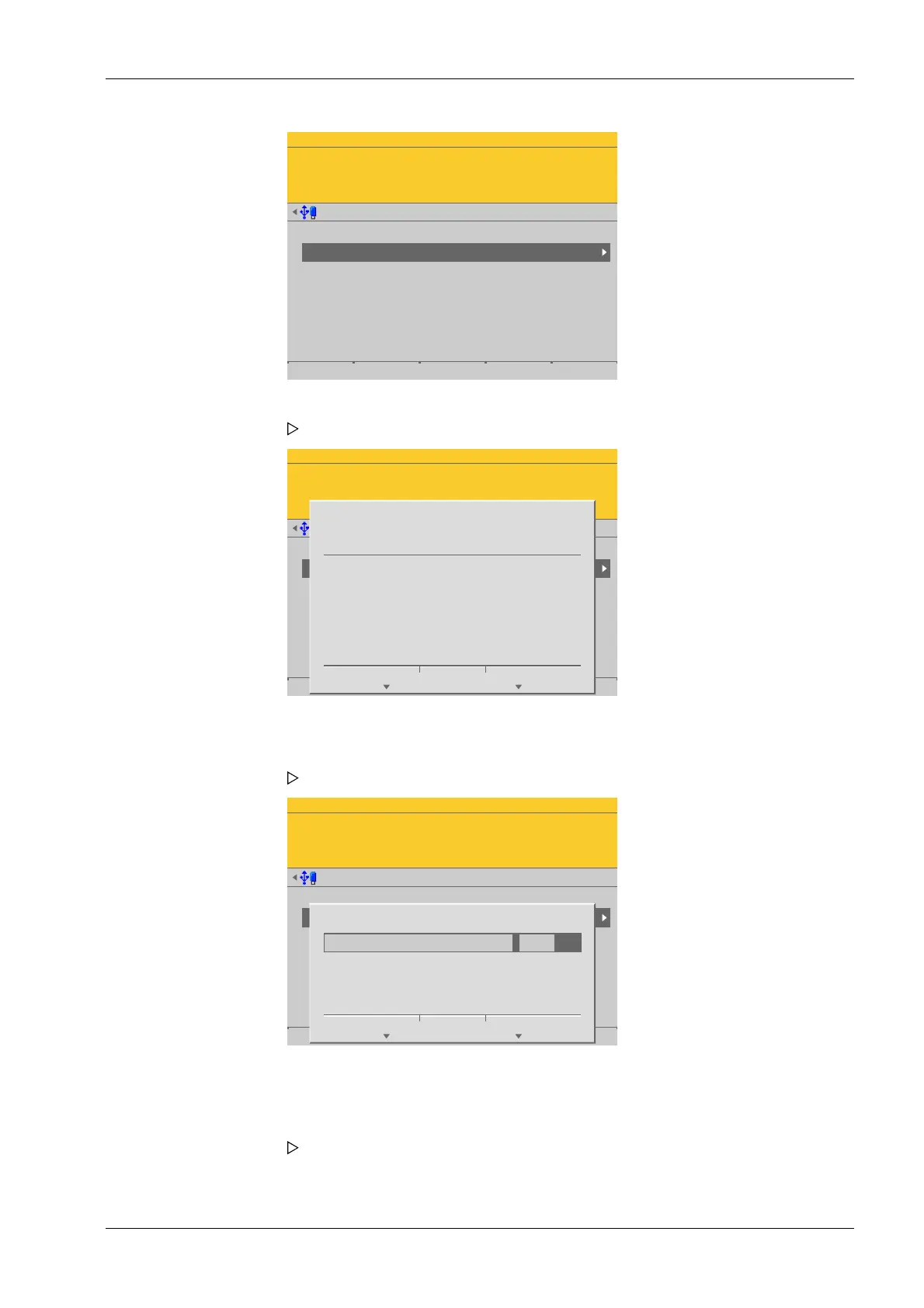
2. Select and conrm [Quick install with search load cells and set dead load].
A prompt window appears.
3. Press the [Continue] soft key to start the search.
An input window opens.
4. If necessary, change the present value and press the [OK] soft key to conrm the
entry.
The search is started and the dead load is set. The Pendeo setup menu appears
after this is complete.
4 System setup Process Controller Maxxis 5 PR 5900
EN-195 Minebea Intec



 To Next Page