View @admin
LC 1
LC 2
LC 3
LC 4
1.471 t
1.613 t
2.087 t
2.337 t
Info Assign by name Accept
View @admin
LC 1
LC 2
LC 3
LC 4
1.316 t
1.476 t
2.230 t
2.484 t
Info Assign by name Accept
?
WARNING!
Assigning the load cells clears
the dead load information.
Cancel Continue
The load cells are assigned by placing minimum weights on the scale.
Weighing points @admin
LC 1
LC 2
LC 3
LC 4
4.159 t
1.744 t
3.689 t
3.542 t
Info Assign by name Accept
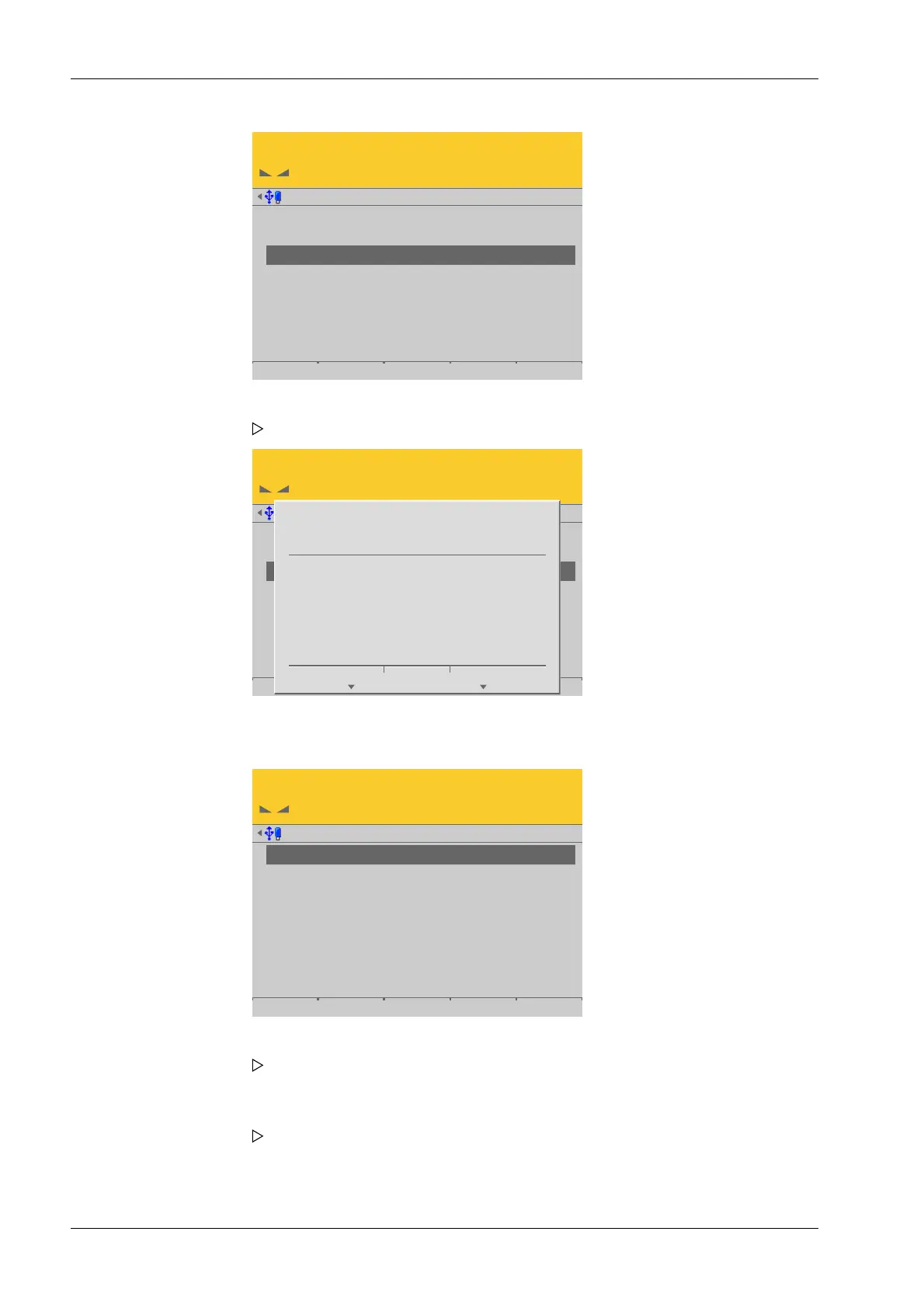
2. Press the [Assign] soft key.
A prompt is shown.
3. Press the [Continue] soft key.
4. Place the weight on the corner/load cell that will later be assigned no. 1.
As soon as the device detects the weight change, the corresponding line is
selected.
5. Press the [Accept] soft key.
The future LC no. is shown at the far right of the line.
6. Remove the calibration weight.
7. Repeat these steps for load cells 2 to 4.
Process Controller Maxxis 5 PR 5900 4 System setup
Minebea Intec EN-200



 To Next Page